Smaller jewellers sent their stock out to a photographer, waited days, and paid per shoot — then paid again for a model shoot to show the piece worn. MINI puts an AI-powered studio on the counter and does both.
Looking to capture stunning, professional-looking photos and videos of your jewellery products? Look no further than EasyCLIQ MINI — a compact and user-friendly product photography studio machine from Magnic Technologies Pvt Ltd.
The EasyCLIQ MINI Jewellery Product Photography Studio Machine is designed to transform the way jewellery businesses create stunning visuals, making professional photography simple, fast, and completely in-house.
What makes it more than a lightbox is the AI. The software removes the background on every capture, and it places the ornament onto a model — so a piece can be shown both as a clean cutout and as it looks when worn, without booking a photographer or a model for either.
The problem, before EasyCLIQ MINI
A large studio makes sense for a manufacturer shooting thousands of SKUs. For a single showroom or a small workshop, it never did — the floor space alone ruled it out, let alone the cost.
So smaller jewellers outsourced. That meant packing up gold stock, sending it to a photographer, and waiting days for images to come back. Every shoot carried a fee, every reshoot carried another, and the pieces were off the premises the whole time.
The alternative was worse: phone photos under showroom lighting, which flatten the metal and misrepresent the stones. Either way, the images going online were not made by the people who knew the jewellery best.
What changed after the launch
The same new collection, handled two ways — sent out to a photographer, or shot on the counter before the shop opens.
Stock was packed up and sent out to a photographer, leaving the premises for days at a time.
The jewellery never leaves the showroom — the studio sits on the counter and the piece goes straight back in the case.
Images came back days later, so a new collection could not be listed the week it arrived.
A piece goes from the turntable to a publish-ready image in under 3 minutes.
Every shoot carried a fee, and every reshoot carried another one.
One machine, no per-shoot cost and no software subscription — reshoot as many times as you like.
A full studio needed floor space a single showroom could not spare.
A compact footprint designed to sit on a retail counter, not to occupy a room.
Results varied between shoots, so a catalogue never looked like one consistent set.
Template memory recalls the exact light and camera settings per product type, so every SKU matches.
Showing a piece as it looks when worn meant a second shoot — hiring a model, and paying for the studio time to go with it.
The AI places the ornament onto a model in software, so the worn view comes out of the same capture.
Smaller budgets meant settling for weaker tooling than the big manufacturers used.
MINI runs the same AI-powered EasyCLIQ software as the X1 and X3 — the capability is identical.
What comes out of it
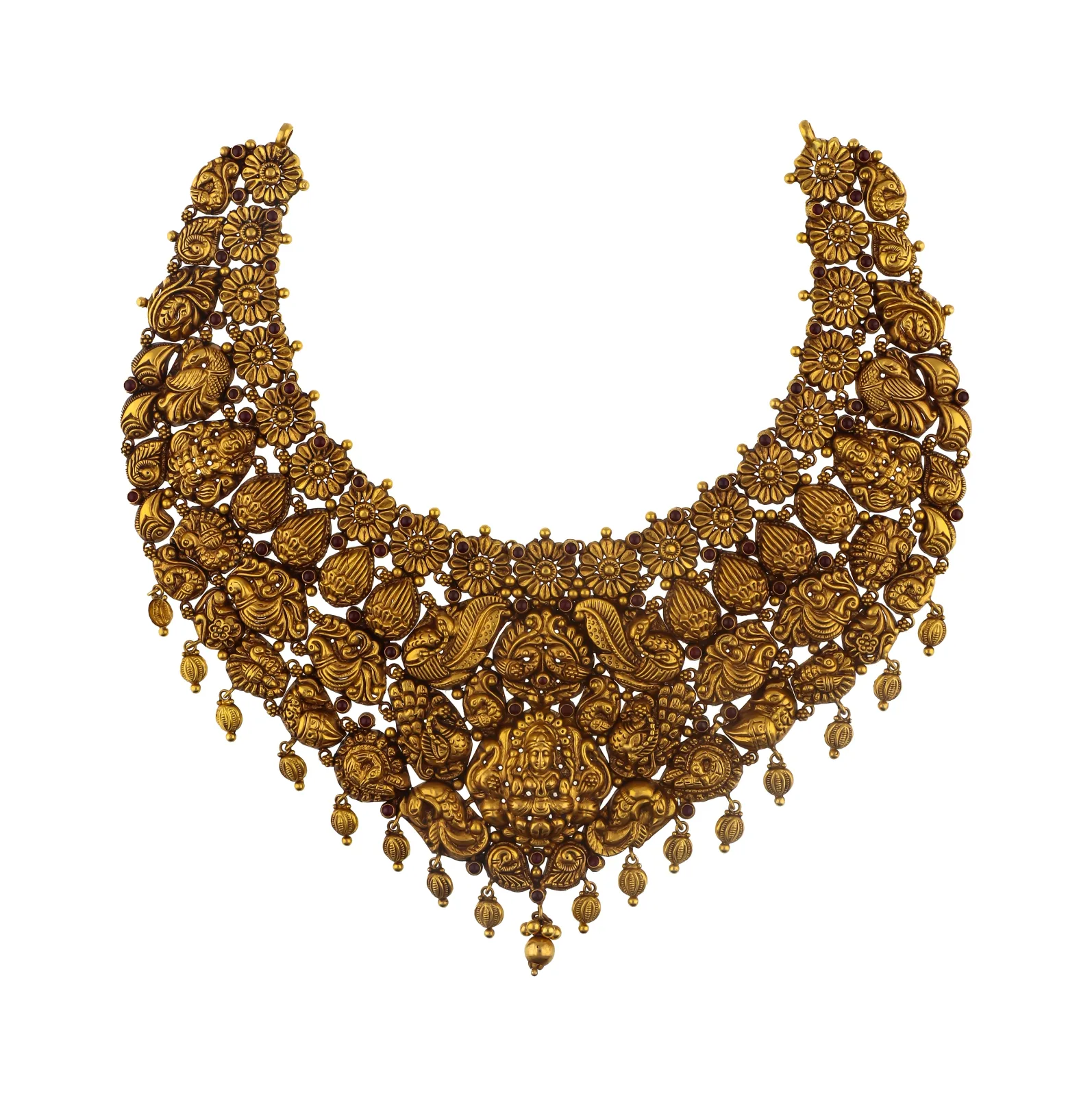
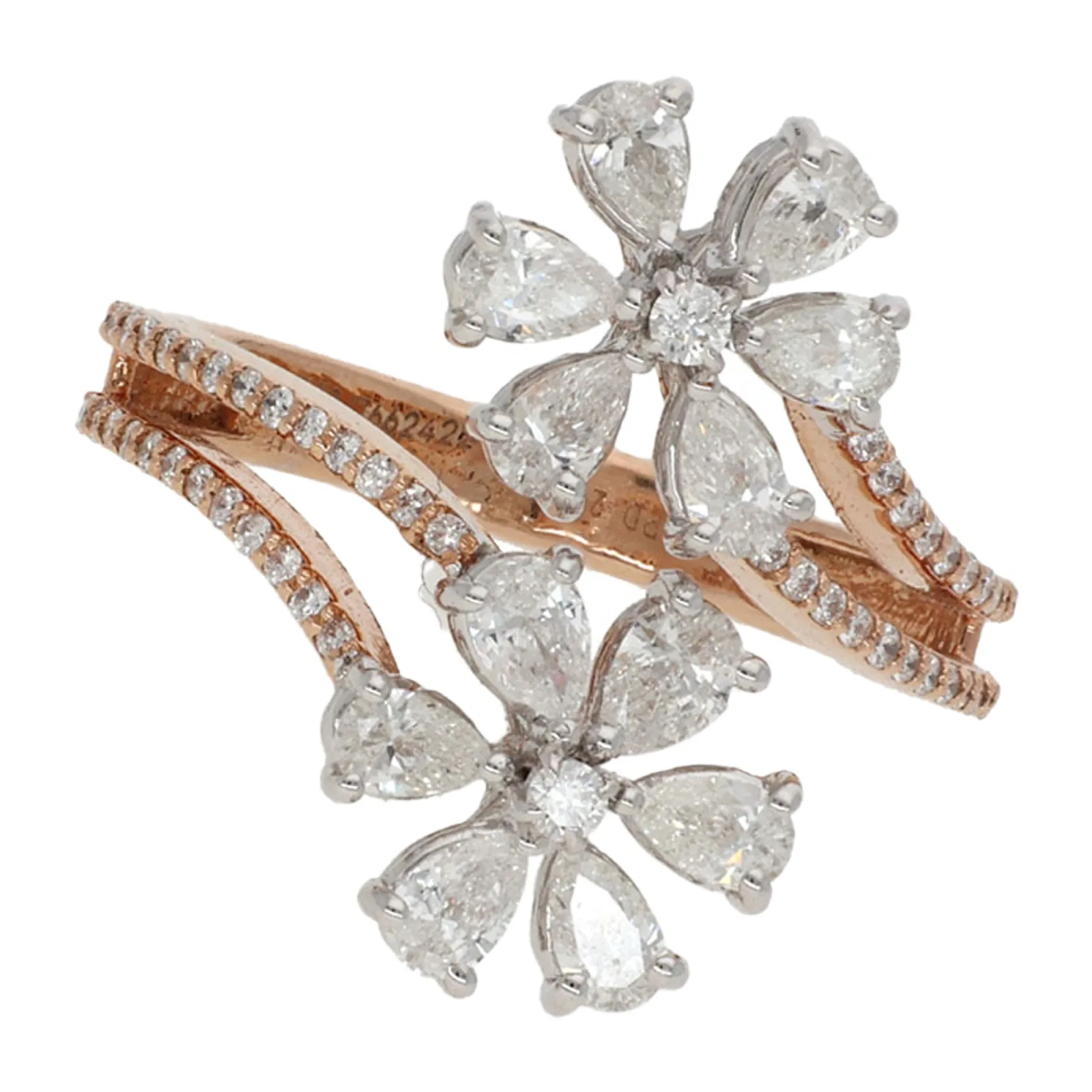
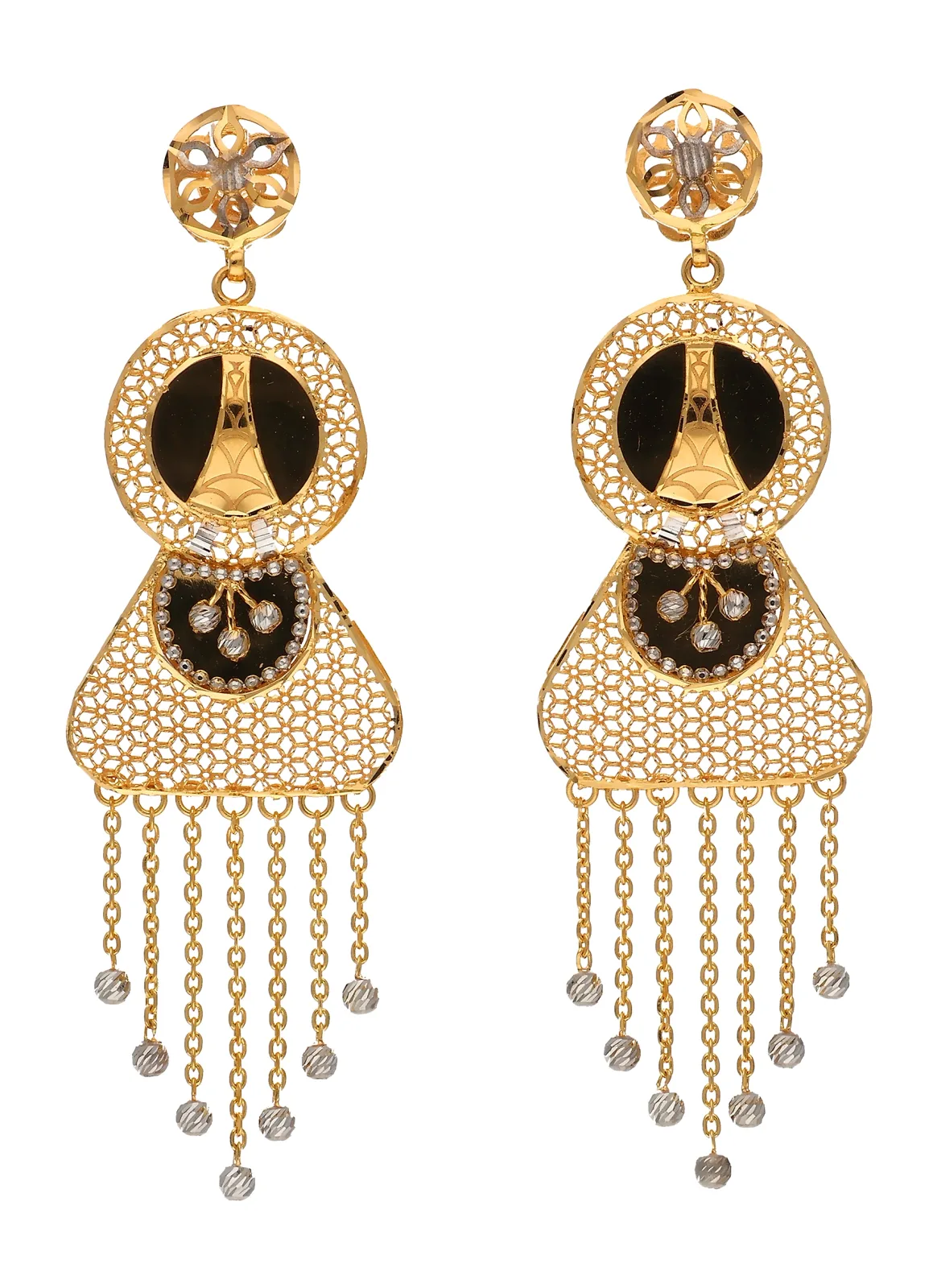
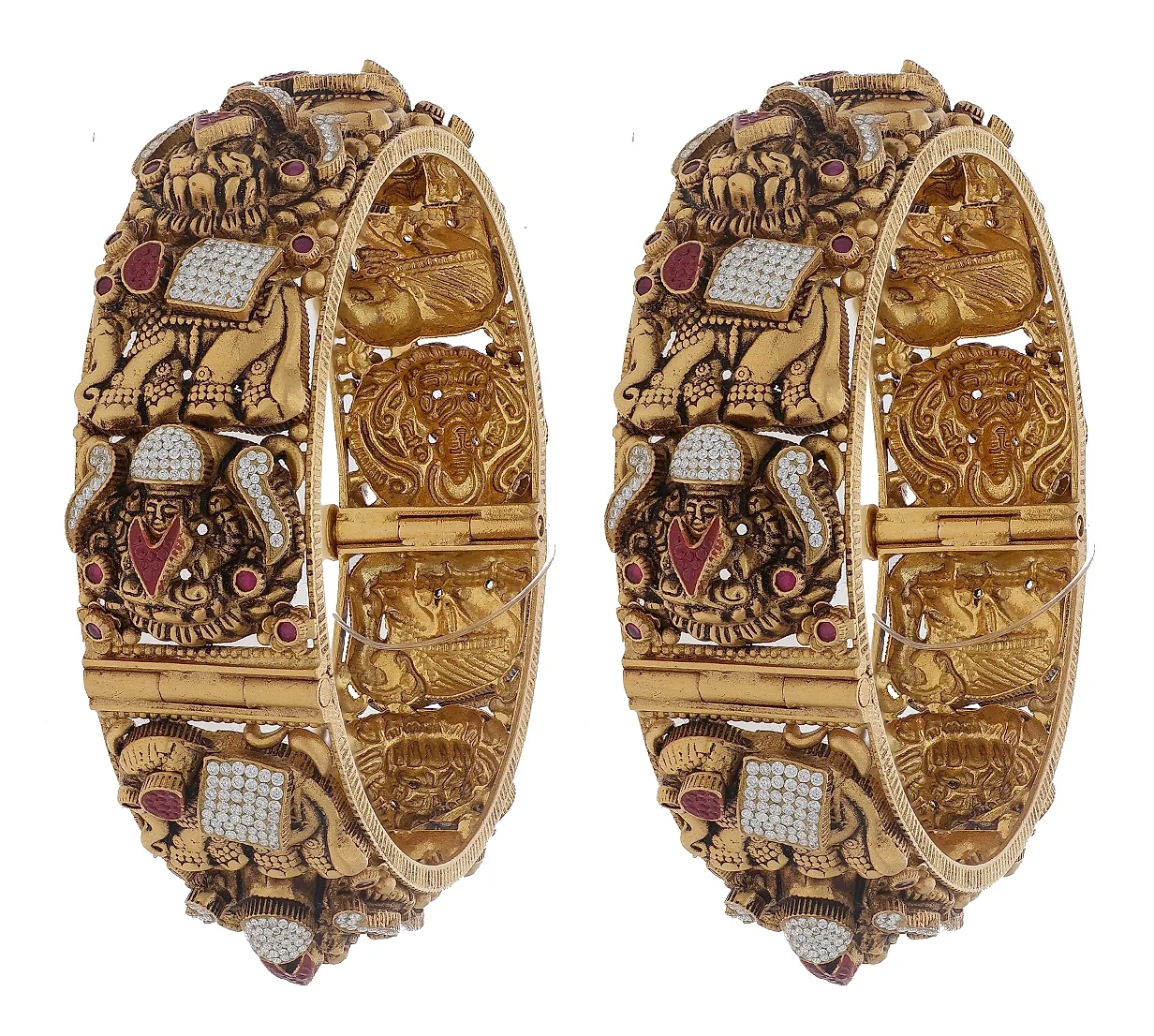
Output shot in an EasyCLIQ studio — no external editing applied.
Who it was built for
The businesses a full-size studio was never going to fit.
Retail Counters
Small enough to live behind the counter, so new arrivals are photographed and posted the same morning they are unpacked.
Small Studios
Professional results without the floor space or the capital a large-format studio demands.
Growing Businesses
The same AI-powered software as the X1 and X3, so the workflow learned on a MINI carries over when volume justifies an upgrade.
The result, in numbers
Every part of the studio answers a problem from the counter
The MINI drops the robotics of the larger machines, but nothing that affects the photograph itself — and it runs the full AI-powered software suite.
AI Model Placement
A buyer wants to see how a piece sits when worn, but a model shoot means hiring a model, a photographer and studio time — a second production on top of the product shoot.
The AI places the ornament onto a model directly in the software, so the worn view is generated from the same capture as the product shot.
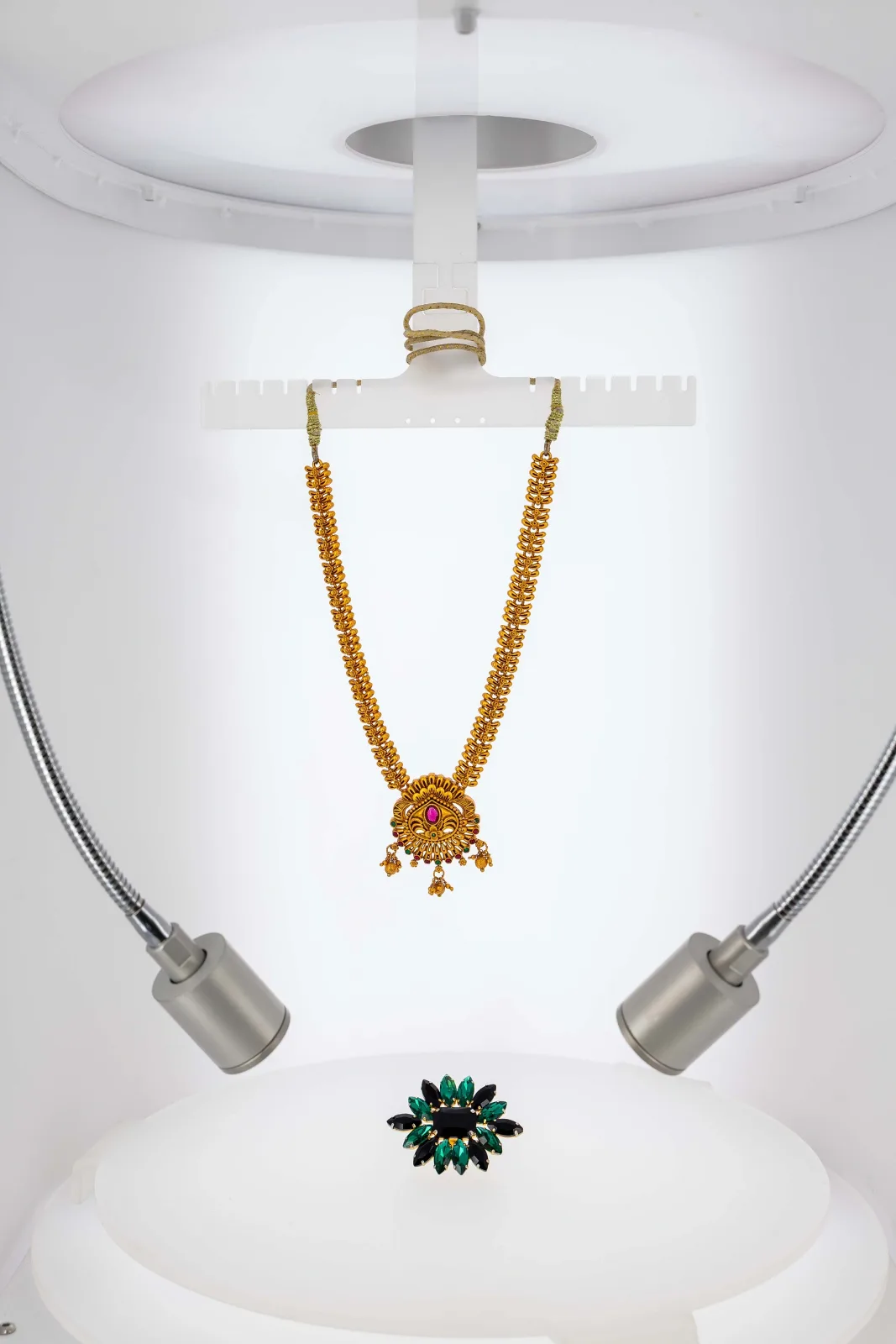
Professional 10-Light Studio System
Showroom lighting flattens metal and throws a colour cast, and gold, silver, diamonds and coloured stones all need different treatment.
2 key, 2 rim, 2 bottom turntable, 2 background fill and 2 spot lights, each independently controllable from 3000K warm white to 6000K cool daylight.
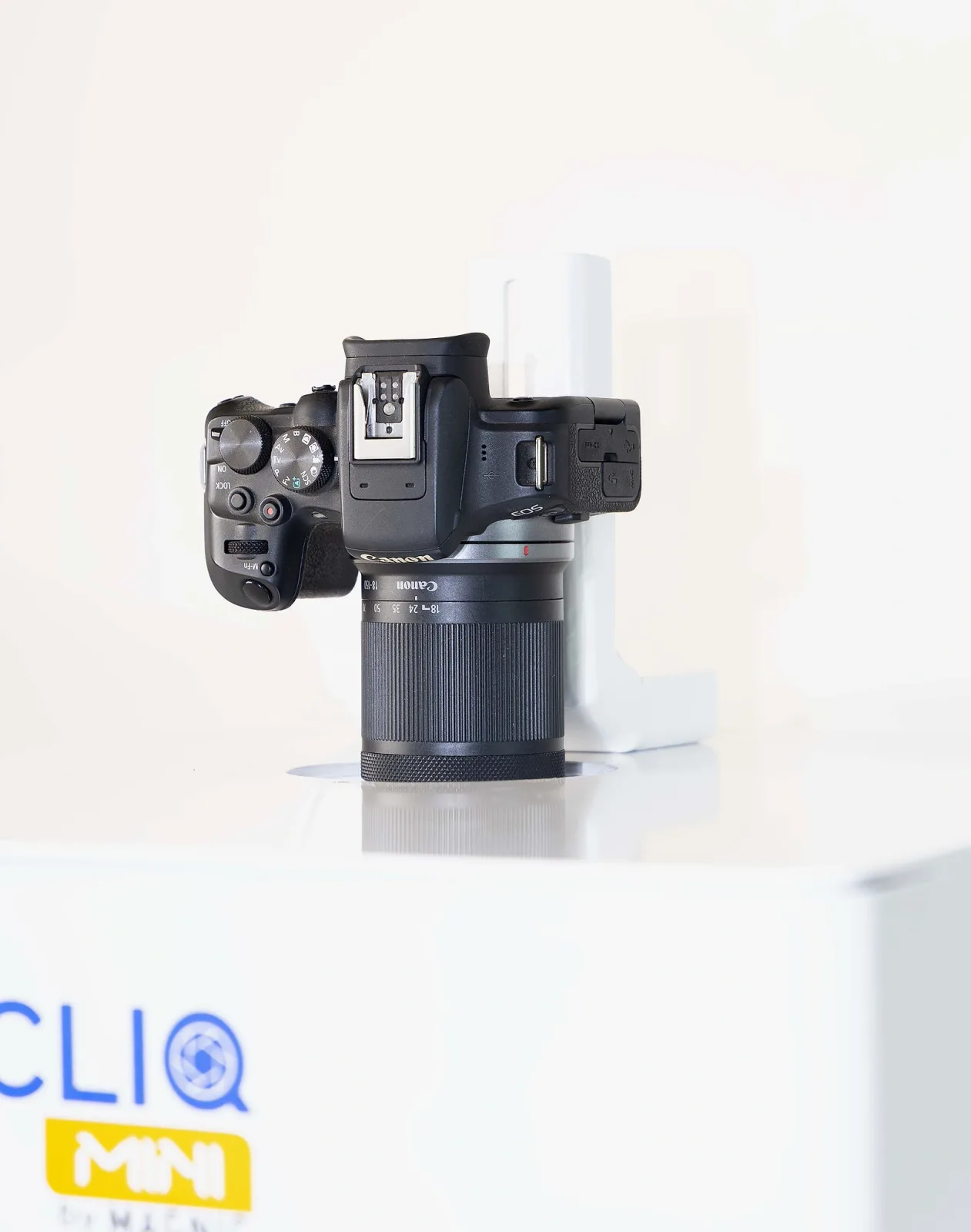
Precision Camera Mount
Handheld or tripod shooting means the framing shifts between pieces, so a catalogue never looks like a matched set.
A purpose-built mount holds your Canon at the exact angle for each jewellery category — consistent composition across thousands of shots.
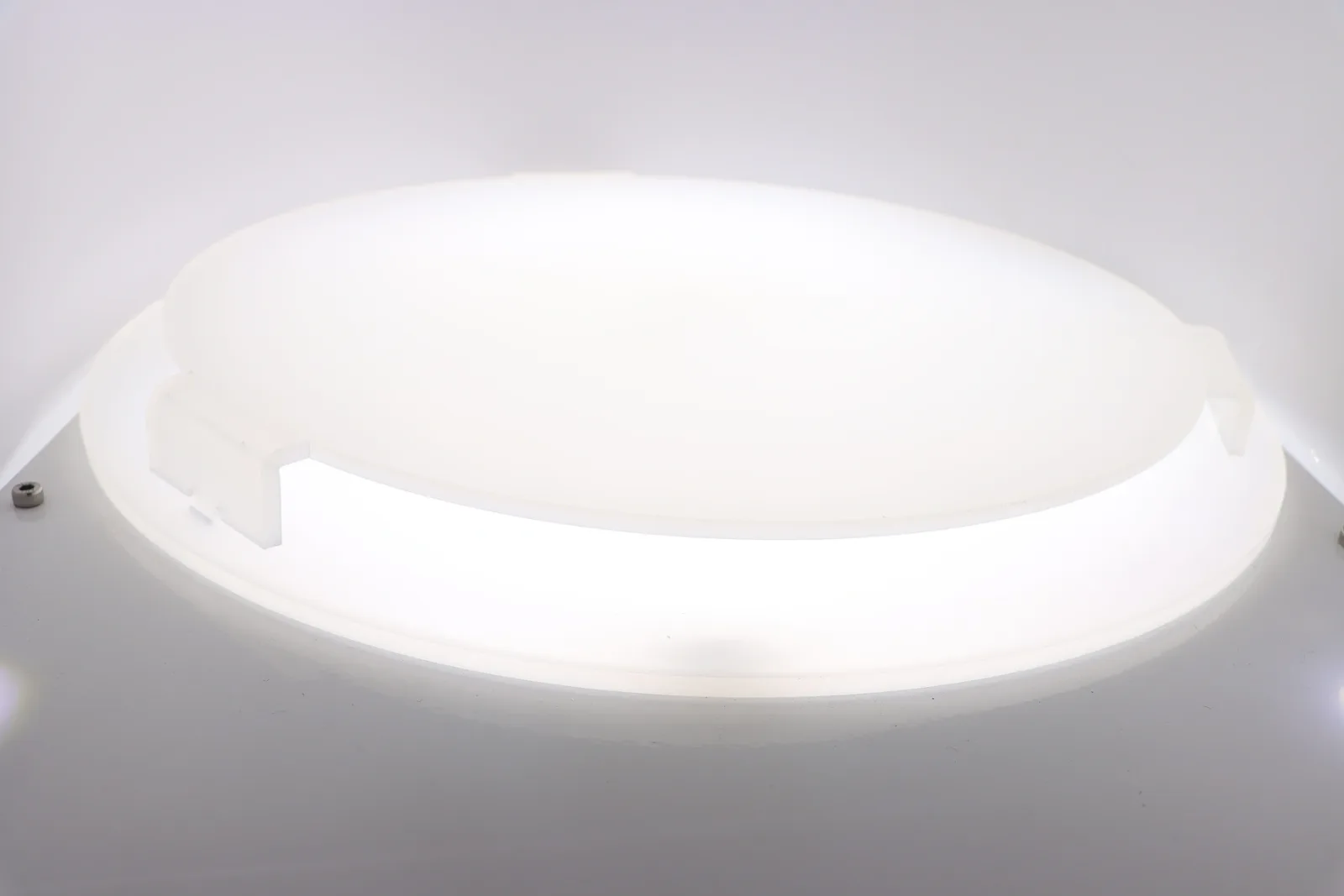
Backlighted Bottom Turntable
A shadow pooling under the product is the clearest giveaway of an amateur shot, and it is tedious to remove afterwards.
A motorised, back-illuminated turntable eliminates under-product shadow for a clean floating look, and drives smooth 360° spins.
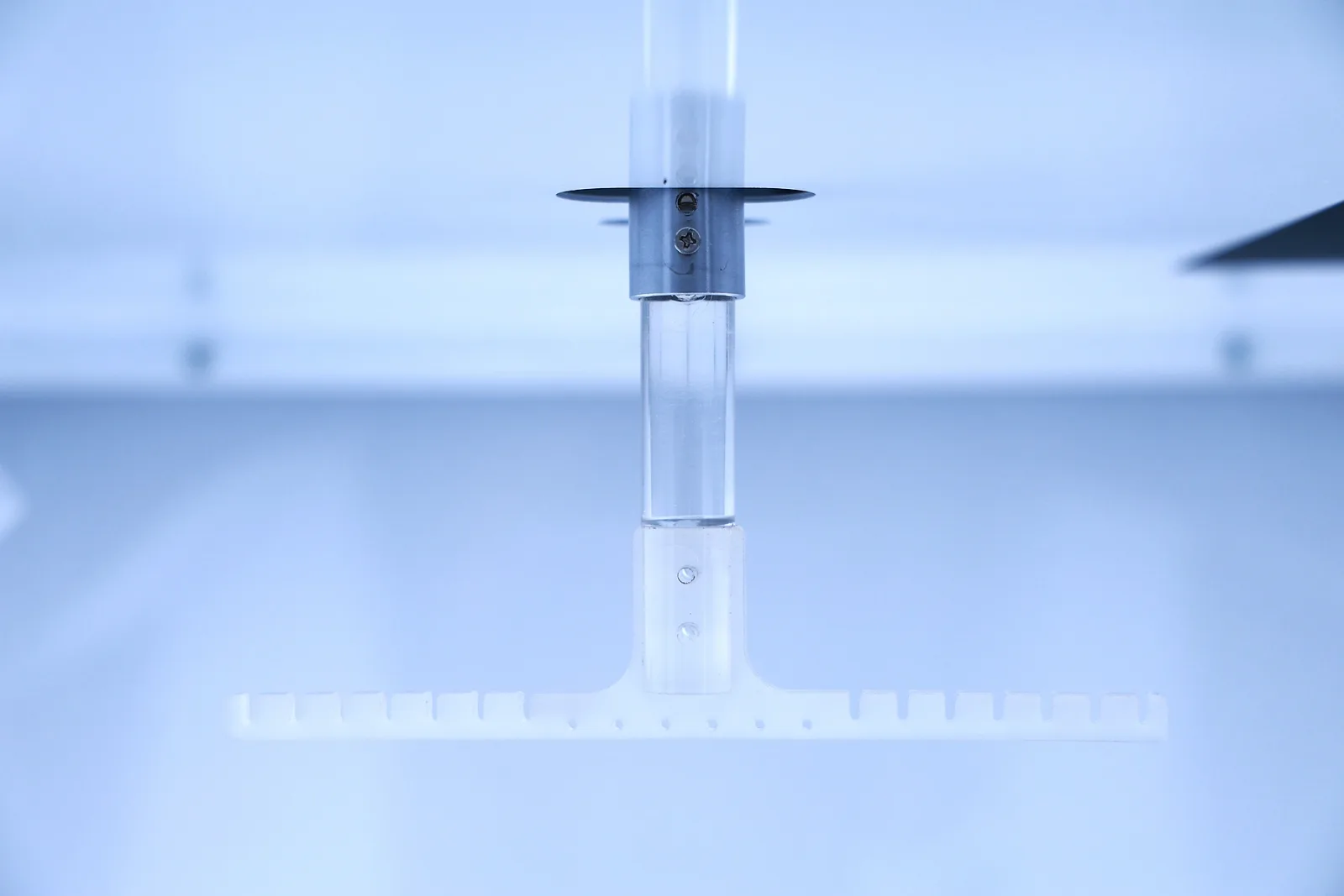
Dual Turntable System
Necklaces and earrings photographed flat on a surface do not show how the piece actually hangs when worn.
Top and bottom turntables give a full 360° — hanging shots from above and full rotation from below, in one compact studio.
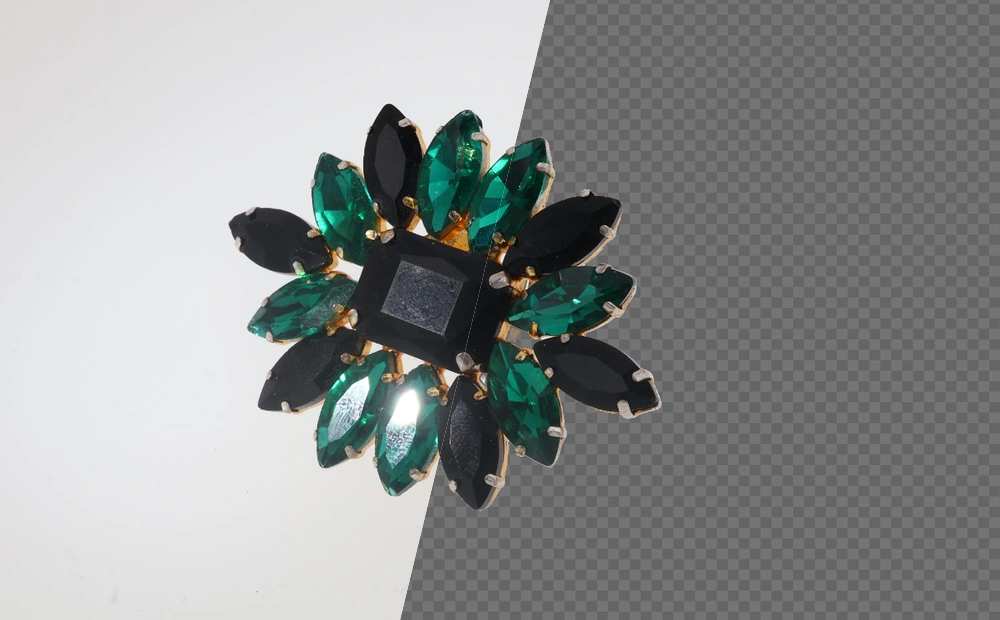
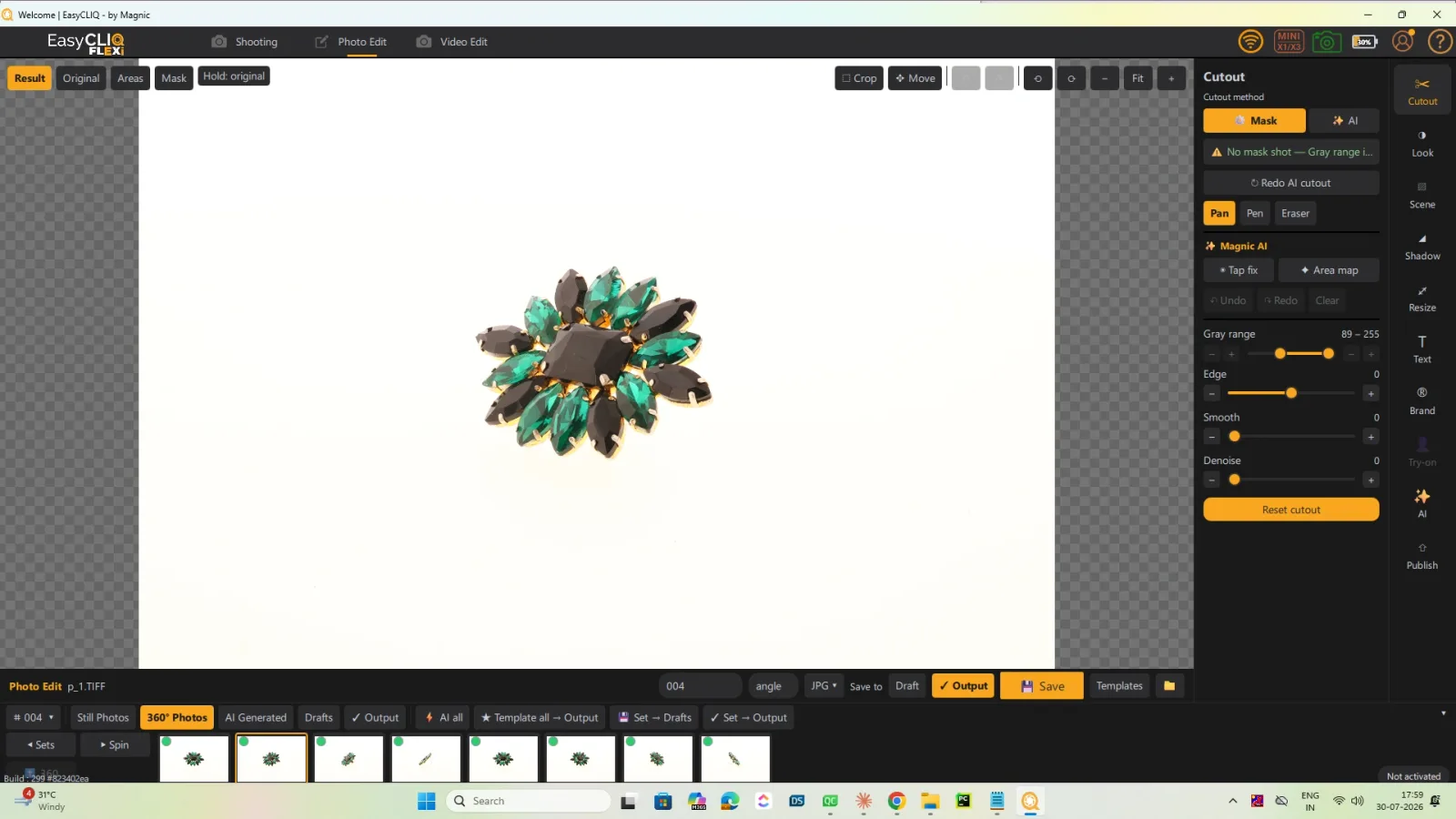
AI-Powered Background Removal
Cutting out every image was the hidden cost of going online, and it grew with every new SKU.
AI removal with proprietary Light Mask technology delivers a clean cutout on every capture — no selection tools, no manual editing, no post-production queue.
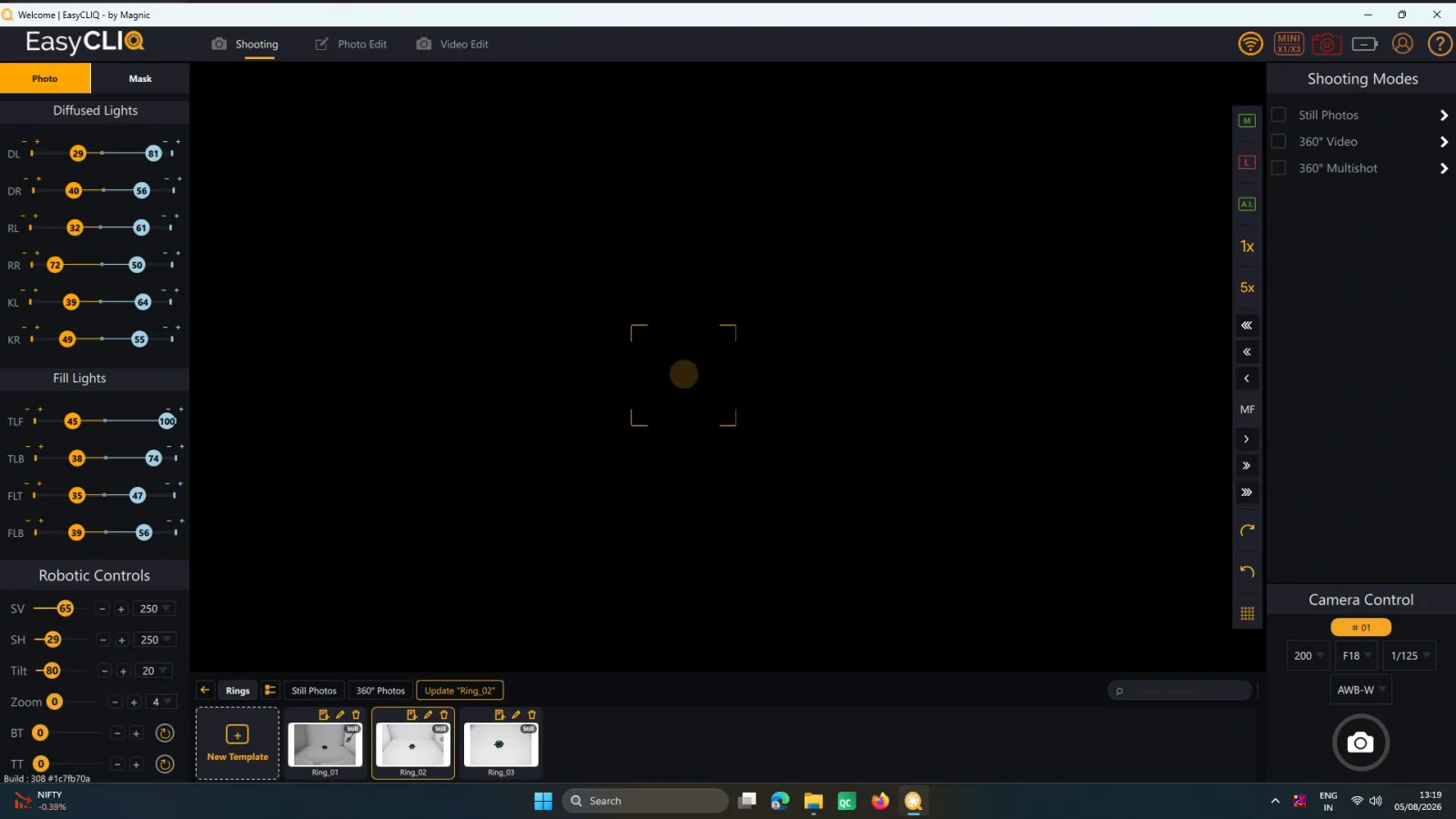
Template Making
Re-dialling light and camera settings for every shoot wasted time and still produced drift between batches.
Save the settings once per product type and recall them with one click, so results stay identical across the catalogue.
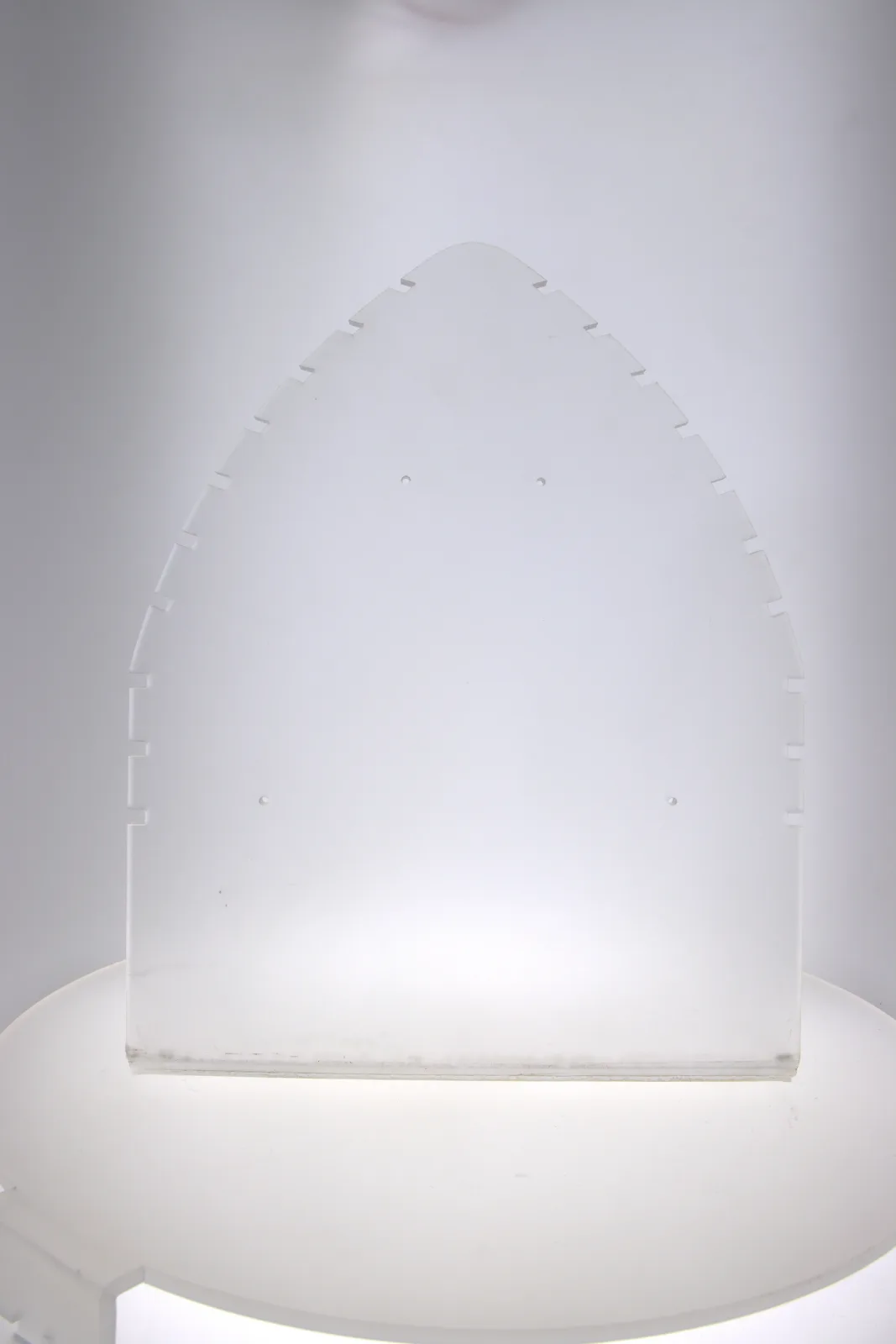
Scratch-Free Jewellery Mannequins
Props and stands that mark or scratch a piece are unacceptable when the stock is gold you intend to sell.
Premium acrylic mannequins with matte and glossy black turntables protect the jewellery across thousands of shoots.
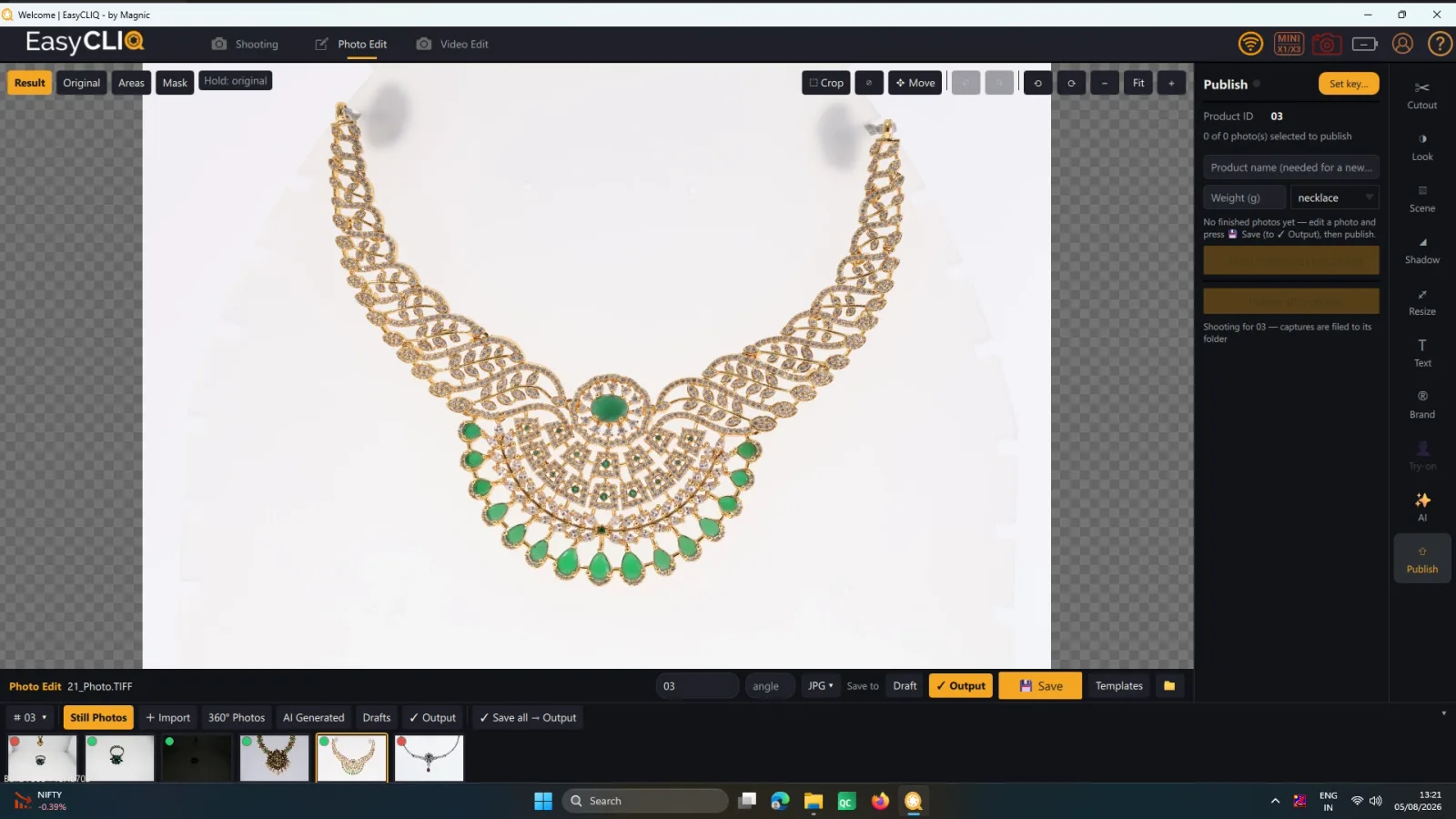
Web-Ready Publish Page
Finished images still needed resizing, compressing and naming before anything could be uploaded.
Automatic resizing, compression and barcode-tagged file saving — images are platform-ready the moment you hit Publish.
The machine doing this work
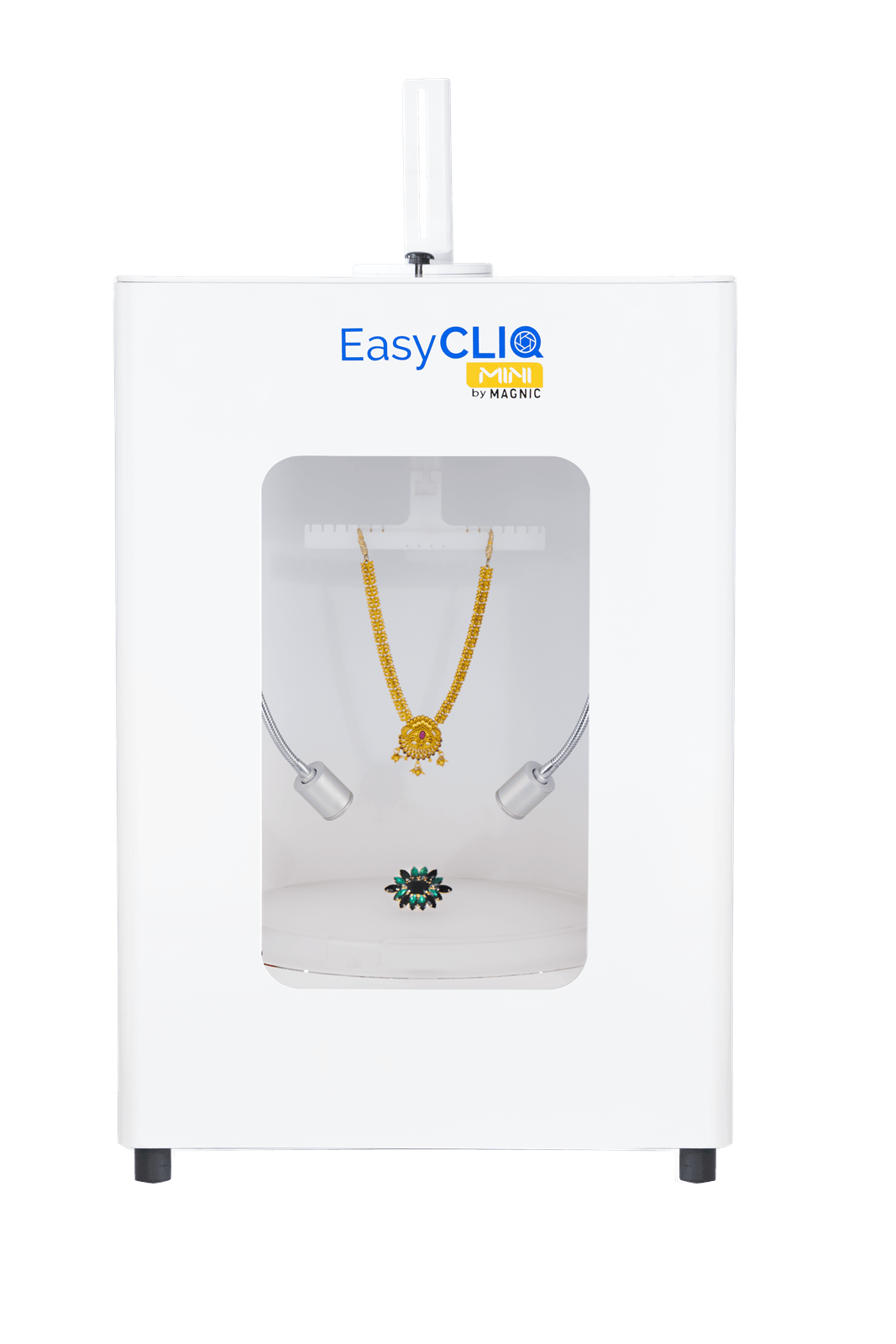
EasyCLIQ MINI
| Power Supply | 230V | 50Hz | 1 Phase |
| Operating Temp. | 0°C to 40°C |
| LED CRI | 90+ |
| Colour Temperature | 3000K – 6000K (Variable) |
| Turntable | Top + Bottom (360° Both) |
| Supported Camera | All Canon Camera Models |
| Best For | Compact studios & retail counters |