Turn footwear, handbags, electronics, fashion products, accessories and cosmetics into professional social-media images and videos with a repeatable EasyCLIQ X3 workflow.
Social-media marketing depends on a steady supply of clear product photographs, lifestyle visuals and short videos. The process applies to products of many sizes—from cosmetics and accessories to shoes, handbags, electronics and larger fashion items.
A useful workflow should first create accurate master visuals, then transform and format them for each digital channel. Once that process is clear, a large-format automated studio such as EasyCLIQ X3 can make the production stage faster and more repeatable.
How to Turn Product Images into Social Media Marketing Content
Begin with the product and marketing goal. These three stages apply to footwear, handbags, electronics, fashion items, accessories, cosmetics and other ecommerce products.
01
Product Preparation & Shot Planning

- Clean and inspect each product: Remove dust, fingerprints, loose threads and packaging marks so close-up images show a finished, sale-ready product.
- Plan around product size: Measure the product and choose the right framing for small cosmetics, medium accessories, shoes, handbags or larger fashion products.
- Define the campaign goal: Decide whether the content is for a launch, product demonstration, seasonal campaign, ecommerce listing or customer enquiry.
- Create a shot list: Plan the hero view, side and detail angles, 360° spin and short movement video needed for the selected channels.
02
Image Creation & Lifestyle Transformation
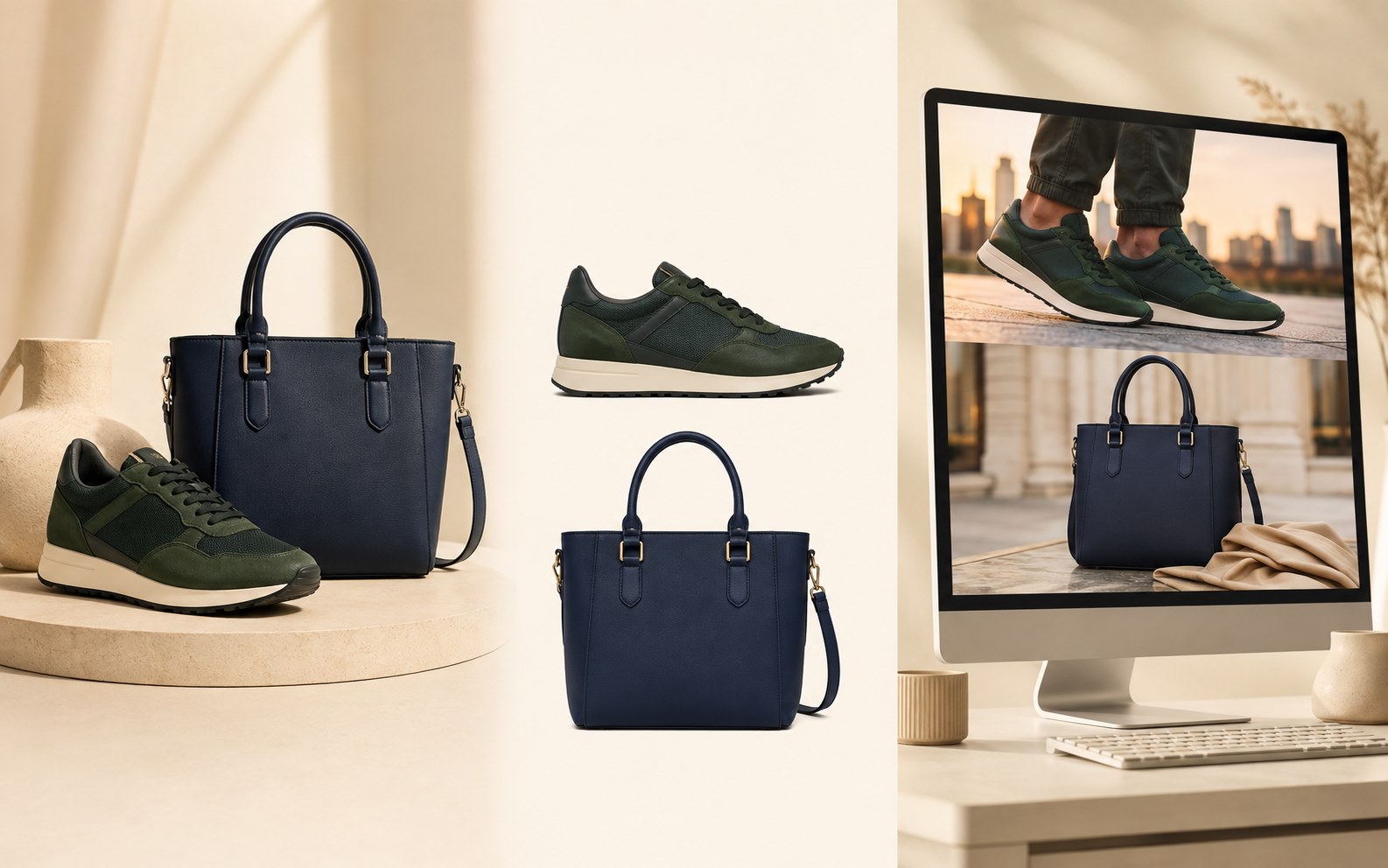
- Capture accurate master visuals: Create clear photographs, detail views and product videos that preserve the real colour, shape, texture and material.
- Remove the background: Prepare a clean cutout that can be reused on white, transparent, branded or campaign-specific backgrounds.
- Create lifestyle settings: Place shoes, bags, cosmetics and accessories into realistic environments that communicate their intended use and audience.
- Maintain product accuracy: Keep the product design and colour consistent when creating alternate backgrounds, model visuals or promotional compositions.
03
Social Media & Blog Layout
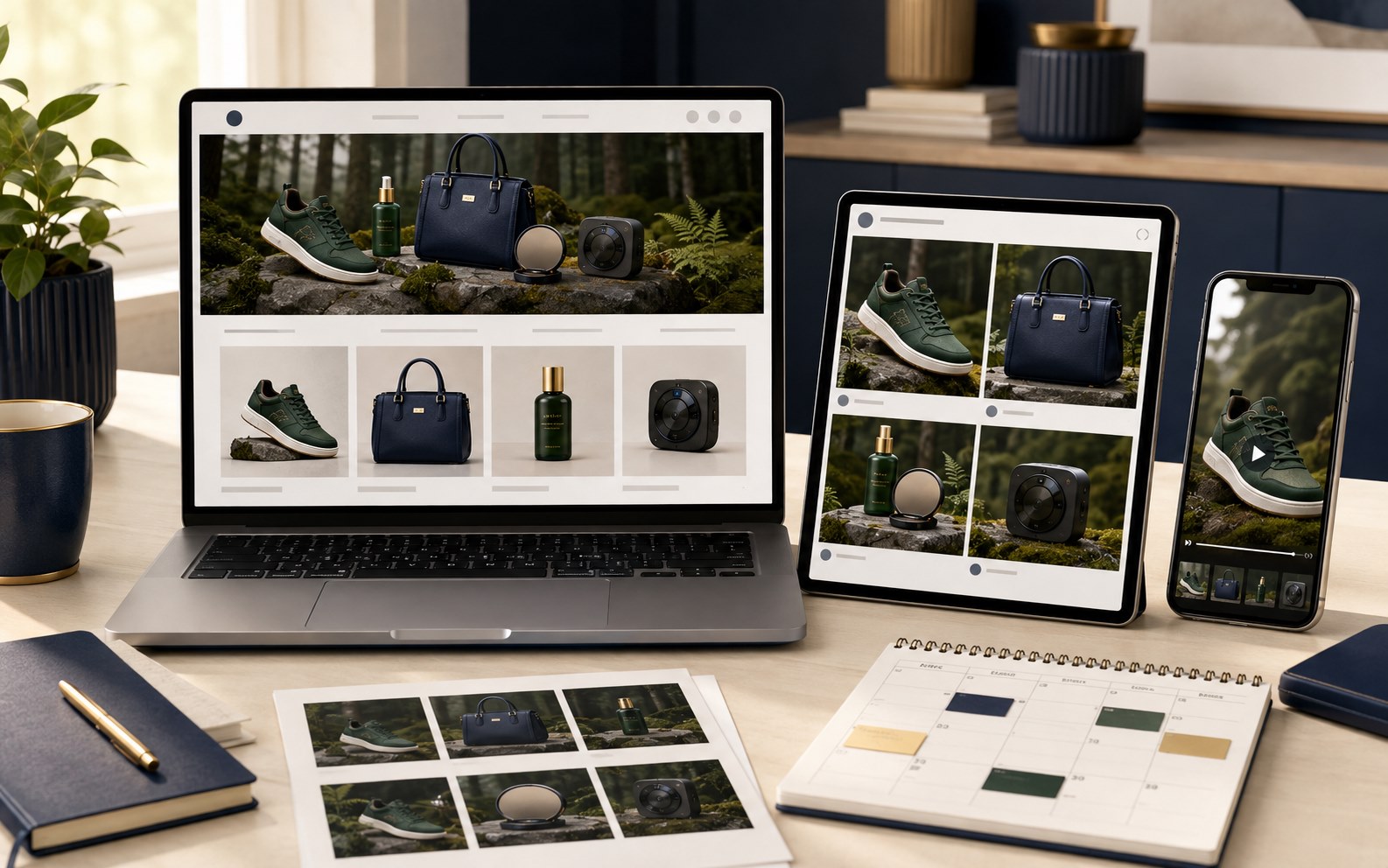
- Format for each channel: Prepare square and portrait posts, vertical short videos, wide blog banners, lightweight messaging assets and ecommerce images.
- Use consistent templates: Keep colours, spacing and product positioning consistent across launches, seasonal campaigns and catalogue updates.
- Write product-led copy: Highlight the material, function, size, design benefit or use case, then finish with a clear enquiry or purchase action.
- Publish and reuse: Reuse the strongest images and videos across social posts, advertisements, blog articles, product pages and sales messages.
Where EasyCLIQ X3 Fits Into This

- Its large-format chamber, 60 cm turntable and 10 KG bottom-load capacity accommodate products ranging from cosmetics and accessories to footwear, handbags and electronics.
- The precision robotic camera arm captures repeatable photographs and dynamic product videos without manually repositioning the camera for every angle.
- Top and bottom turntables create complete 360° views for ecommerce pages, social-media demonstrations and interactive product presentations.
- Ten independently controlled studio lights help reproduce different materials, colours and surface finishes accurately across product categories.
- AI-powered background removal, focus stacking, saved templates and built-in editing reduce the work between photography and marketing.
- The publish workflow prepares PNG, JPEG, GIF and video assets that can be resized and compressed for social media, blogs, ecommerce and digital campaigns.
Content One X3 Workflow Can Supply
Each finished product set can be adapted into several customer-facing formats.
Instagram & Facebook
Hero posts, carousels, festive creatives, Stories and short product-reveal videos.
YouTube
Vertical Shorts, 360° demonstrations and collection showcase videos.
Lightweight product images and short videos for direct customer conversations and catalogues.
Website & Ecommerce
Consistent product photographs, detail views, clean-background images and interactive spins.
Digital Advertising
Reusable cutouts and videos for launches, festive campaigns and location-specific promotions.
Sales & Catalogues
Approved visual assets for digital catalogues, reseller presentations and showroom follow-ups.
A Content System, Not Another Individual Shoot

The main advantage of EasyCLIQ X3 is repeatability. Once a team saves the correct setup for a product category, future pieces can follow the same lighting, framing and output standard. A campaign no longer depends on recreating the original shoot from memory.
That consistency gives marketing teams a dependable content pipeline. New arrivals can move from the studio to social media and ecommerce while they are still commercially relevant, with photographs and videos that look like one coordinated brand.