How 360-degree product photography works for e-commerce: equipment, lighting, frame counts, editing and publishing, with a Lay’s packet shot in an EasyCLIQ X3.
In today’s competitive e-commerce market, high-quality product images play an important role in attracting customers and increasing online sales. Customers want to examine products from every angle before making a purchase. This is where 360-degree product photography for e-commerce becomes valuable.
360-degree product photography allows customers to view a product from multiple angles by rotating it horizontally. Unlike traditional product images, interactive 360-degree views give a more detailed understanding of a product’s appearance, shape, packaging and design.
From food packaging and consumer electronics to jewellery, cosmetics and industrial equipment, 360-degree photography helps online businesses present their products more effectively.
In this guide, we explore how 360-degree product photography works, the equipment required, practical shooting techniques, and how businesses can use it to improve their e-commerce product presentation.
What is 360-degree product photography?
360-degree product photography is a technique in which multiple photographs are captured while a product rotates on a turntable or the camera moves around it. These images are combined to create a rotating product view.
Customers can drag, rotate or interact with the product image to explore different sides.
For example, a packaged snack such as a Lay’s potato chips packet can be photographed from the front, sides, back and intermediate angles. When these images are arranged in sequence, customers can explore the packaging from multiple viewpoints.
Benefits of 360-degree product photography
Improved product visibility
Customers can inspect products from different angles.
Better shopping experience
Interactive images make exploring products online more engaging.
Detailed product presentation
Packaging, texture, shape and design become easier to examine.
Increased customer confidence
Customers can make more informed purchasing decisions.
Consistent product images
Automated photography setups help businesses keep image quality uniform across large product catalogues.
How to capture 360-degree product photography
01
Prepare the product
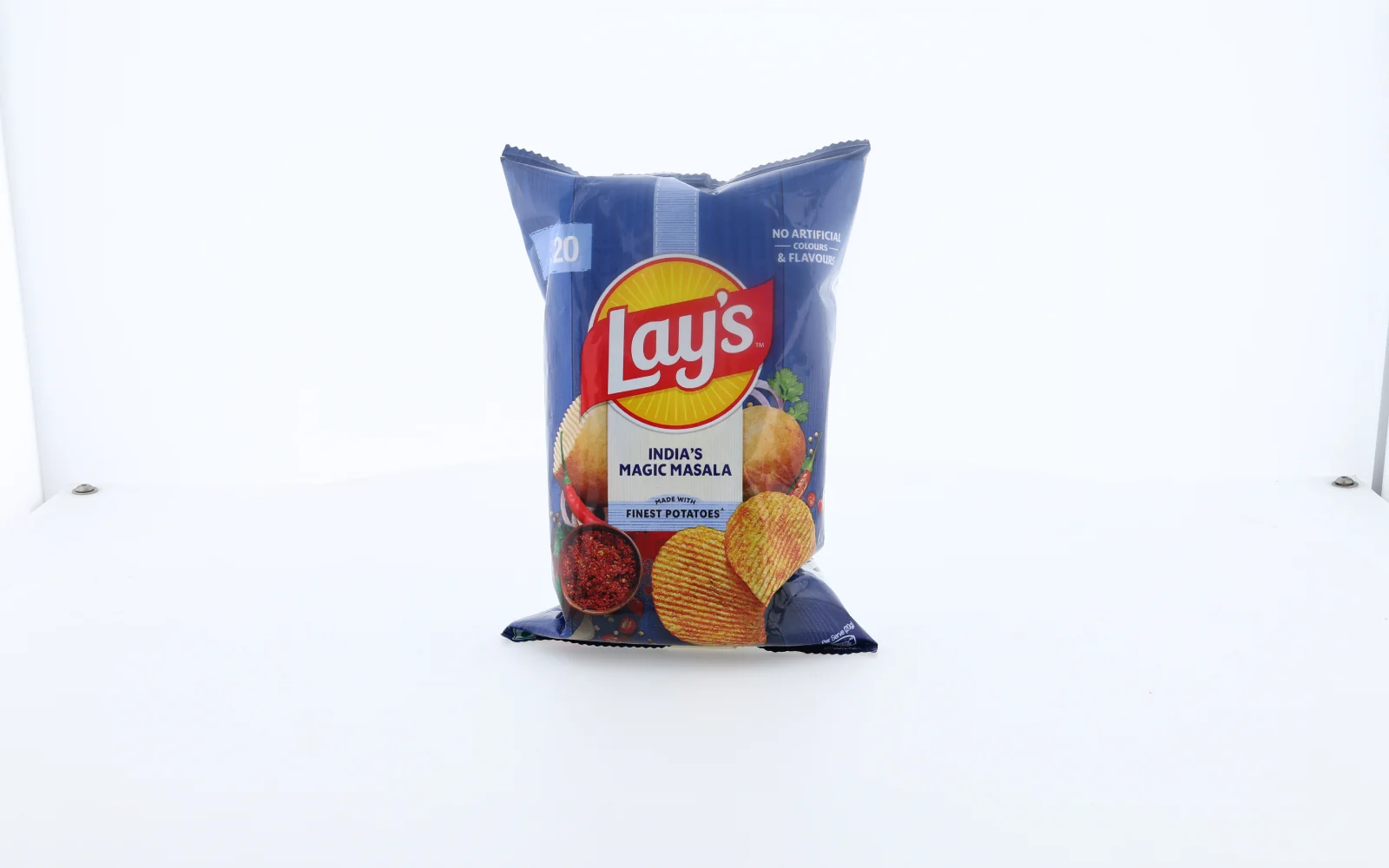
- Clean it: Clean the product and remove unwanted dust, fingerprints and packaging wrinkles where possible.
- Stand it upright: Position the product upright and make sure the front-facing branding is clearly visible.
- Food packaging: Make sure the packet stands securely and its front label is not hidden by folds.
02
Set up the photography equipment
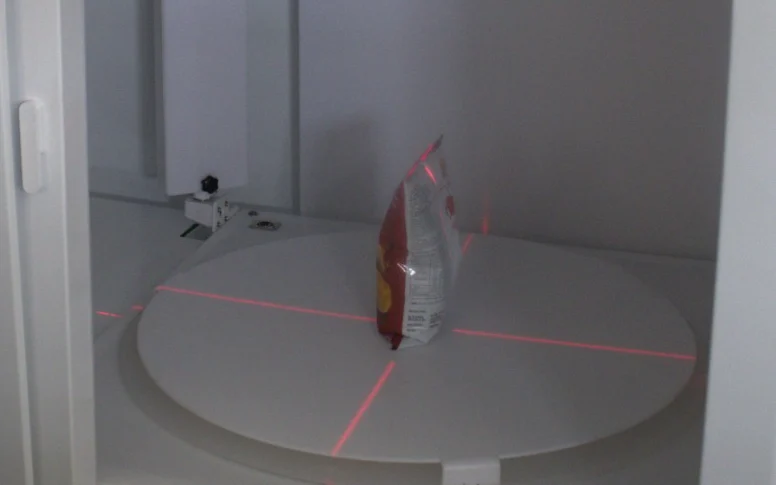
- The kit: Use a suitable camera, a stable mounting system, consistent lighting, and a motorised turntable or an automated 360-degree photography machine.
- Centre the product: Position the product at the centre of the shooting area. In the EasyCLIQ X3, red laser lines cross at the centre of the turntable.
- Fix the camera: Keep the camera at a consistent height and distance throughout the session.
03
Configure the lighting
- Diffuse it: Use diffused, balanced lighting to minimise harsh shadows and unwanted reflections.
- Reflective products: Gold jewellery, watches and polished metal objects need particular attention to light placement.
- Flexible packaging: Large, diffused light sources help control glare while keeping surface details visible.
04
Capture multiple angles
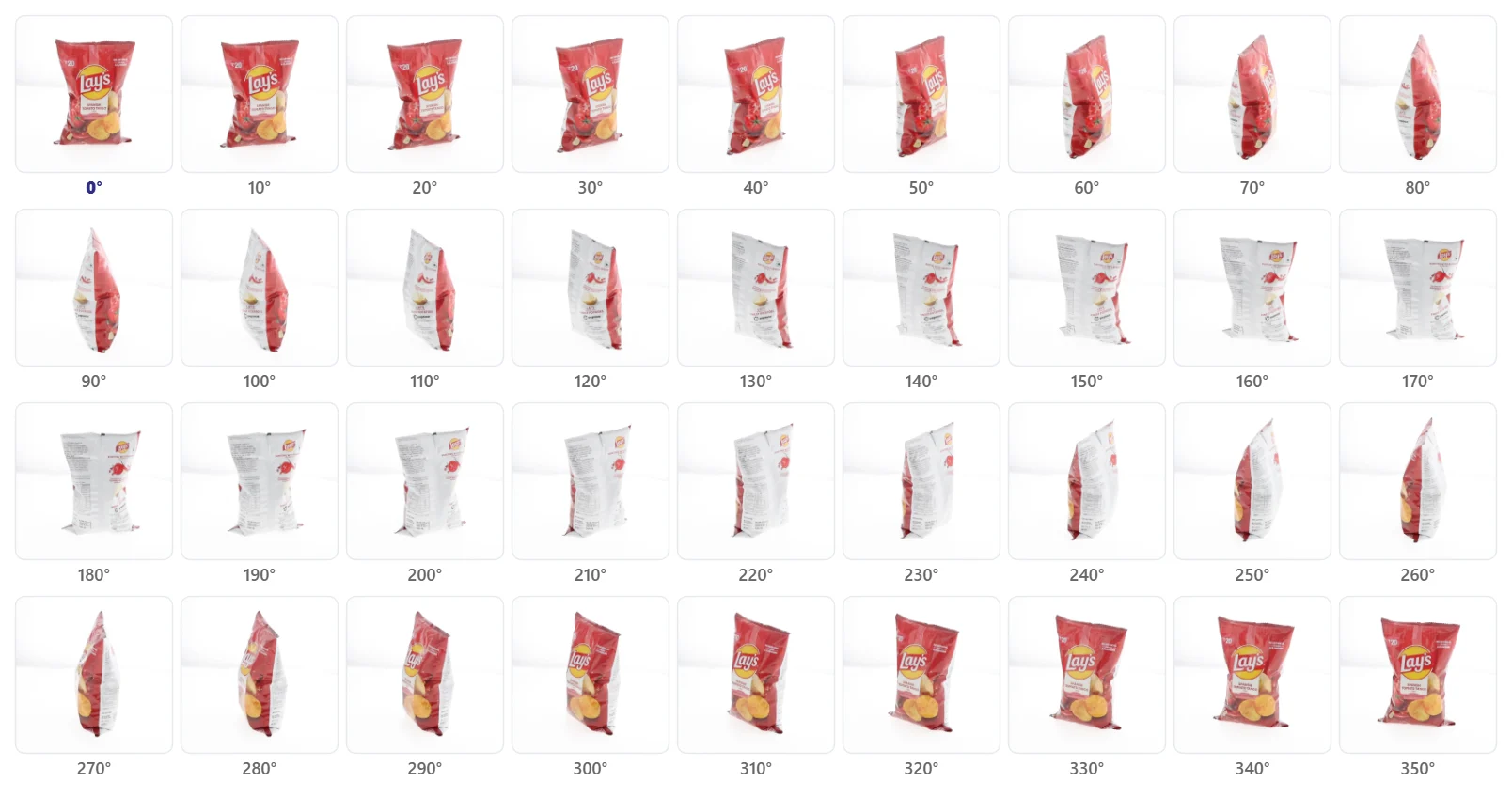
- Small, even steps: Rotate the product in small, consistent increments and capture an image at each position. A typical sequence has 24, 36 or 72 images, depending on the smoothness you want and your workflow.
- 24 frames: 15 degrees of rotation per frame.
- 36 frames: 10 degrees per frame, as in the sequence above.
- 72 frames: 5 degrees per frame.
- The trade-off: More frames generally give smoother rotation, but need more storage and processing.
05
Edit and process the images
- Correct the exposure: Adjust exposure, white balance and contrast, and keep the background consistent.
- Keep it real: Remove unwanted distractions while preserving the product’s actual appearance.
- Standardise: For professional e-commerce use, keep image dimensions and export settings the same across all products.
06
Publish the 360-degree view
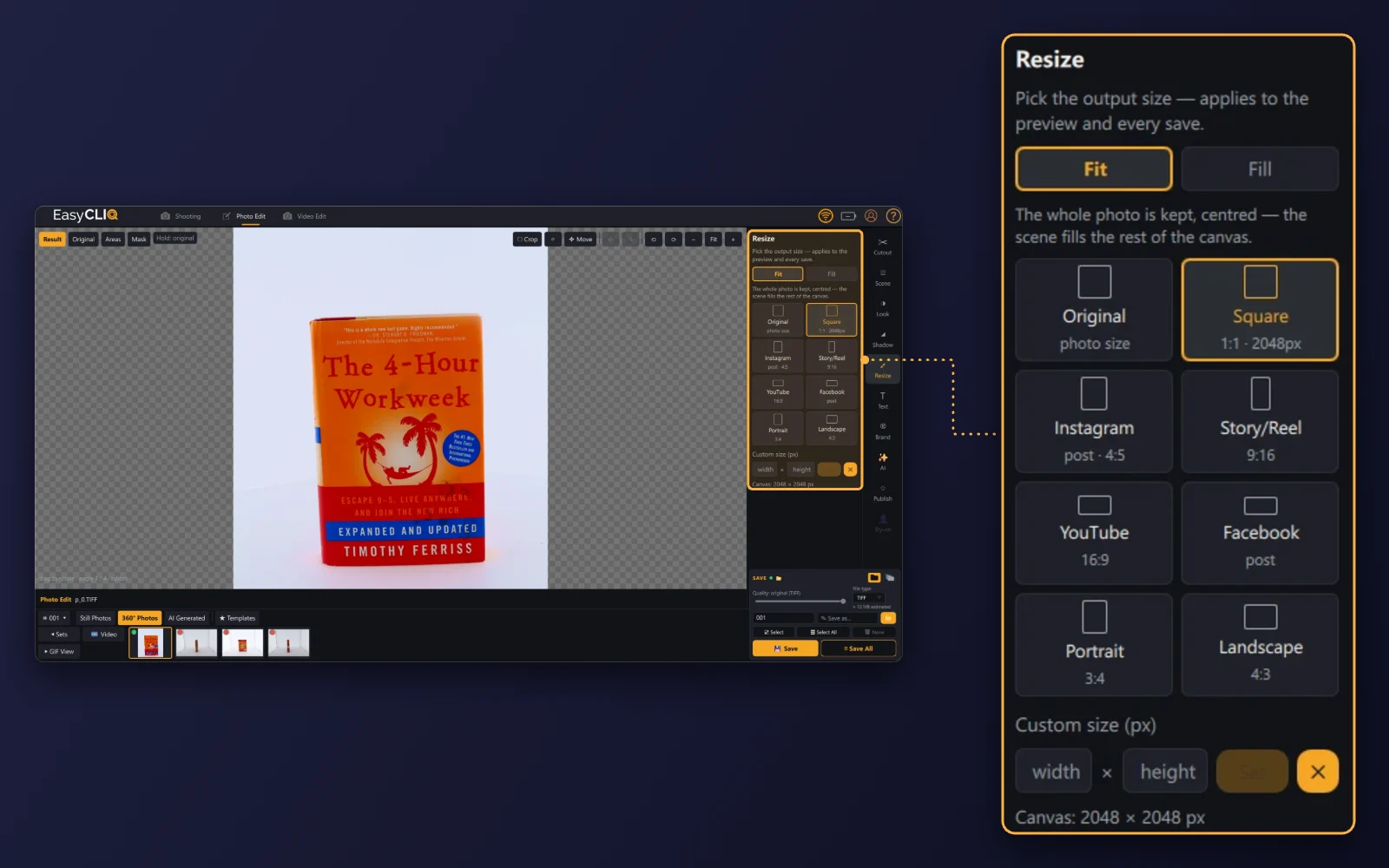
- Put it in order: Arrange the processed images in the correct sequence and publish them with a compatible 360-degree viewer on your e-commerce website.
- Keep it fast: Optimise image file sizes and loading behaviour so customers can interact with the product without unnecessary delays.
Finishing the images in EasyCLIQ Photo Edit
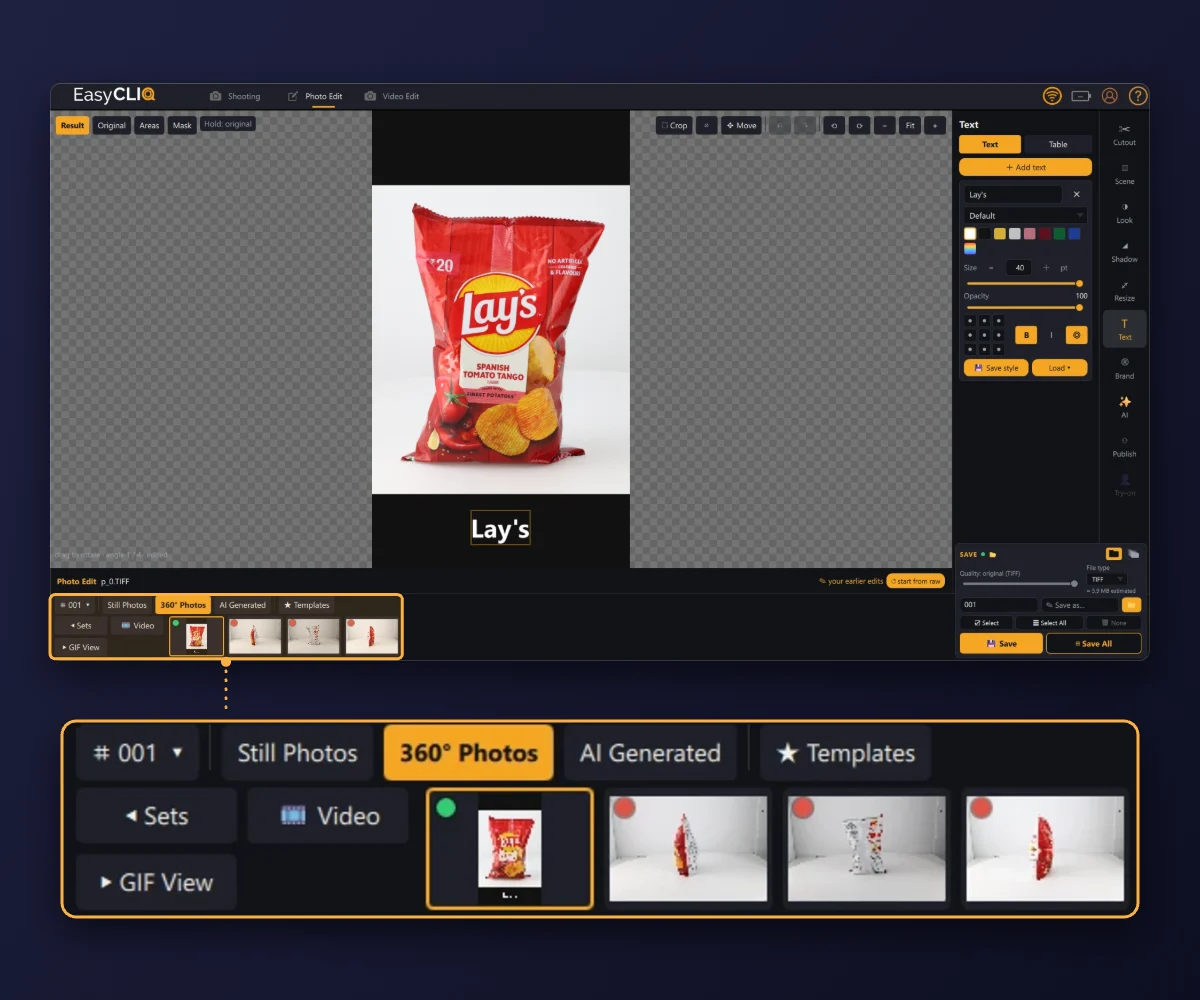
These screens are from EasyCLIQ Photo Edit, finishing products photographed for this guide.
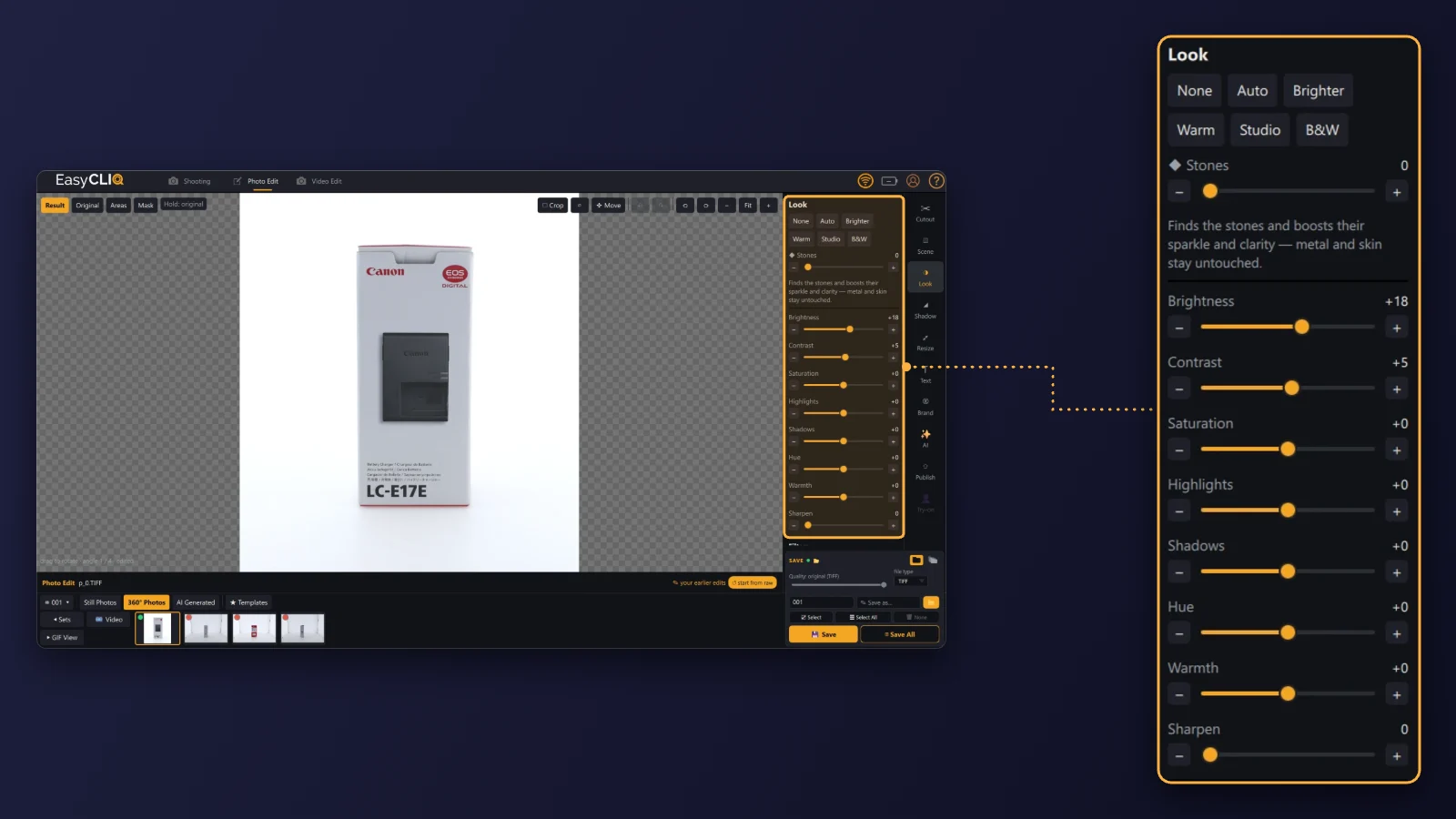
Look: exposure and colour
One-click looks such as Auto, Brighter, Warm and Studio, plus sliders for brightness, contrast, saturation, highlights, shadows, hue, warmth and sharpening.
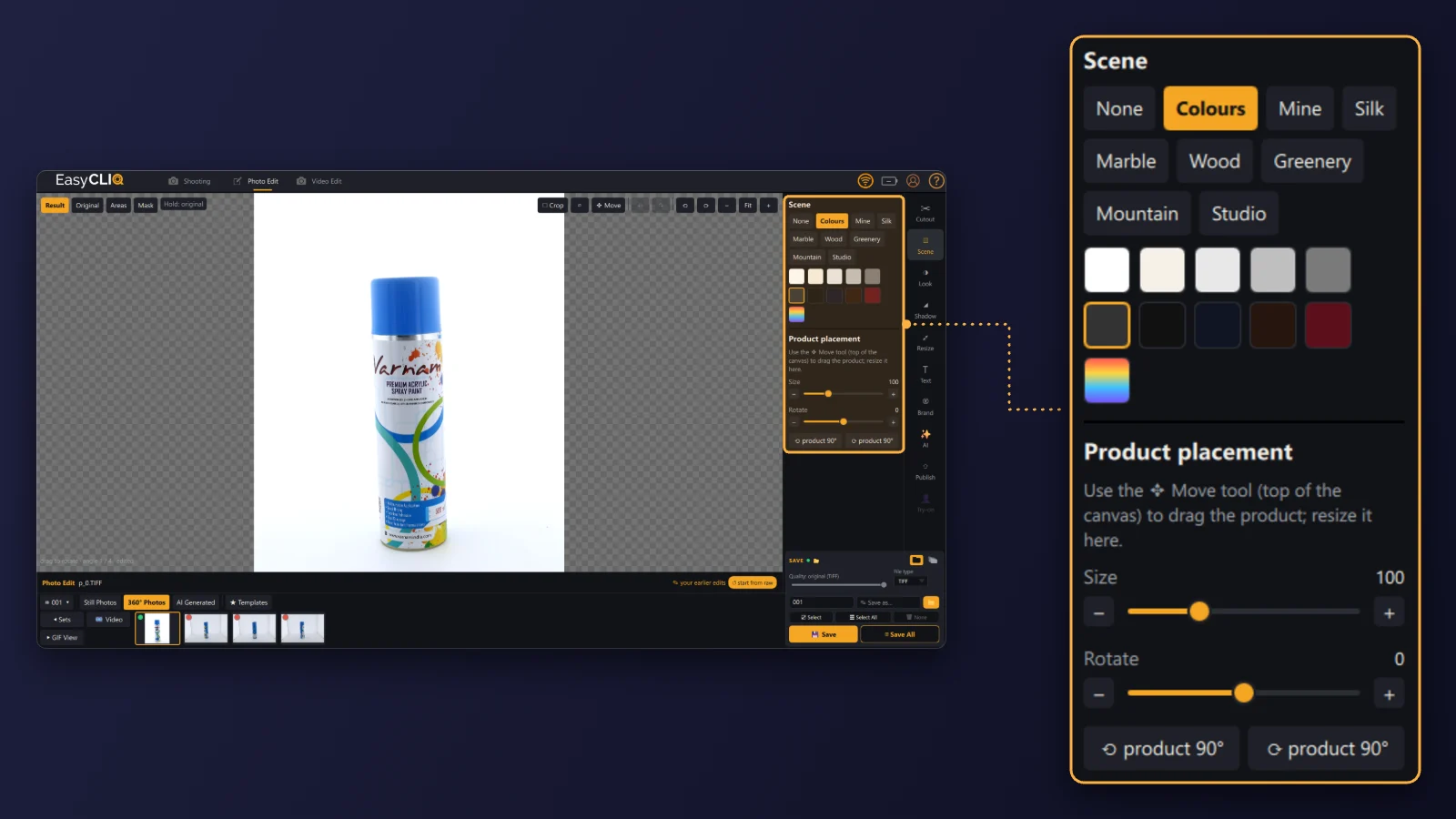
Scene: backgrounds
A plain colour or a backdrop such as marble, wood, greenery or studio, with the product’s size and rotation set on the canvas.
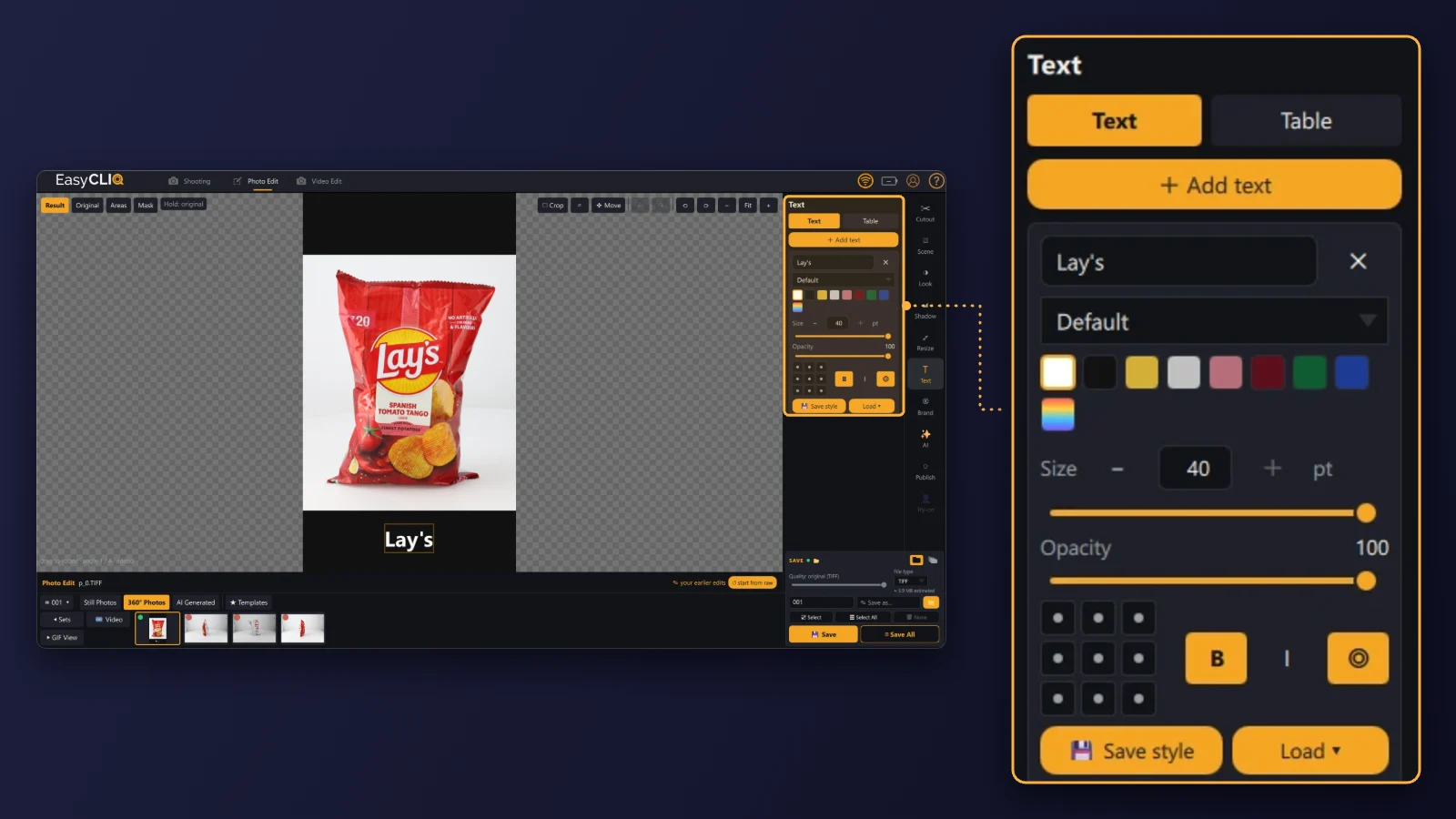
Text: names and tables
Add a product name or a table, set its colour, size, opacity and position, and save the style for the next product.
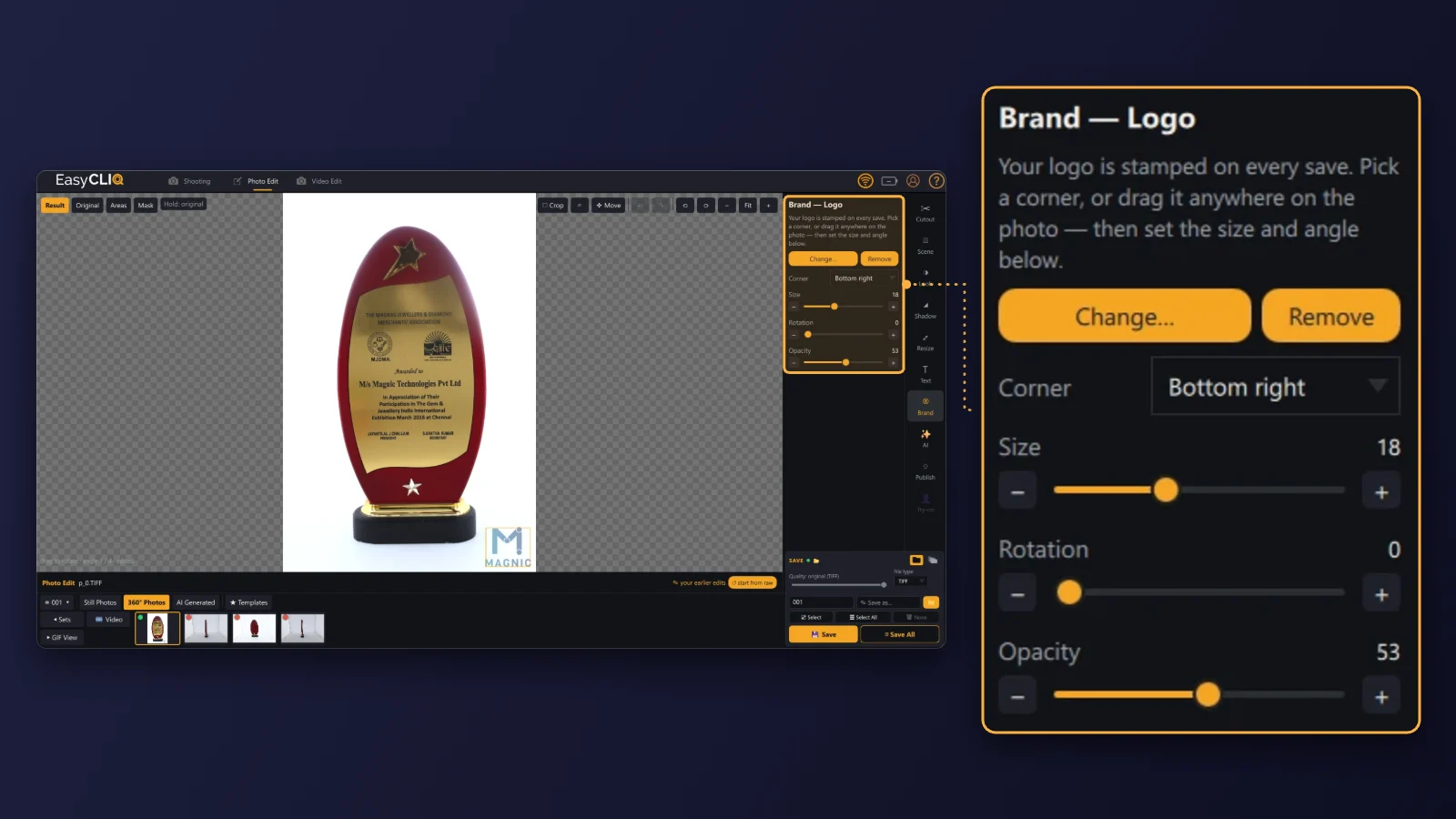
Brand: your logo
Your logo is stamped on every save: pick a corner or drag it anywhere, then set its size, angle and opacity.
Equipment required for 360-degree product photography
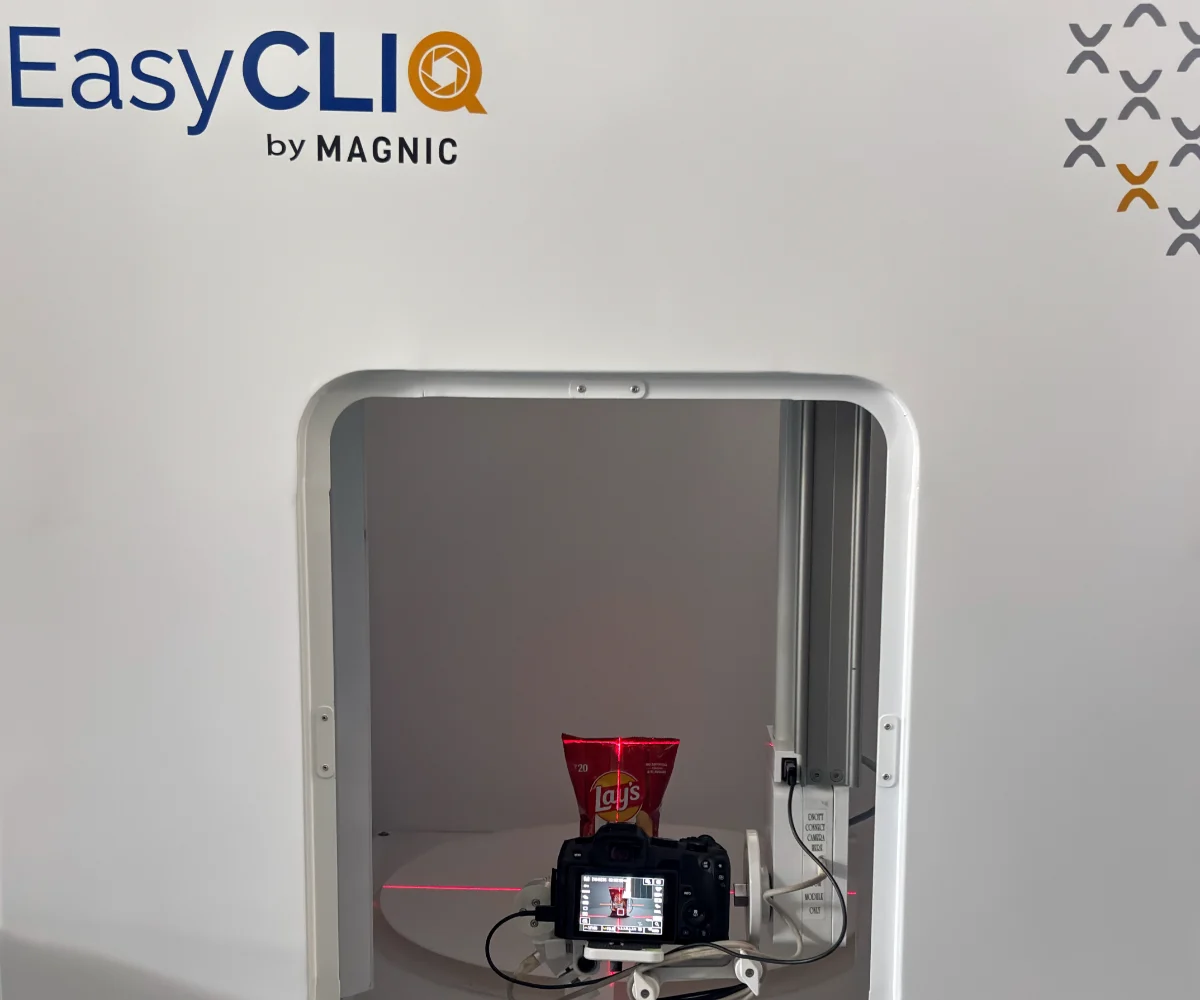
1. 360-degree product photography machine
A dedicated photography machine can automate product rotation, image capture and repeatable positioning. Depending on the system, it may support programmable rotation, camera triggering, integrated lighting or automated image processing. These systems suit businesses that need consistent images across large product inventories.
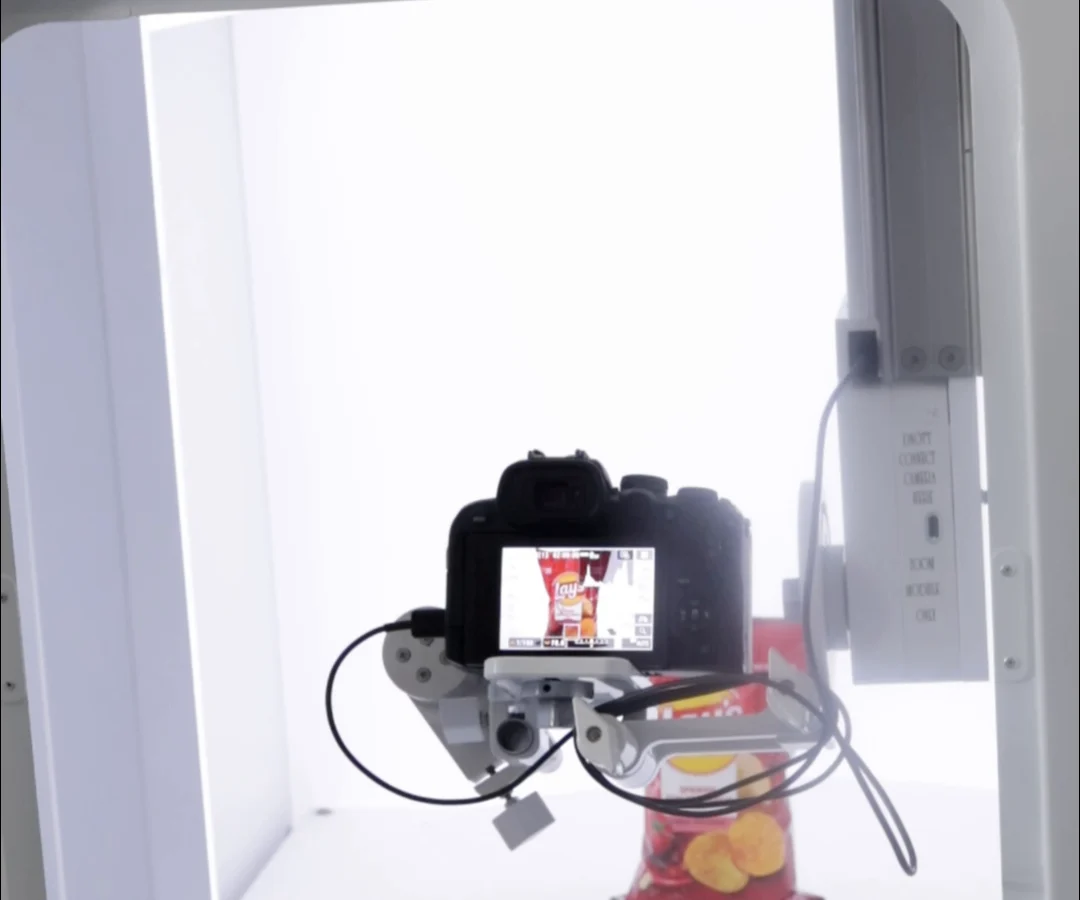
2. Digital camera
A DSLR or mirrorless camera gives detailed images and manual control over exposure, focus and white balance. Choose a camera and lens suited to the product’s size and the level of detail you need.
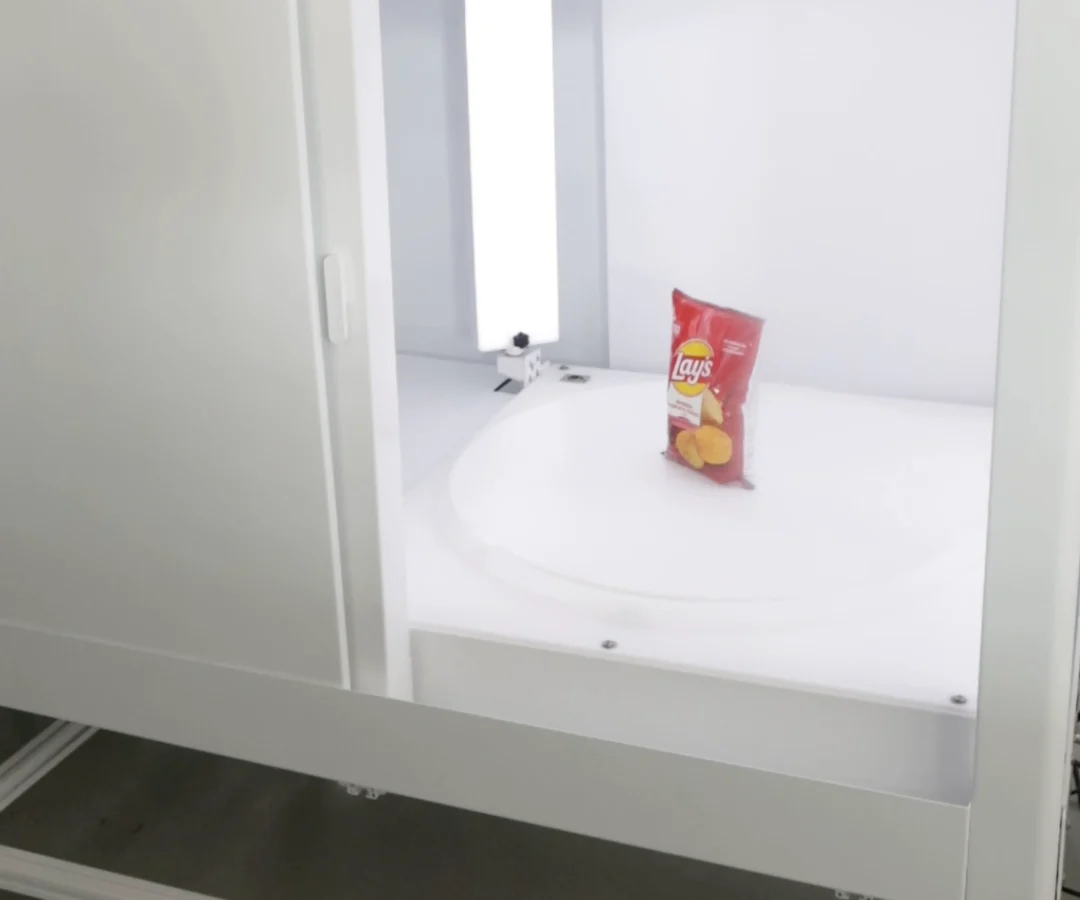
3. Motorised turntable
A motorised turntable rotates the product at controlled intervals. It keeps the spacing between frames consistent and reduces manual handling.
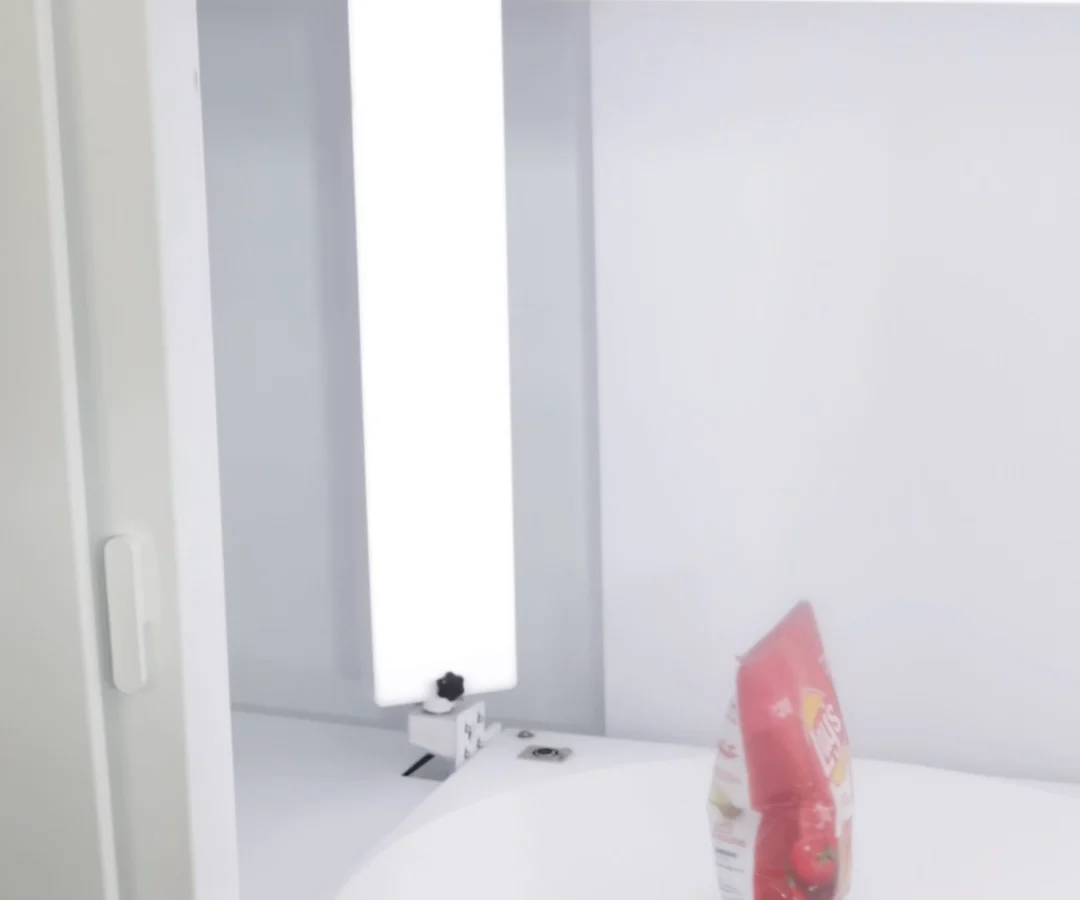
4. Lighting system
Softboxes, diffusers, LED lighting and reflective panels help control shadows and reflections. The right setup depends on whether the product is made of plastic, glass, metal, fabric or another material.
5. 360-degree photography software
Specialised software can coordinate camera capture, manage image sequences, process frames, and generate interactive product views or rotating GIFs and videos. Choose software that supports your camera, hardware, output requirements and e-commerce platform.
Practical example: 360-degree photography of a Lay’s packet
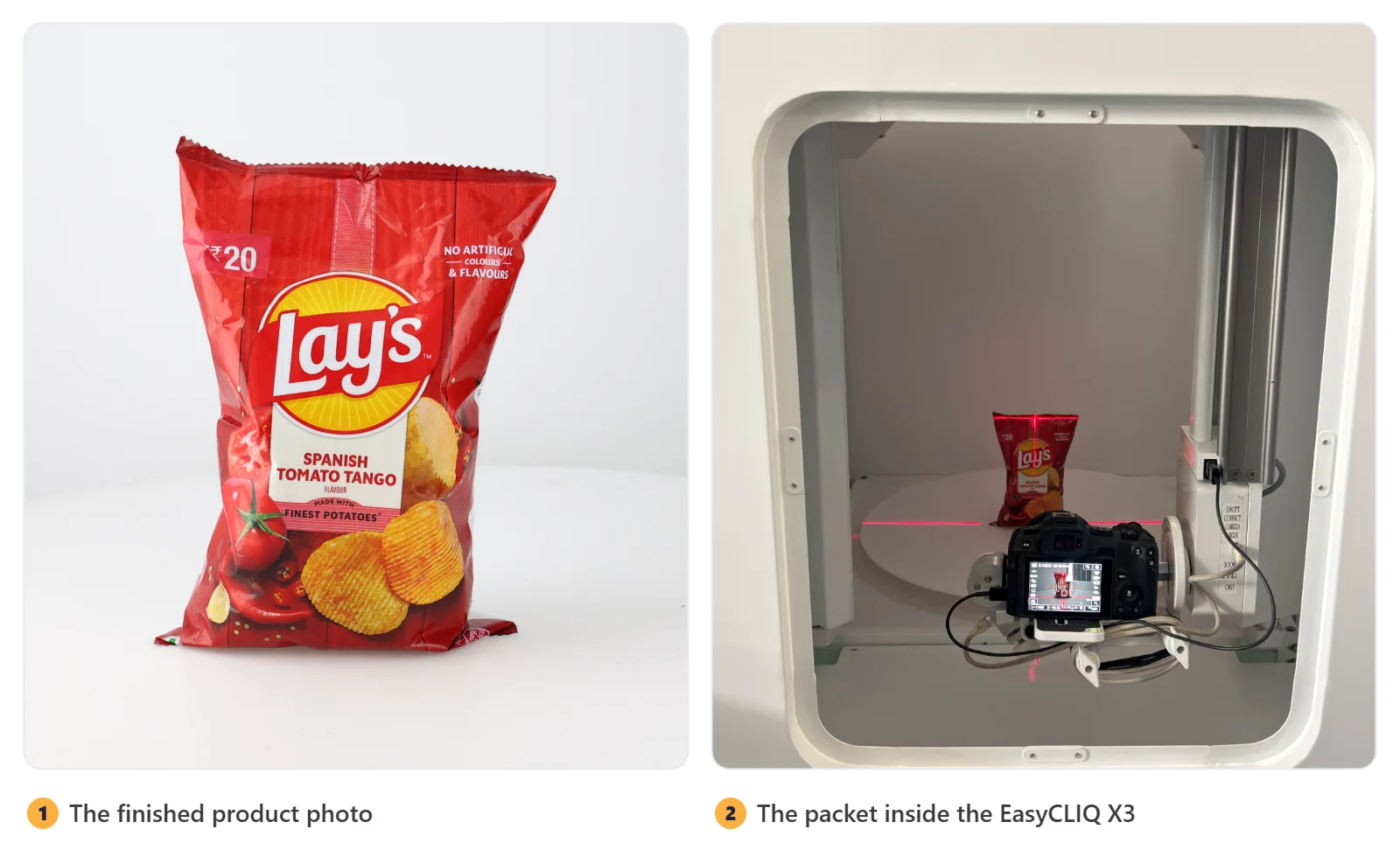
A packaged snack packet is a useful example of how 360-degree product photography can support e-commerce product presentation.
The first image shows the finished product photograph, with the packet presented against a clean, neutral background. The second shows the product positioned inside a photography enclosure with a camera and lighting equipment.
Together, these images show two important parts of the workflow: capturing the product under controlled conditions and preparing the final image for online presentation.
For a complete 360-degree sequence, the packet is rotated through a full 360 degrees, with images captured at regular intervals. The frames are then processed and assembled into an interactive product view, like the one below.
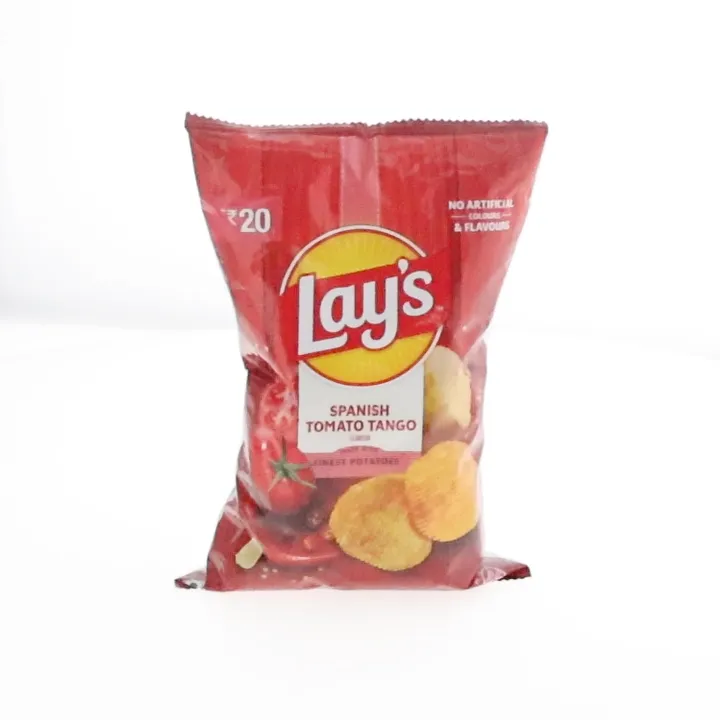 ↔ Drag to rotate
Tips for photographing packaged products
- Keep the product upright and centred.
- Use consistent camera positioning and exposure.
- Avoid excessive reflections on glossy packaging.
- Capture branding and packaging details clearly.
- Check that the product does not shift during rotation.
- Keep the same background and framing across all frames.
Best practices for professional 360-degree product photography
Maintain consistent framing
Keep the product at the same scale and position throughout the image sequence. Inconsistent framing can make the rotation look unstable.
Use a suitable background
A white or neutral background works well for many e-commerce catalogues. Choose a background that complements the product and meets the website’s image requirements.
Preserve product accuracy
Do not alter logos, packaging text, colours or product features in a way that misrepresents the item being sold. Accurate presentation helps customers understand what they are buying.
Optimise images for website performance
High-resolution frames add page weight. Compress images carefully, use suitable output formats, and load interactive sequences efficiently.
Test on mobile and desktop
Make sure customers can rotate and inspect the product easily on smartphones, tablets and desktop computers. Check loading speed, touch controls and image clarity on different screen sizes.
Common mistakes to avoid
- Uneven rotation between captured frames.
- Inconsistent lighting or exposure.
- Blurry images caused by camera movement.
- Reflections that obscure product details.
- Poor product positioning or visible support equipment.
- Excessively large image files.
- Publishing frames in the wrong order.
A repeatable workflow and appropriate photography equipment can help reduce these problems and improve the consistency of the final output.
Industries that benefit from 360-degree product photography
360-degree product photography can be used across several industries:
Jewellery
Rings, necklaces, earrings, bangles and watches.
Food and beverages
Snack packets, jars, bottles and packaged products.
Electronics
Mobile phones, cameras, headphones and accessories.
Cosmetics
Bottles, containers, skincare products and make-up packaging.
Industrial products
Components, tools, equipment and manufactured parts.
Fashion accessories
Bags, footwear, belts and other accessories.
The ideal setup depends on the product’s dimensions, weight, material and reflective properties, and on the output you want.
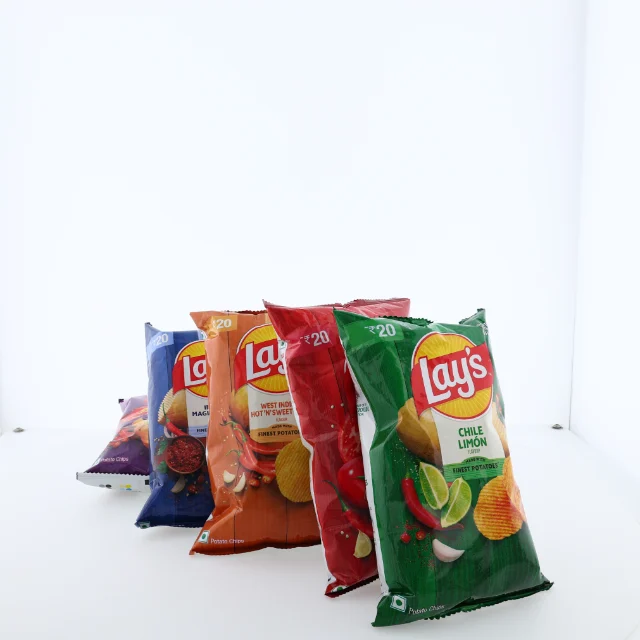
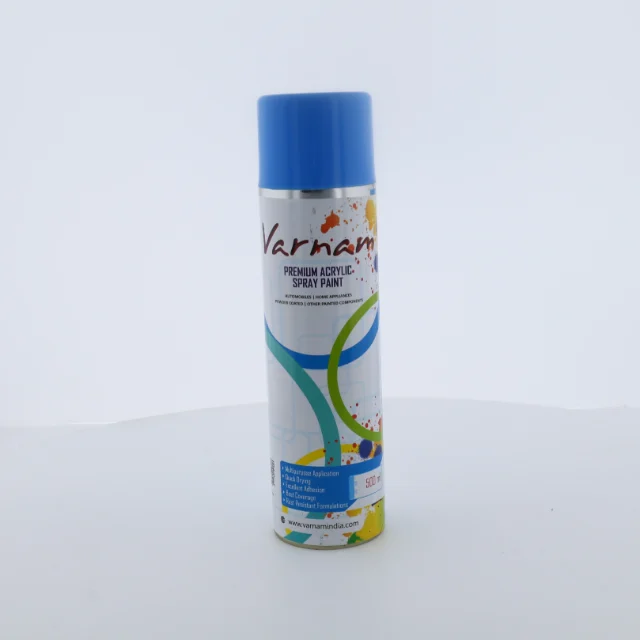
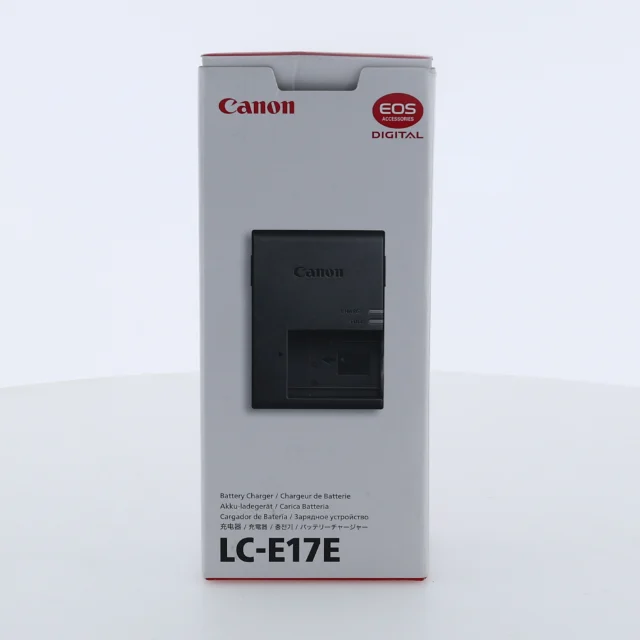
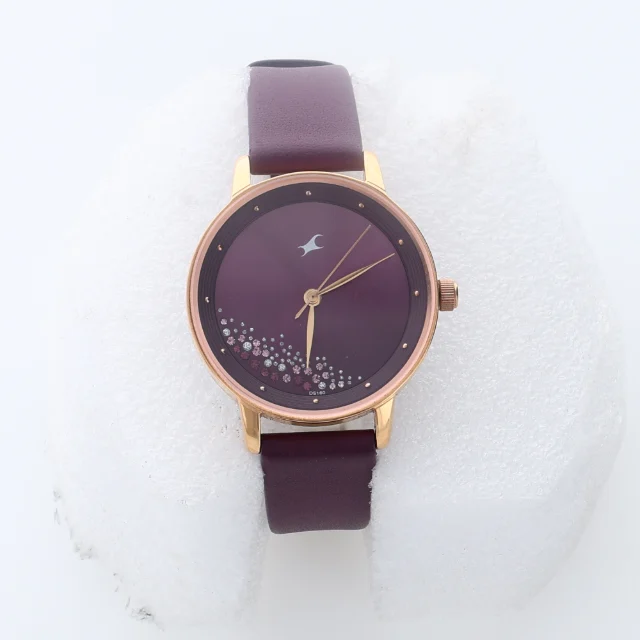
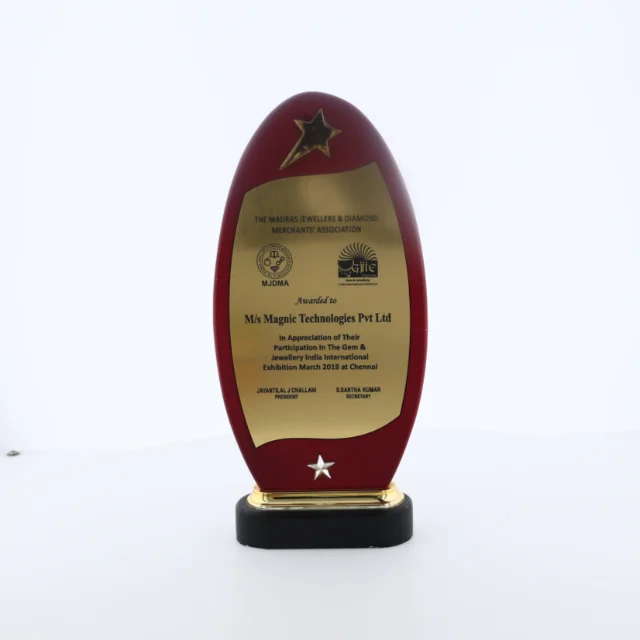
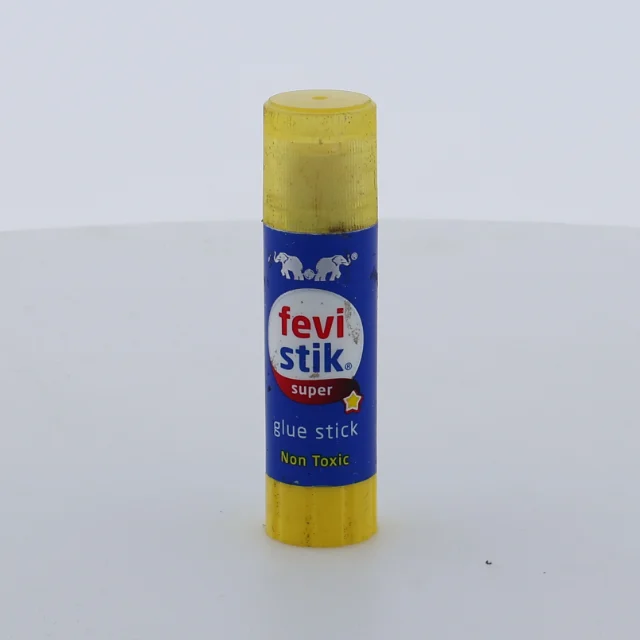
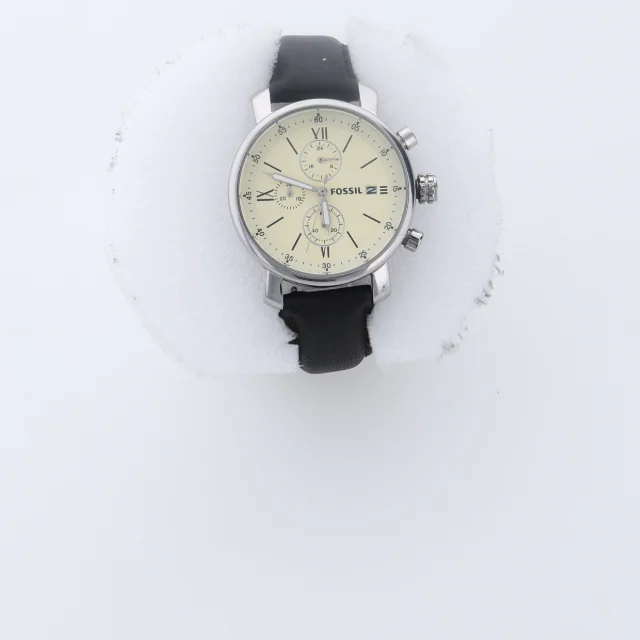
Products photographed for this guide
A selection of the products photographed for this guide.

Conclusion
360-degree product photography is an effective way to present products from multiple angles and create a more informative e-commerce shopping experience. With suitable equipment, controlled lighting, consistent image capture and effective processing, businesses can create professional product rotations for a wide range of products.
Whether you photograph packaged food, jewellery, electronics or industrial products, a well-planned 360-degree workflow can improve product presentation and help customers explore products with greater confidence.
Investing in the right photography setup and keeping a consistent production process are important steps towards a professional, scalable e-commerce product photography workflow.
Frequently asked questions
How many images are needed for 360-degree product photography?
Common sequences contain 24, 36 or 72 images per rotation. The best number depends on the smoothness you need and the complexity of the product.
Can 360-degree product photography be used for food packaging?
Yes. It can show the front, sides and back of packets, bottles, jars and other packaged food products.
What equipment is required for 360-degree product photography?
Typical equipment includes a camera, a lighting system, a turntable or automated photography machine, and compatible capture and processing software.
Is 360-degree product photography suitable for jewellery?
Yes. It is particularly useful for showing rings, earrings, necklaces, bangles and watches from different angles. Reflective jewellery needs careful lighting and exposure control.
What is the difference between 360-degree photography and a 360-degree video?
A 360-degree product sequence is usually created from individual still photographs that can be displayed interactively. A 360-degree video is a continuous recording of the product or its rotation.
Does 360-degree product photography improve e-commerce sales?
It can improve product engagement and help customers understand products more clearly. The actual impact on sales depends on the product type, image quality, website performance, pricing and the overall shopping experience.