Discover the best lighting for product photography in 2026. Learn about lighting equipment, studio setups, light positioning, and professional techniques for e-commerce and jewellery photography.
Lighting is one of the most important factors in professional product photography. It determines how customers perceive a product’s colour, texture, shape, finish and overall quality. A well-lit product image helps shoppers understand what they are buying and makes an e-commerce store look more professional.
Whether you photograph jewellery, electronics, cosmetics, clothing, food or industrial products, the right lighting setup can transform an ordinary photograph into a clear, attractive product image.
In 2026, product photography combines traditional studio lighting techniques with modern LED systems, automated photography equipment and AI-assisted image processing. These tools help businesses create consistent product images for websites, online marketplaces, digital catalogues and social media.
In this guide, we explore the best lighting for product photography, the essential equipment, different lighting techniques, studio setups and practical tips for professional results.
1. What is product photography lighting?
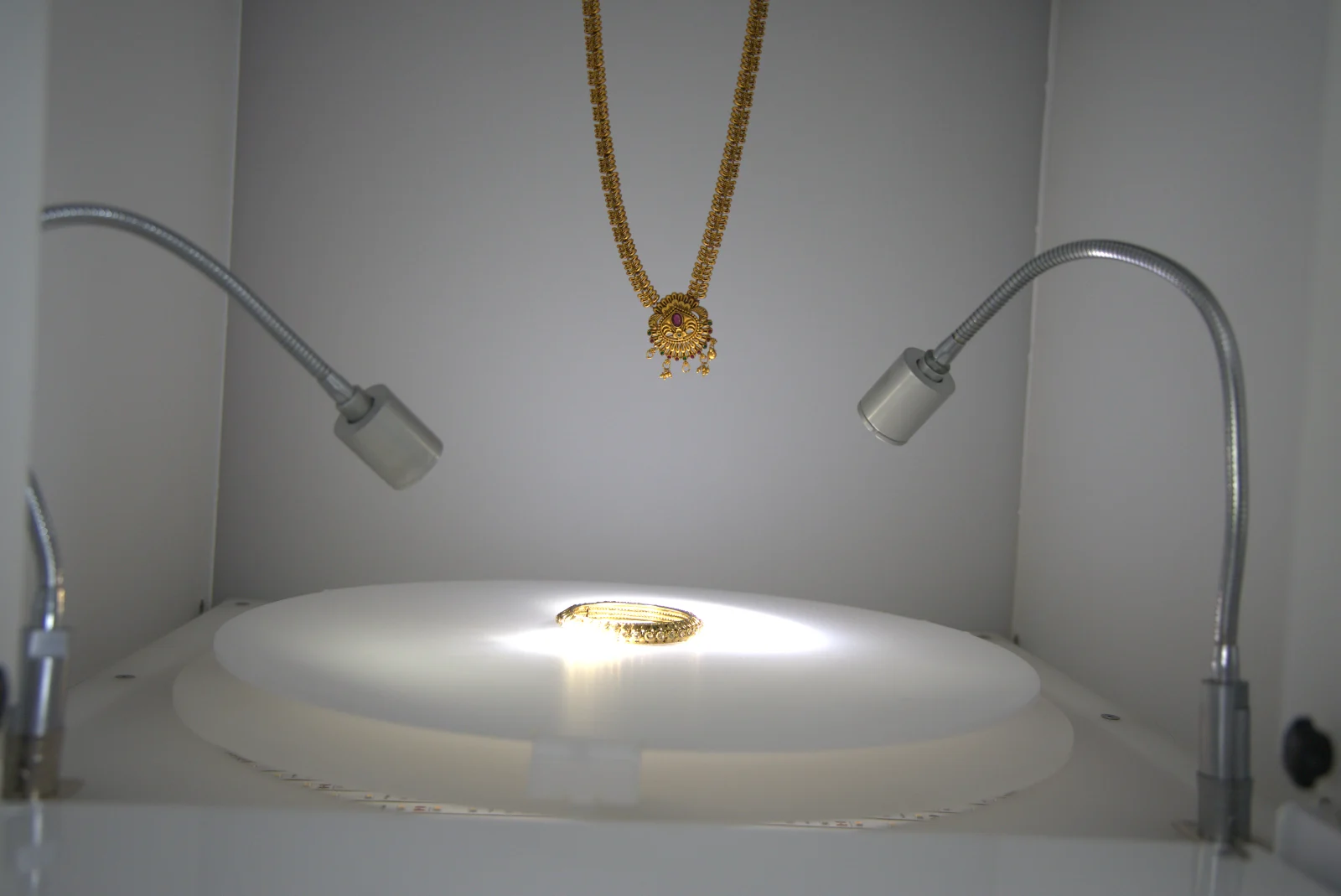
Product photography lighting is the process of using light sources, modifiers, reflectors and carefully planned positions to control how a product appears in a photograph.
The goal is to show the product clearly while keeping accurate colours, attractive highlights, balanced shadows and visible details.
A basic lighting setup typically includes:
- Key light: the primary light source that illuminates the product.
- Fill light: a secondary light that reduces the intensity of shadows.
- Reflector: a surface that redirects existing light onto darker areas.
- Diffuser: a translucent material that softens direct light.
- Background light: a light source used to illuminate the background or separate it from the product.
Not every product needs all these components. A simple setup with one LED light and a reflector can produce excellent results, while reflective jewellery or complex products may need several carefully controlled light sources.
The best lighting setup depends on the product’s material, size, colour, surface finish and the photographic style you want.
2. What equipment do you need for product photography?
Before setting up a photography studio, choose equipment that suits your products and budget. You do not necessarily need an expensive professional studio to get started.
| Equipment | Purpose |
|---|---|
| LED light or studio flash | Provides the main illumination |
| Softbox | Creates soft, controlled lighting |
| Reflector | Brightens shadows without adding another light |
| Diffusion panel | Reduces harsh highlights and direct light |
| Light stand | Holds lights and modifiers in position |
| Tripod | Keeps camera framing consistent |
| Backdrop | Creates a clean, distraction-free background |
| Light tent or lightbox | Provides diffused illumination for smaller objects |
| Camera and suitable lens | Captures product details accurately |
| Editing software | Supports exposure, colour and background adjustments |
Continuous LED lights
Continuous LED lights stay on while you compose and photograph your product, so you can see how light and shadows affect the subject before taking a picture.
They are particularly useful for beginners, small businesses, jewellery photography and video production.
Look for adjustable brightness, stable colour output and suitable diffusion options when choosing an LED light.
Softboxes and diffusers
A softbox spreads light over a larger area, producing softer transitions between highlights and shadows. Diffusers work by scattering light before it reaches the product.
These tools are especially helpful when photographing products with glossy surfaces, curved shapes or delicate textures.
Reflectors
Reflectors redirect light from an existing source. White reflectors give gentle fill, silver reflectors create stronger reflections, and black cards can reduce unwanted reflections or deepen shadows.
Using reflectors well can improve image quality without adding more lights to your setup.
3. What are the best types of lighting for product photography?
Different lighting methods produce different results. The right choice depends on your shooting environment, the product’s material and your budget.
Natural light
Natural light comes from the sun, usually through a window or another controlled opening.
Best for: food, clothing, handmade products, skincare products and lifestyle photography.
Advantages
- Affordable and accessible.
- Produces attractive, natural-looking illumination.
- Works well for beginners.
Limitations
- Changes with the weather and time of day.
- Can produce inconsistent colours and exposure.
- May be difficult to reproduce for large catalogues.
Place the product near a window and use a white curtain or diffusion panel to soften direct sunlight.
Continuous LED lighting
LED lights provide a consistent light source that can be adjusted before and during a shoot.
Best for: small products, jewellery, electronics, cosmetics and product videos.
Advantages
- Easy to position and control.
- Suitable for still photography and video.
- Makes it easier to preview reflections and shadows.
Choose a light with reliable colour rendering and enough brightness for your camera settings.
Studio flash lighting
Studio flash units deliver a brief, powerful burst of light when the photograph is taken.
Best for: professional commercial photography, larger products and situations that need short flash durations.
Advantages
- Can provide high light output.
- Helps freeze movement when used with suitable flash settings.
- Offers precise control over exposure and light shaping.
Limitations
- Needs compatible equipment and some learning.
- The final flash illumination may be harder to preview than continuous light.
Lightboxes and light tents
A lightbox or light tent surrounds a product with diffused surfaces to help produce even illumination.
Best for: small electronics, cosmetics, accessories and certain jewellery products.
They are convenient for repeatable product photographs, although highly reflective products may still need careful adjustment of the light positions and surrounding surfaces.
Light painting
Light painting involves moving a small light source around a product during a long exposure.
Best for: creative product photography, glass objects, metal surfaces and dramatic images of reflective products.
A tripod, stable product placement and a controlled environment are important for clean results.
4. How do you position lights for product photography?
Light placement affects the product’s depth, texture, shadow direction and visual appeal.
Front lighting
Place the light near the camera’s direction, facing the product.
Effect: relatively even illumination with fewer deep shadows.
Best for: simple e-commerce catalogue images where clear product visibility is the priority.
However, direct front lighting can make some products look flat or create unwanted glare.
Side lighting
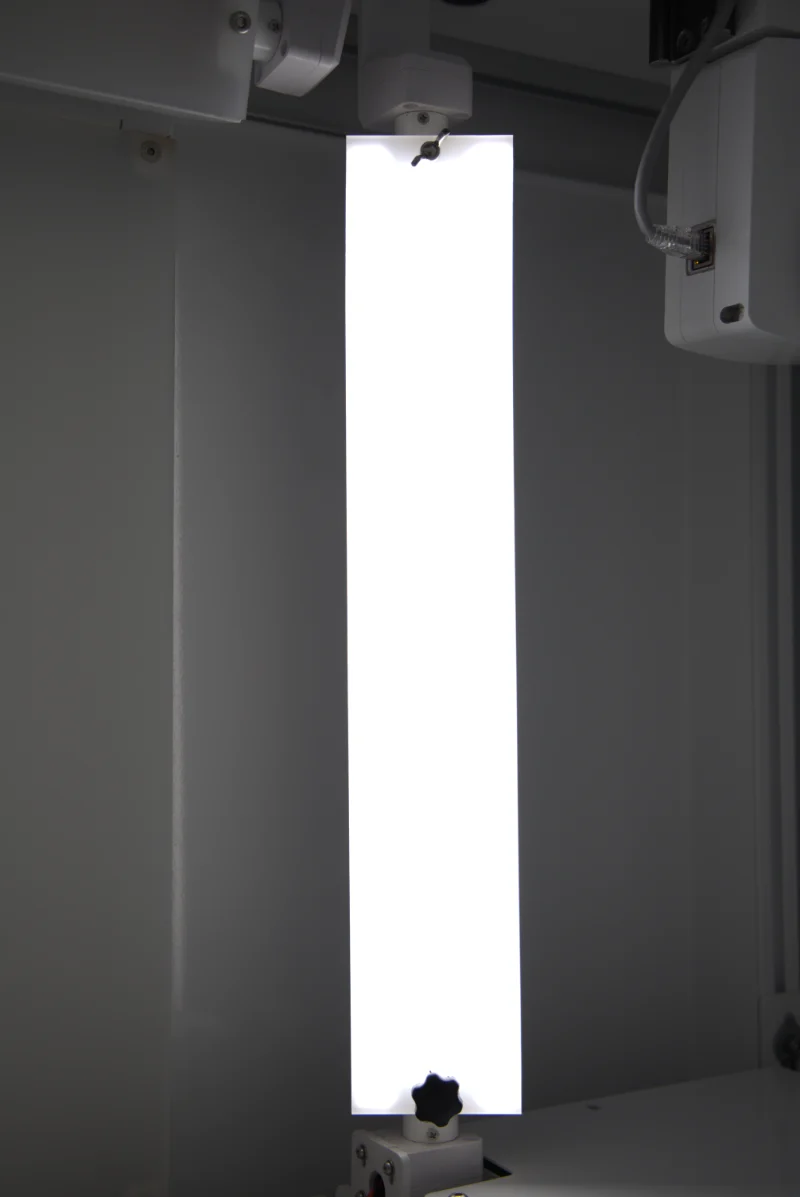
Place the light to one side of the product, often at about 45–90 degrees from the camera’s viewing direction.
Effect: reveals texture, shape and surface details through highlights and shadows.
Best for: textured materials, fabric, carved objects, jewellery details and products with sculpted surfaces.
Adjust the angle to control how strong the shadows appear.
Backlighting
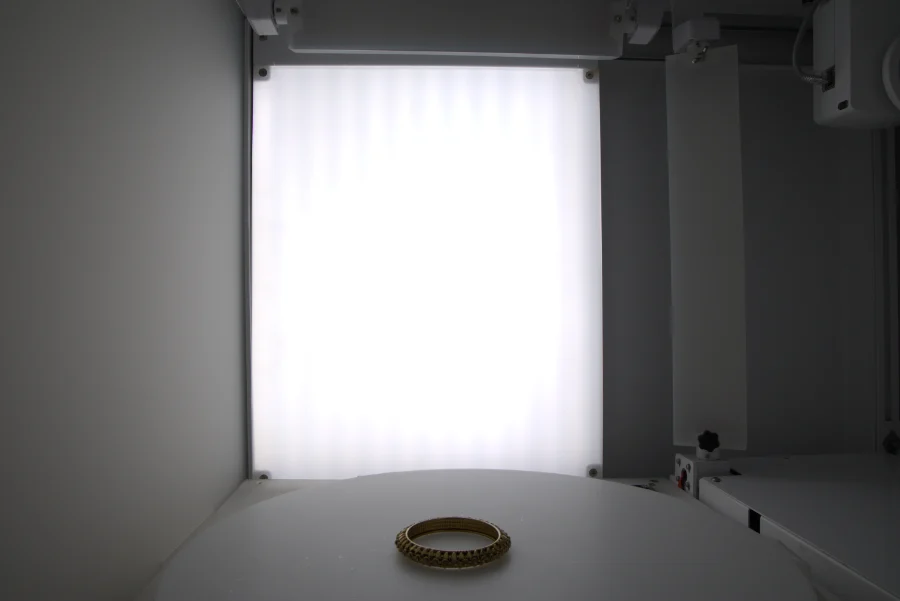
Place the light behind the product, directing it towards the camera or through the product where appropriate.
Effect: creates edge highlights, separates the product from its background and can reveal transparency.
Best for: glassware, translucent packaging, bottles and products with distinctive silhouettes.
Use flags or carefully positioned black cards to prevent unwanted flare.
Top lighting
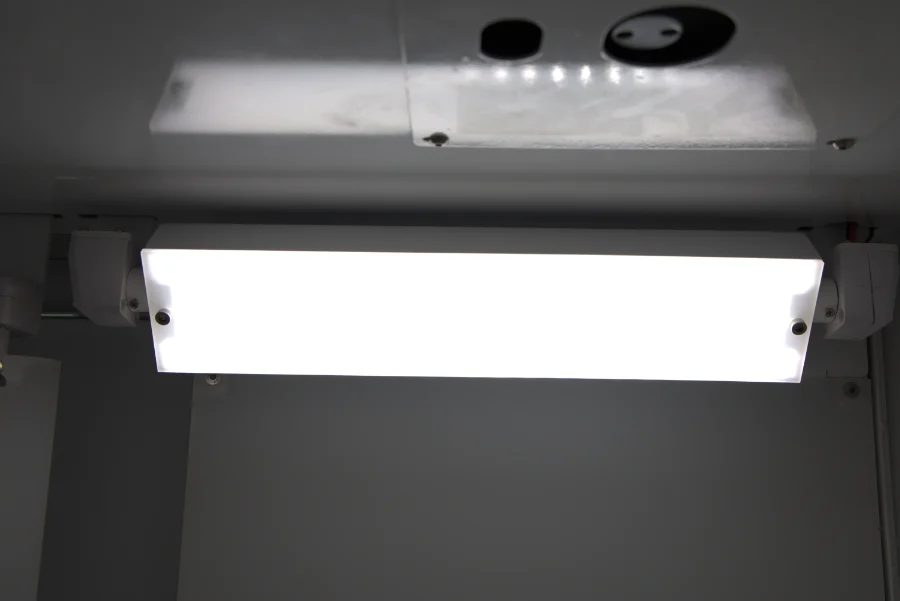
Position the main light above the product.
Effect: overhead illumination that helps control shadows on products photographed from above or at a slight angle.
Best for: flat-lay photography, food, cosmetics, accessories and small retail products.
Three-point lighting
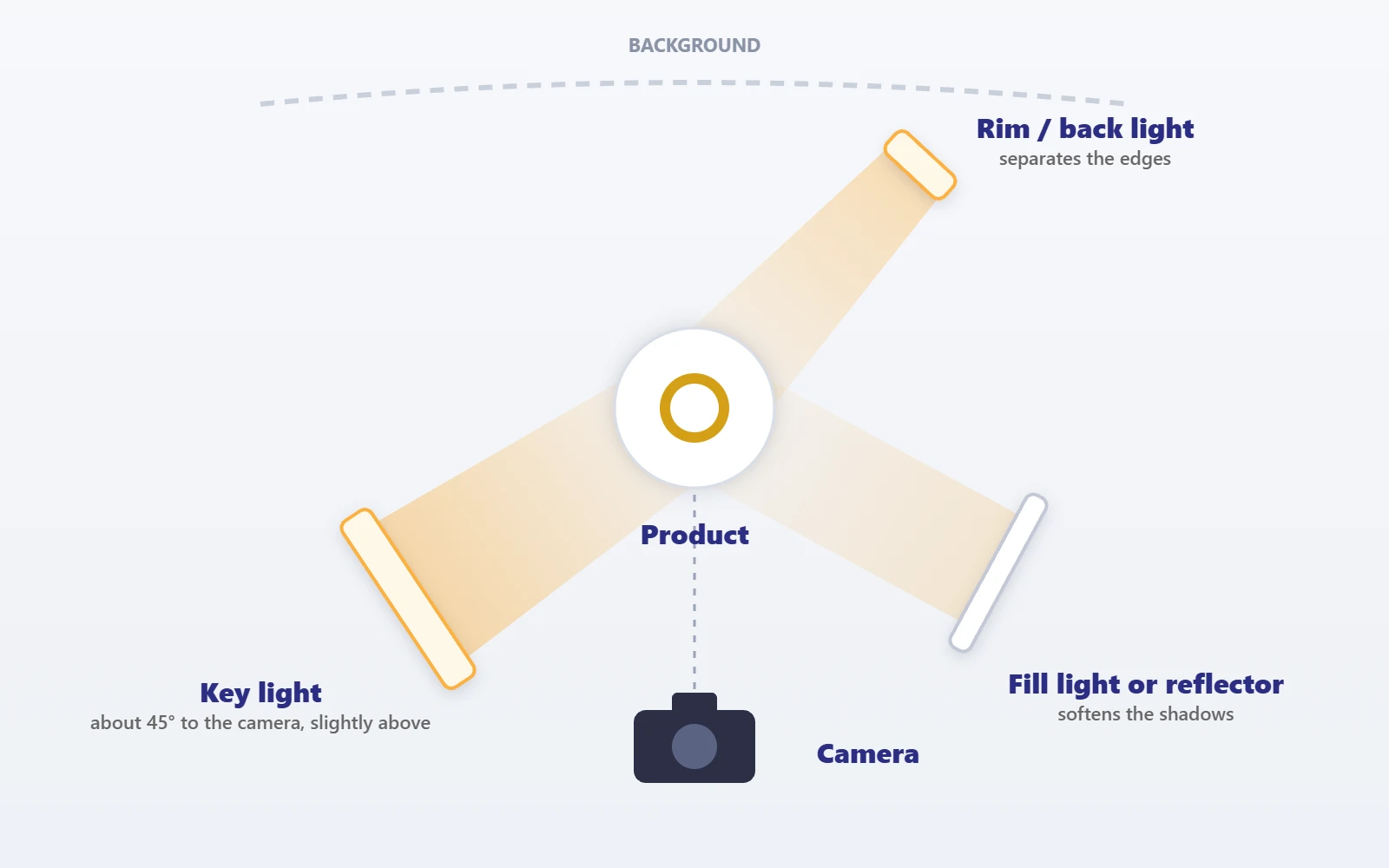
A traditional three-point setup combines a key light, a fill light and a back or rim light.
The three lights
- Key light: defines the product’s main illumination.
- Fill light: controls how dark the shadows are.
- Back or rim light: separates the product from the background.
This approach offers flexible control for commercial product photography, although simpler products may need only one or two light sources.
5. How to set up product photography lighting step by step
Follow these steps to build a practical product photography setup.
01
Prepare the product
Clean the product before shooting. Remove dust, fingerprints, packaging marks and other visible distractions.
For jewellery and reflective objects, inspect the surface carefully, because small marks can stand out under studio lighting.
02
Choose a background
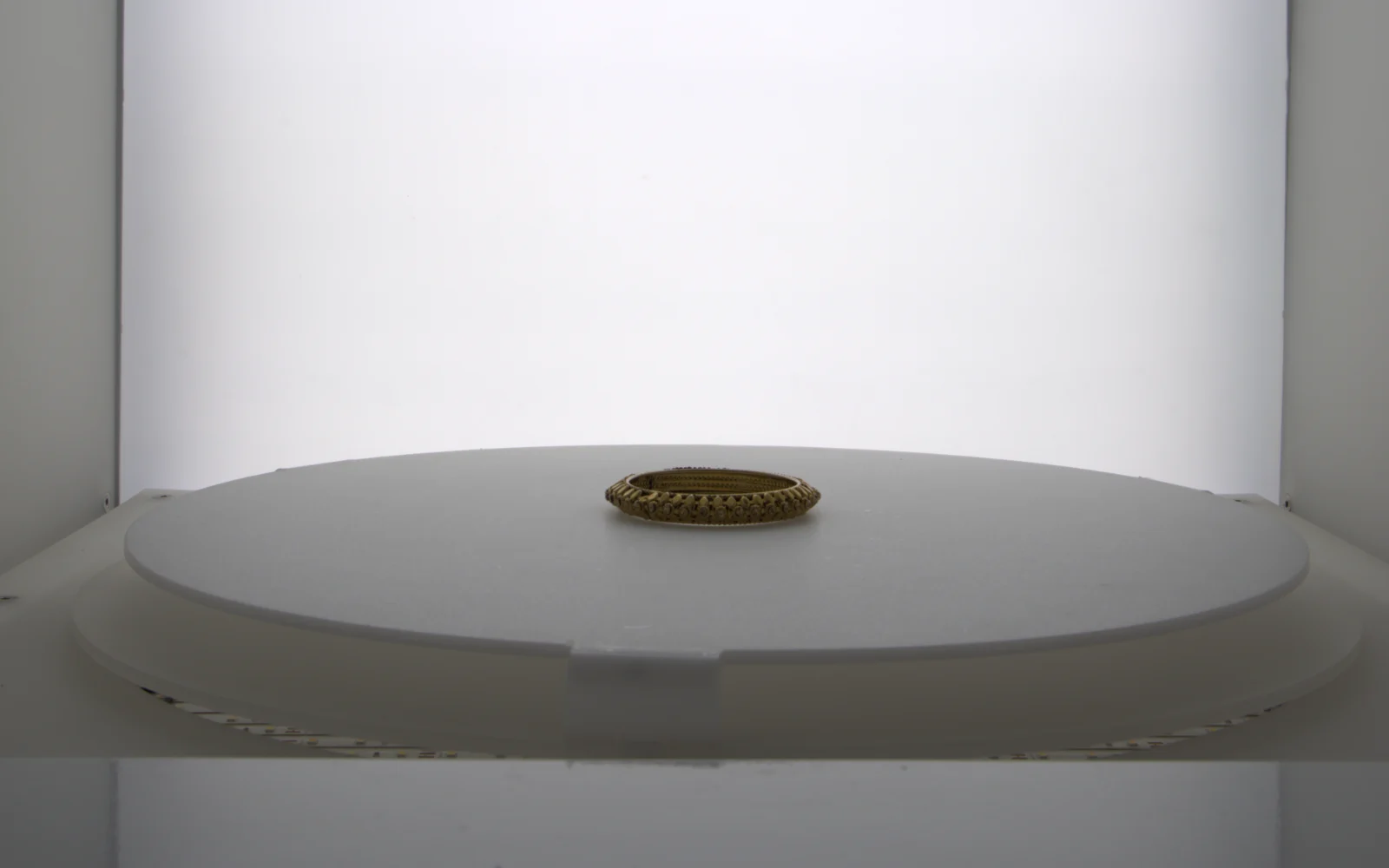
Select a background that complements the product. White backgrounds are widely used for clean e-commerce packshots. Black and dark backgrounds can create a premium look, while coloured or textured backgrounds suit lifestyle and advertising photography.
Keep the background smooth and free from unnecessary distractions.
03
Position the key light
Start with one light about 45 degrees to the side and slightly above the product.
Fit a softbox or diffusion material when you need softer illumination. Take a test photograph and examine the highlights and shadows.
04
Add a reflector or fill light
Place a white reflector on the opposite side to the key light. Move it closer to reduce shadows, or further away to keep more contrast.
If a reflector does not give enough fill, add a second light at a lower intensity.
05
Control the background
Check whether the background is evenly lit. For a white-background product image, adjust the background lighting separately when necessary.
Avoid excessive light spill, which can reduce edge definition or cause unwanted reflections.
06
Adjust camera settings
Use a tripod when practical to keep the framing consistent.
The values below are starting points rather than universal settings: adjust the aperture for depth of field, the shutter speed for exposure and the ISO to manage noise. When using flash, stay within the camera’s flash synchronisation limits.
As a starting point, try:
- ISO 100–200.
- An aperture around f/8–f/11 for many small-product setups.
- A shutter speed suited to your lighting and camera stability.
07
Check colour accuracy
Set a suitable white balance and photograph a grey card or colour reference when accurate colour matters.
This is particularly valuable for gold, silver, gemstones, cosmetics, textiles and other products where customers rely on images to judge colour.
08
Capture test images
Review the photographs at full resolution and check for:
- Harsh or distracting shadows.
- Blown-out highlights.
- Unwanted reflections.
- Dust and fingerprints.
- Incorrect colour balance.
- Uneven backgrounds.
- Loss of detail in dark areas.
Make small adjustments to light distance, angle, brightness and diffusion until the result is right.
6. Best lighting setup for different products
Different materials respond differently to light. A setup that works for a fabric product may not work for a gold ring or a glass bottle.
Swipe sideways to see every column →
| Product category | Recommended lighting approach | Main consideration |
|---|---|---|
| Jewellery | Large diffused sources, reflectors, and black or white cards | Control reflections and preserve metal detail |
| Cosmetics | Softbox lighting with controlled fill | Show packaging, labels and surface finish |
| Electronics | Diffused side lighting and carefully placed accents | Avoid distracting glare on screens |
| Clothing | Large, even light sources | Preserve fabric texture and colour |
| Food | Side or backlighting with soft fill | Emphasise texture and freshness |
| Glass products | Backlighting with side lights and flags | Define transparent edges |
| Shoes and bags | Large softboxes and directional fill | Reveal shape, stitching and material |
| Industrial products | Controlled key light with directional accents | Show construction and functional details |
Use these recommendations as starting points. The best setup varies with product size, surface finish, camera angle and the final image you want.
7. How to photograph jewellery and reflective products
Jewellery photography needs particular attention because gold, silver, gemstones, polished metal and glossy finishes reflect their surroundings.
A common mistake is to point a small, bare light directly at a gold necklace or ring. This can produce tiny, intense highlights, dark patches and reflections of the studio.
Instead, control the size, shape and position of the light sources.
Use large diffused light sources
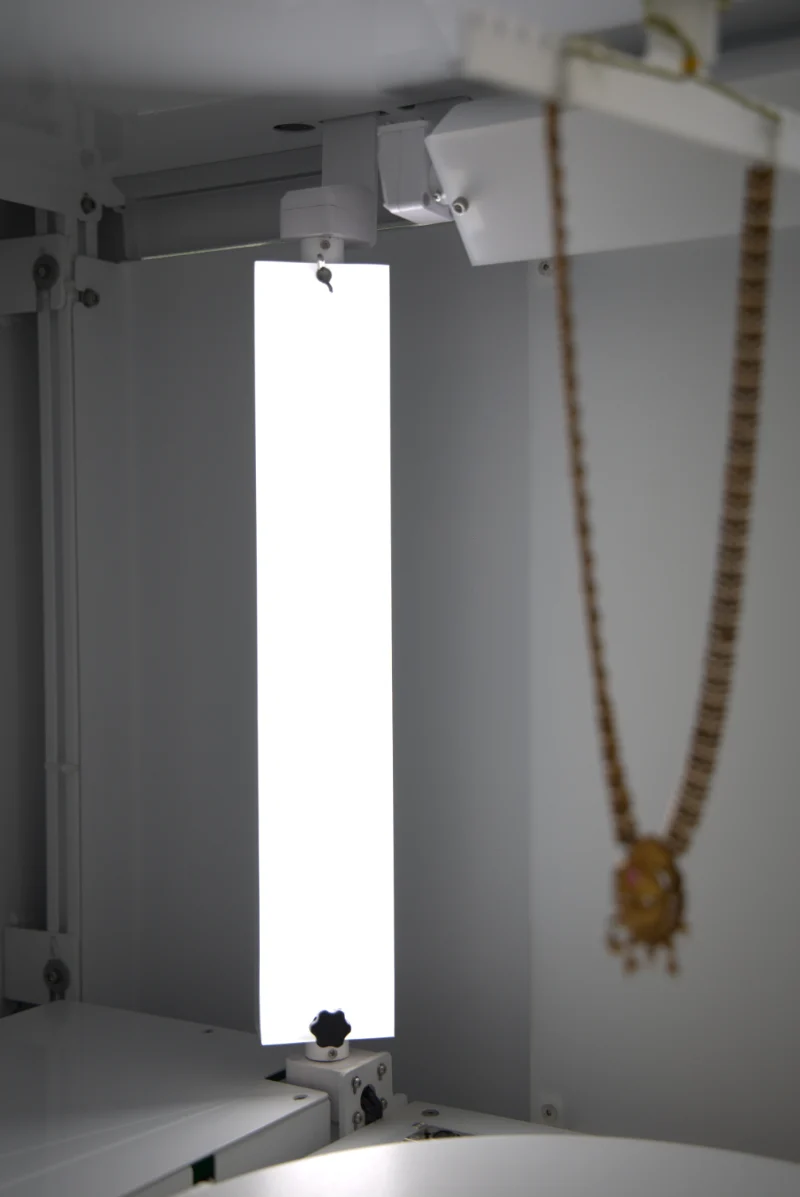
A large softbox or diffusion panel creates broader reflections on polished metal. The reflected shape of the light source becomes part of the jewellery’s appearance.
Move the light and diffuser gradually until the metal shows attractive highlights without losing its contours.
Use white and black cards
White cards help create clean, bright reflections on metal. Black cards can add dark edges that define curved surfaces and separate one part of a piece from another.
The objective is not to eliminate every reflection. It is to make the reflections intentional.
Add a dedicated accent light
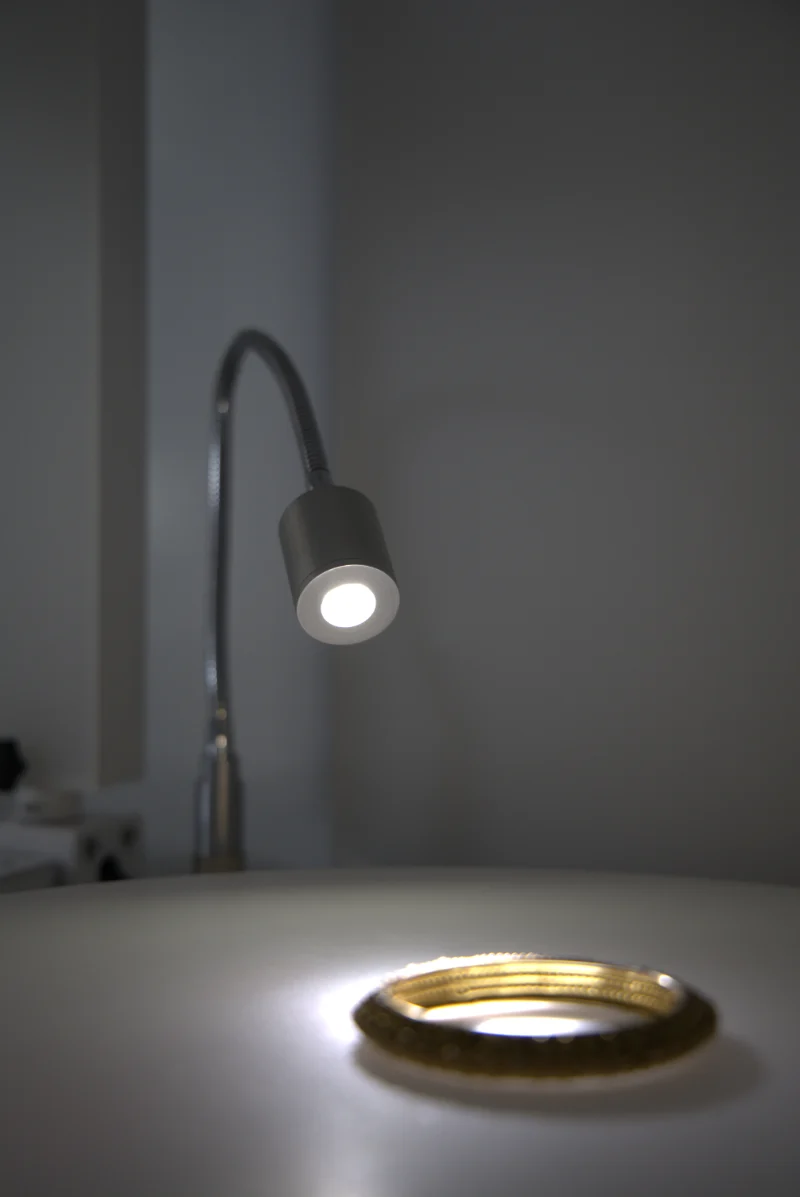
A small, controlled light can help reveal gemstone facets, engraving or fine details.
Keep the accent subtle. Too much brightness can wash out gemstone colour or remove detail from polished surfaces.
Photograph multiple angles
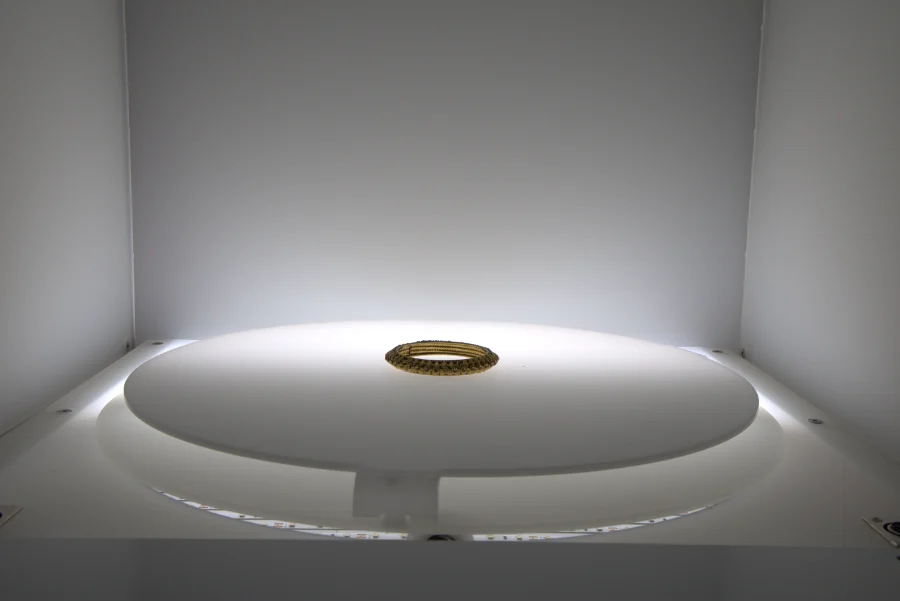
For online jewellery stores, capture front, side, three-quarter and close-up views where appropriate.
A consistent lighting arrangement keeps listings uniform and gives customers a clearer understanding of the design.
Maintain accurate colour
Gold should look natural rather than excessively orange, and silver should keep its detail without turning featureless white.
Use consistent white balance and colour-managed editing. Avoid changing the product’s actual colour or material characteristics during retouching.
8. Natural light vs. artificial light
Both natural and artificial lighting can produce professional product images, but they offer different levels of control.
Swipe sideways to see every column →
| Feature | Natural light | Artificial lighting |
|---|---|---|
| Initial cost | Often low | Needs equipment investment |
| Consistency | Changes with conditions | Easier to reproduce |
| Ease of preview | Usually straightforward | Depends on the type of light |
| Studio control | Limited by the environment | High when properly configured |
| Large catalogues | Can be challenging | Well suited to repeatable workflows |
| Creative flexibility | Depends on available daylight | Supports precise light placement and modification |
Which is better?
Natural light is an excellent starting point for individuals and small businesses. Artificial lighting is generally more suitable when you need consistent images across hundreds or thousands of products.
Many photographers combine both, using natural light for lifestyle photography and controlled studio lighting for standard catalogue images.
9. Common product photography lighting mistakes
Avoid these common problems to improve your product images.
Using direct, harsh light
Bare lights can create strong highlights and dark shadows. Use diffusion when you want a softer look.
Mixing different colour temperatures
Daylight, warm household bulbs and studio lights can produce inconsistent colours. Use compatible light sources and set your white balance carefully.
Ignoring reflections
Glossy packaging, metal and glass reflect the room and the equipment. Use diffusers, flags and carefully placed cards to control what the product reflects.
Overexposing white products
White objects can lose their surface detail against bright backgrounds. Preserve the highlights and use directional light to reveal the product’s shape.
Underlighting dark products
Black products may disappear into dark backgrounds. Add controlled edge lighting or adjust the background contrast.
Changing the setup between shots
Moving lights or the camera without recording the settings makes catalogue consistency difficult. Mark positions and document the setup.
Relying too heavily on editing
Editing can refine exposure and colour, but it cannot always recover detail lost in clipped highlights or deep shadows. Aim to get a good image in camera.
10. How to improve your product photography lighting
Once you have a basic setup, small refinements can make a noticeable difference.
Move the light before increasing its brightness
Changing the light’s distance or angle alters the shape of the highlights and the softness of the shadows. Test these adjustments before adding more equipment.
Keep the light direction consistent
For product catalogues, use a repeatable light direction and camera angle, so products look cohesive when displayed together on an e-commerce website.
Use a grey card for colour reference
A grey card helps set a neutral white balance. For colour-critical work, use an appropriate colour reference and a consistent colour-managed workflow.
Separate the product from the background
A small change in background brightness, product placement or rim lighting can improve separation and edge definition.
Save your studio settings
Record light positions, output levels, camera settings, background placement and colour settings, so you can reproduce the same look when photographing more products later.
11. Why lighting consistency matters for e-commerce
An online catalogue may contain hundreds or thousands of products. If every image has a different background tone, shadow direction or colour balance, the website can look inconsistent.
A repeatable lighting setup helps businesses keep visual quality consistent across product categories and photography sessions.
For larger catalogues, standardised studio arrangements and automated photography equipment can reduce repeated manual adjustments. Depending on the system, automation may support repeatable camera positioning, controlled lighting, background removal, image processing and batch capture.
For jewellery businesses, this can be especially useful when photographing many variations of rings, earrings, bangles, necklaces and other accessories.
Automation does not remove the need for good lighting design. Instead, it helps reproduce a lighting arrangement that has already been developed and tested.
The lights inside the EasyCLIQ X3
The EasyCLIQ X3 builds a repeatable lighting setup in: ten lights in five pairs (two each of key, rim, background fill, bottom turntable and spot lights), each independently controllable from 3000K warm white to 6000K cool daylight, with 90+ CRI LEDs.
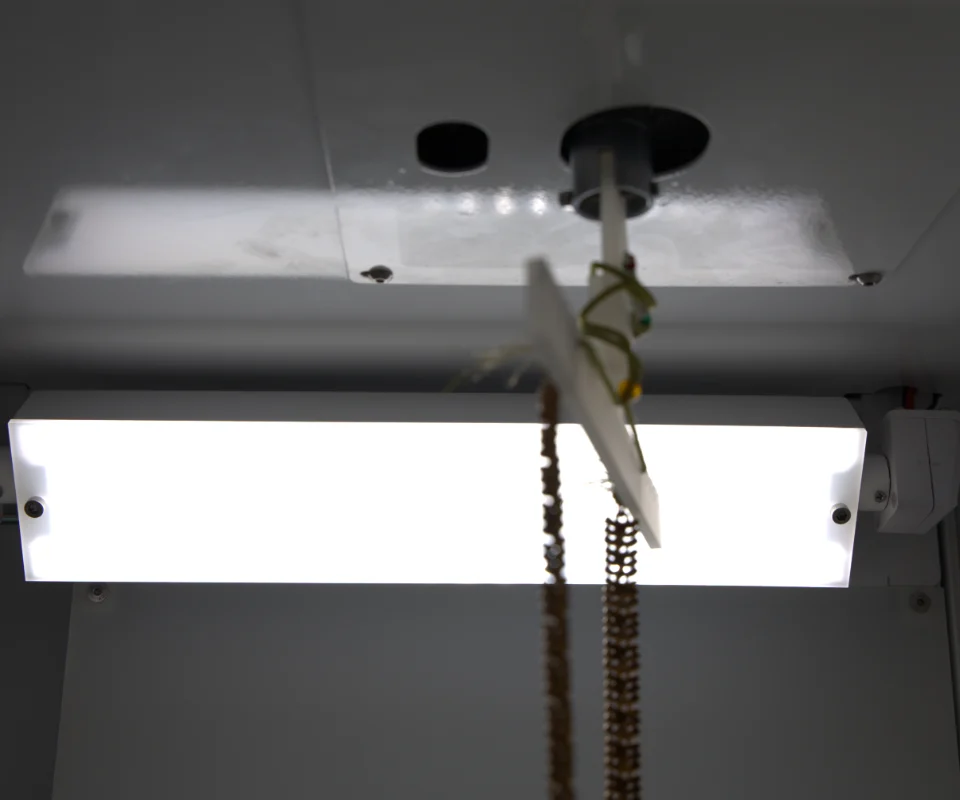
Key lights
The main light: wide diffused panels above the product.
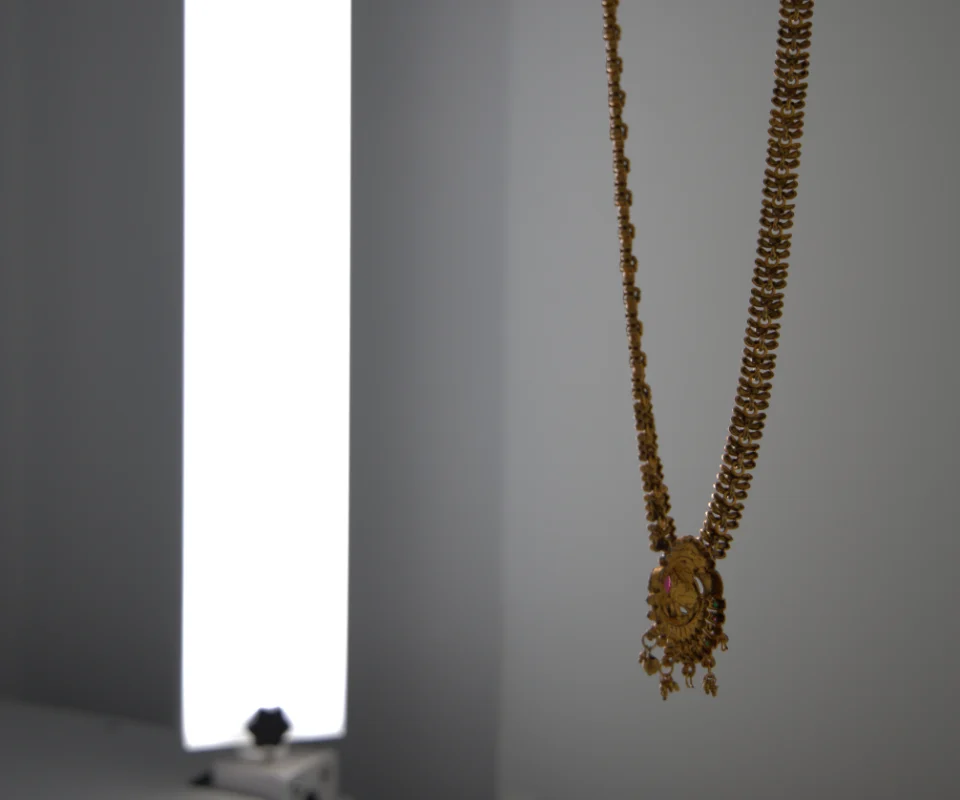
Rim lights
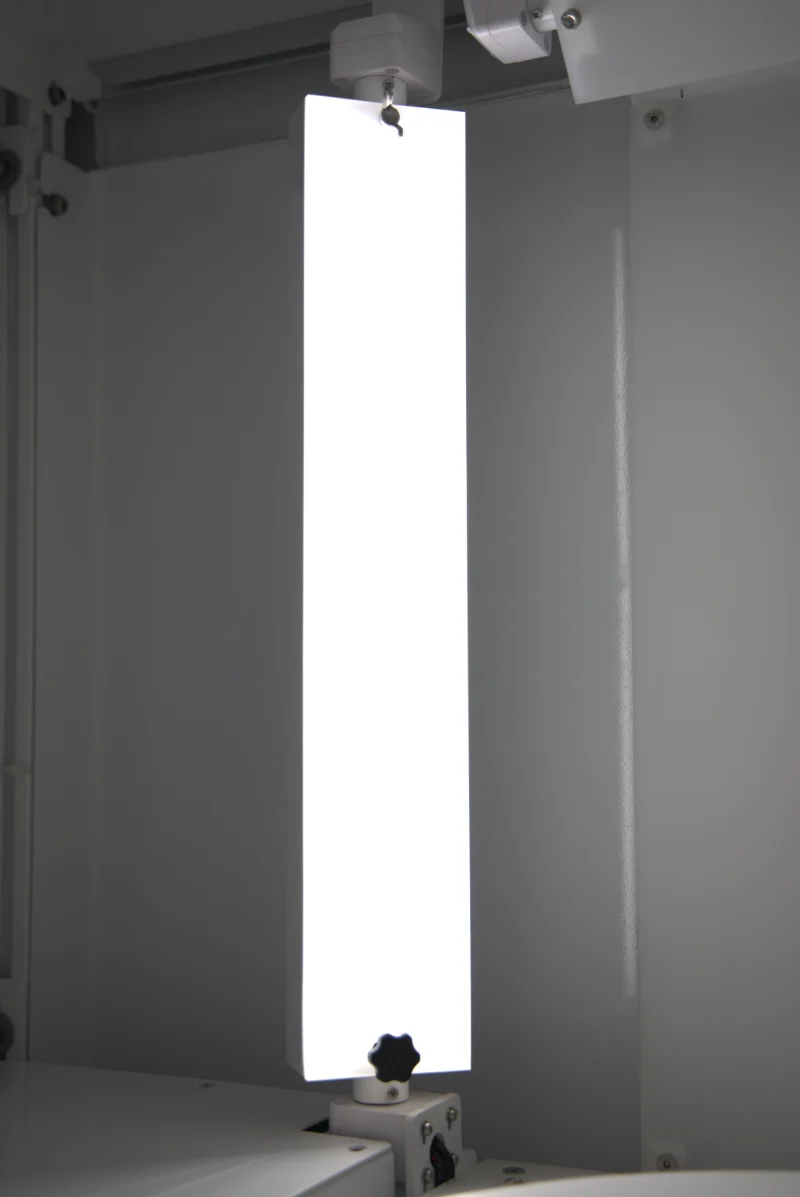
Tall diffused panels at the sides, which outline the product and add highlights along metal edges.
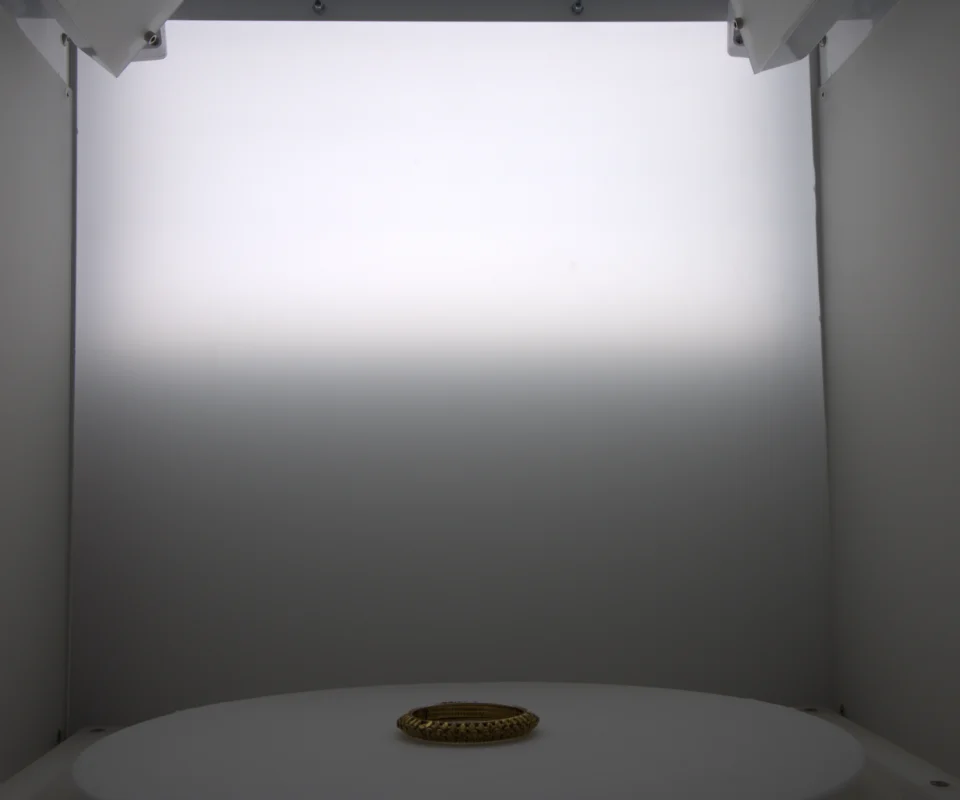
Back door lights (background fill)
Panels in the rear door that light the backdrop evenly or as a soft gradient, separating the product from it.
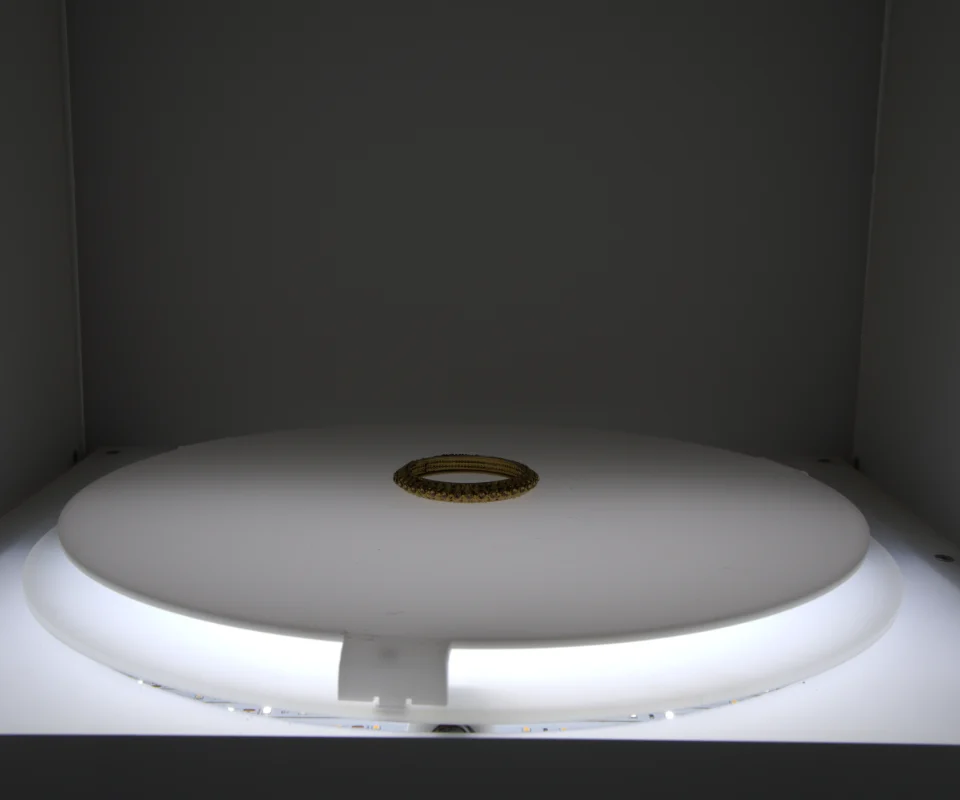
Bottom turntable lights
Light the turntable from below, removing the shadows under the product for a floating, professional look.
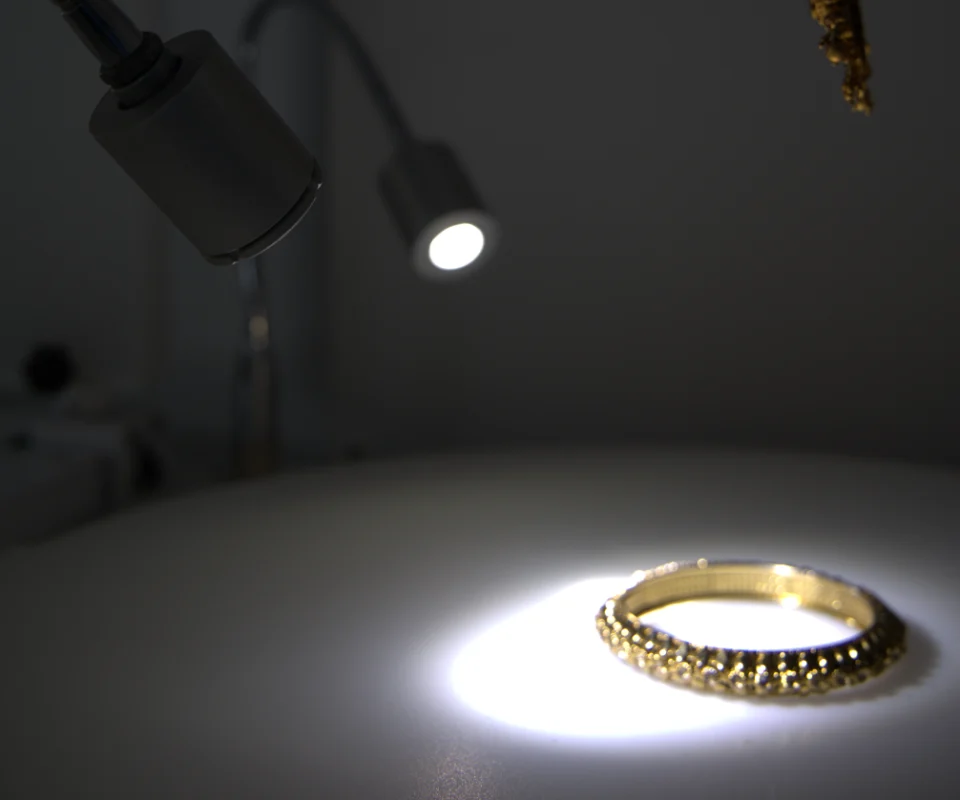
Focus lights (spot lights)
Small lights on flexible arms that pick out stones, engraving and fine detail.
12. Frequently asked questions
What is the best lighting for product photography?
Large diffused light sources are a versatile starting point for many products. A softbox, an LED light and a reflector can create attractive illumination with manageable shadows. Reflective products such as jewellery and glass may need additional cards, flags and carefully controlled highlights.
How many lights do I need for product photography?
One light and a reflector are enough for many simple product images. Two lights give more control over the product and background, while three or more help with complex surfaces, dramatic effects or larger products.
Is LED lighting good for product photography?
Yes. Continuous LED lighting lets you preview shadows and reflections before taking a photograph. Choose a suitable brightness, stable colour output and compatible diffusion accessories for your subject.
What colour temperature is best for product photography?
A daylight-balanced setting of around 5,000–5,600 K is a common starting point for studio photography. However, consistent colour quality and correct white balance matter more than choosing one specific temperature for every situation.
How do I avoid harsh shadows in product photography?
Use a larger diffused light source, move the light closer when appropriate, and add a white reflector on the shadow side. The best adjustment depends on the size of the product and the shadow you want to keep.
Is a lightbox necessary for product photography?
No. A lightbox is useful for many small products, but a softbox, diffusion panel and reflector can also create professional results. Highly reflective objects may need a more flexible arrangement.
What is the best lighting setup for jewellery photography?
Start with a large diffused light source, a white reflector and black cards to control reflections. Adjust the lighting to show the metal’s contours and gemstone details while keeping colour accurate.
Can I use natural light for e-commerce product photography?
Yes. Natural light can produce excellent images, particularly for small collections and lifestyle shoots. For large catalogues that need a consistent look across many sessions, controlled artificial lighting is usually easier to reproduce.
How can I make my product photos look professional?
Clean the product, choose a suitable background, diffuse harsh light, control reflections, use a tripod, keep colour accurate and review images at full resolution. Consistent lighting and composition are essential for catalogue photography.
Conclusion
Choosing the best lighting for product photography in 2026 does not necessarily mean buying the most expensive equipment. It means understanding how light interacts with your product and choosing the right combination of light sources, diffusers, reflectors and positions.
For beginners, a continuous LED light, a softbox, a reflector and a tripod are a practical starting point. For jewellery and reflective products, extra attention to reflections, colour accuracy and highlight control is essential.
Businesses producing large e-commerce catalogues can benefit from repeatable studio setups and automated photography workflows that keep images consistent as production grows.
Start with a simple setup, test your lighting carefully, and refine it for the material and appearance of each product. With the right approach, you can create clearer, more attractive product images that present your products professionally across your online store.