Discover how automated product photography improves e-commerce visuals. Explore photography tools, 360-degree imaging, key benefits, and techniques for creating professional product images.
1. The growing need for better e-commerce product images
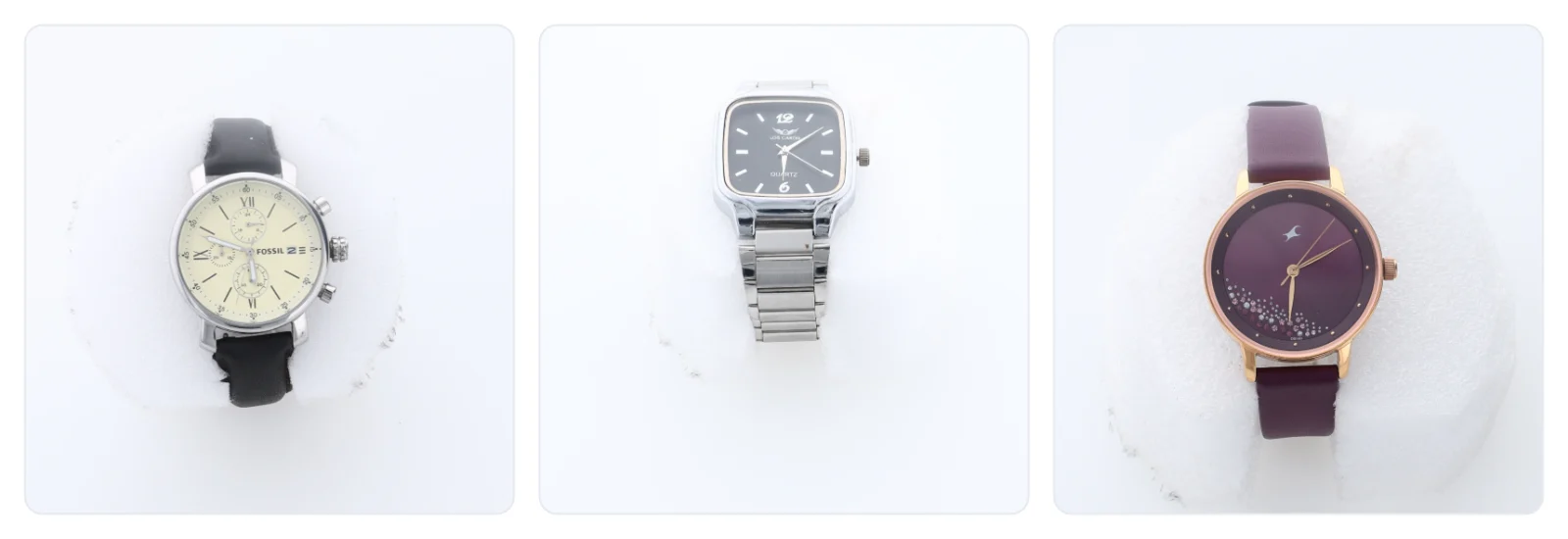
Online shopping has changed the way customers discover and evaluate products. Before placing an order, shoppers often examine product photographs to understand the item’s design, material, dimensions, colour and finish.
For e-commerce businesses, these images do more than decorate a product page. They help communicate product information, establish a professional appearance and make browsing easier.
However, producing a large collection of high-quality images can be challenging. Each product may need multiple views, careful lighting, background adjustments and image editing before it is ready for publication.
This is where product photography automation becomes useful. By introducing repeatable equipment settings and software-assisted capture, businesses can simplify routine photography tasks and create a more organised production process.
2. What makes product photography automation different?
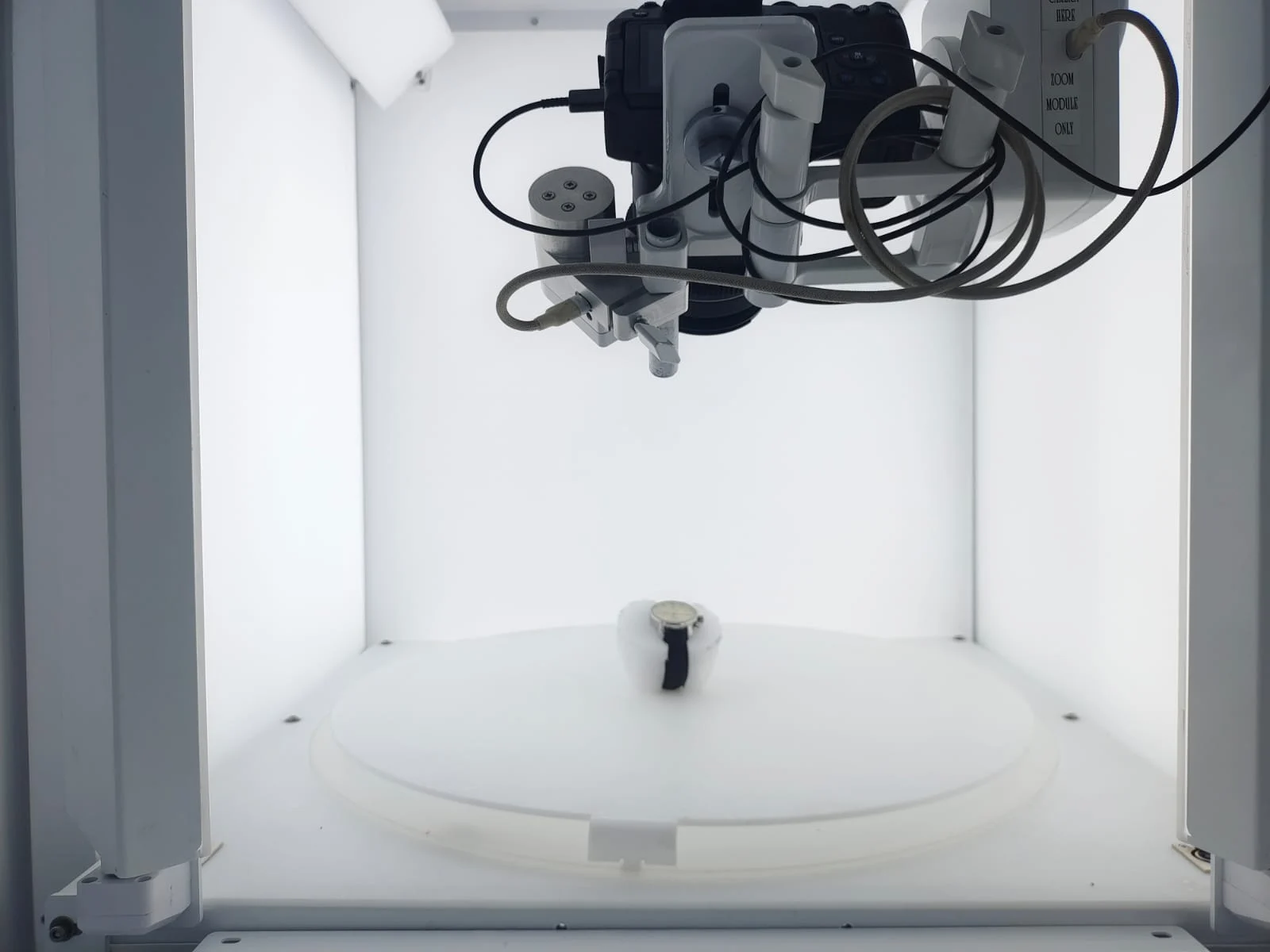
Product photography automation uses technology to simplify selected stages of photographing products. Depending on the system, it can assist with camera operation, lighting control, product rotation, image processing and file preparation.
In a conventional setup, an operator may need to reposition the camera, adjust the lighting, capture each view and process the resulting photographs by hand.
An automated setup can standardise many of these steps. Once the required settings are configured, compatible equipment can repeat the capture process for similar products.
The goal is not simply to take photographs faster. It is to establish a repeatable method for producing images that meet the same quality and presentation standards.
Businesses can adopt automation gradually, beginning with camera-control software or a motorised turntable before investing in a more integrated photography system.
3. The technology behind automated photography
Several technologies work together to make automated product imaging possible.
Camera control
Compatible software can trigger a camera and reuse predefined capture settings. This reduces repetitive manual adjustments and supports consistent framing.
Controlled lighting
Dedicated lighting arrangements help maintain predictable exposure and manage shadows, highlights and reflections. This is especially important when photographing shiny or textured surfaces.
Motorised product rotation
A motorised platform can rotate products through repeatable positions. When synchronised with the camera, it supports multi-angle photography and 360-degree image sequences.
Automated image processing
Software can assist with cropping, background removal, resizing and selected image corrections. AI-assisted tools can further reduce some repetitive editing tasks.
Digital asset management
Organised file naming, export presets and catalogue workflows help teams connect finished images with the correct products in their inventory systems.
4. Five ways automation improves online product presentation
More predictable image production
Standardised capture settings help businesses reproduce similar results across product batches. This is useful when adding new inventory or updating existing listings.
A more professional storefront
Consistent image dimensions, backgrounds and framing make category pages look more organised. Customers can compare products more easily when photographs follow a coherent visual style.
Better use of staff time
Reducing repetitive photography tasks lets employees spend more time preparing products, reviewing image quality, maintaining catalogues and managing other business activities.
Easier catalogue expansion
A repeatable process helps businesses manage growing numbers of product photographs without rebuilding the entire workflow for every new item.
Greater control over content
Businesses that photograph products in-house can coordinate image production with inventory arrivals, product launches, promotional campaigns and website updates.
The overall benefits depend on product volume, equipment capabilities and how effectively the photography process is managed.
5. From static images to interactive product experiences
Traditional product photographs provide a fixed viewpoint. Although several separate images can show different sides of an item, customers may still find it difficult to understand its complete shape. Interactive product imaging provides another option.
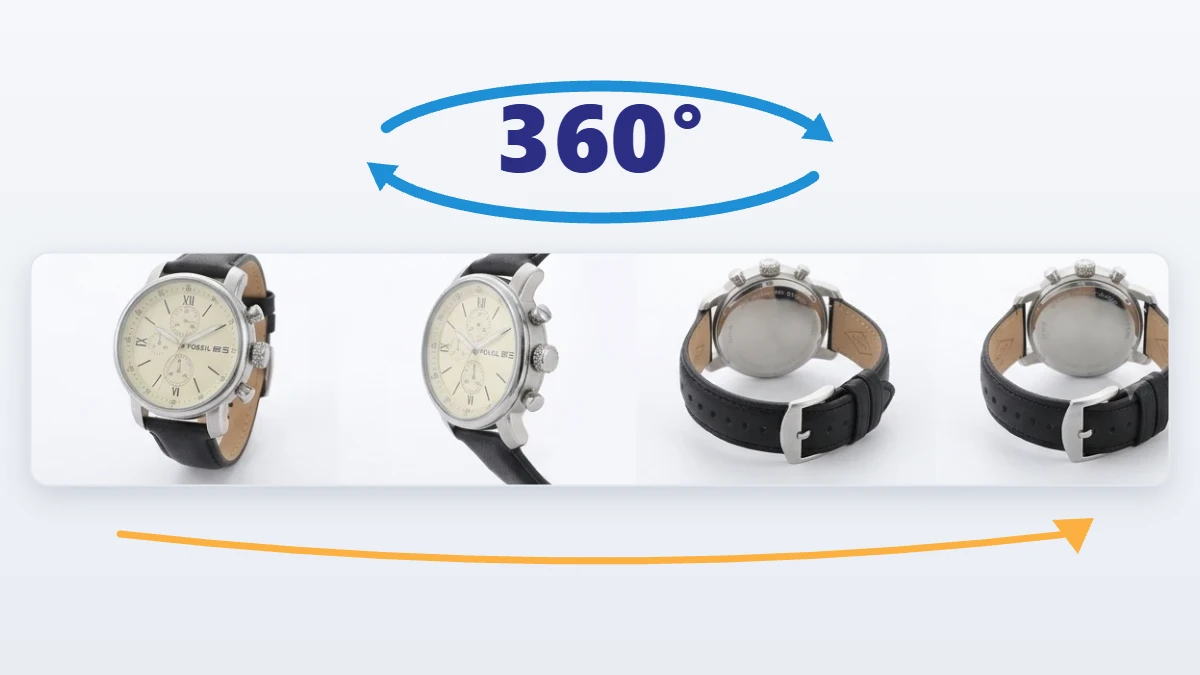
360-degree product photography
Multiple images are captured as a product rotates through a series of angles. The sequence can be displayed in a compatible viewer, so customers can rotate the product on screen. It is especially useful for rings, watches, footwear, handbags, electronic accessories and decorative products.
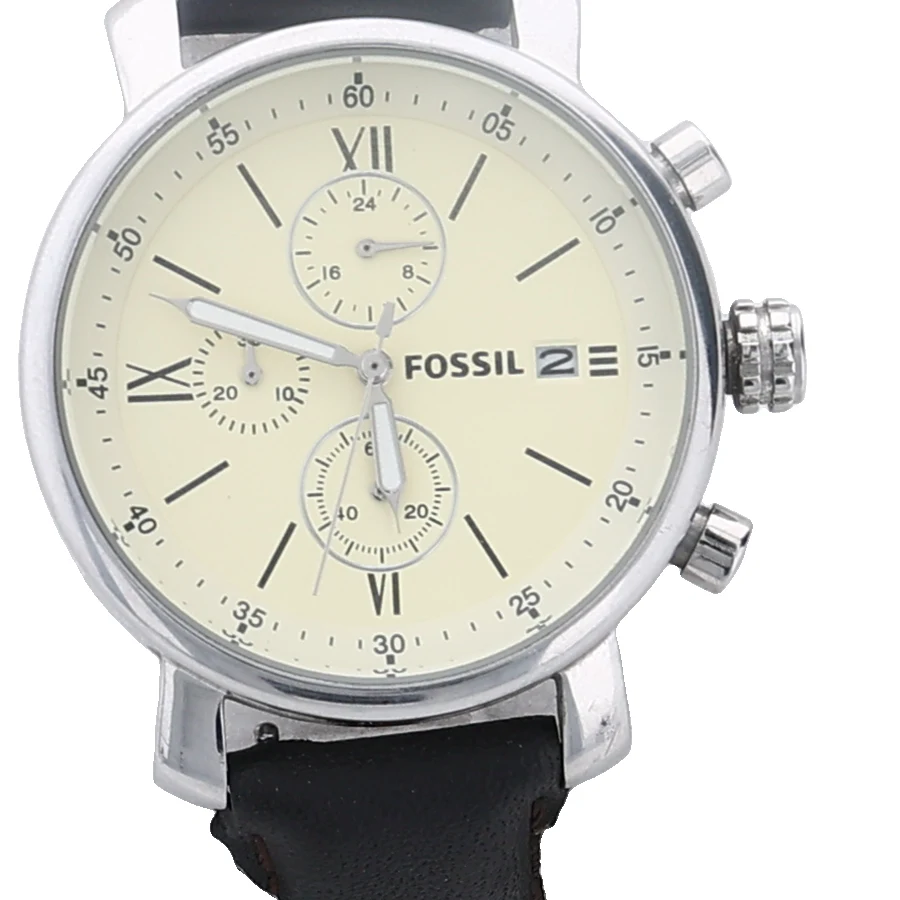
Close-up detail photography
Close-up images reveal features that may be hard to see in standard product photographs, such as surface patterns, stitching, engravings, gemstone settings and material textures.
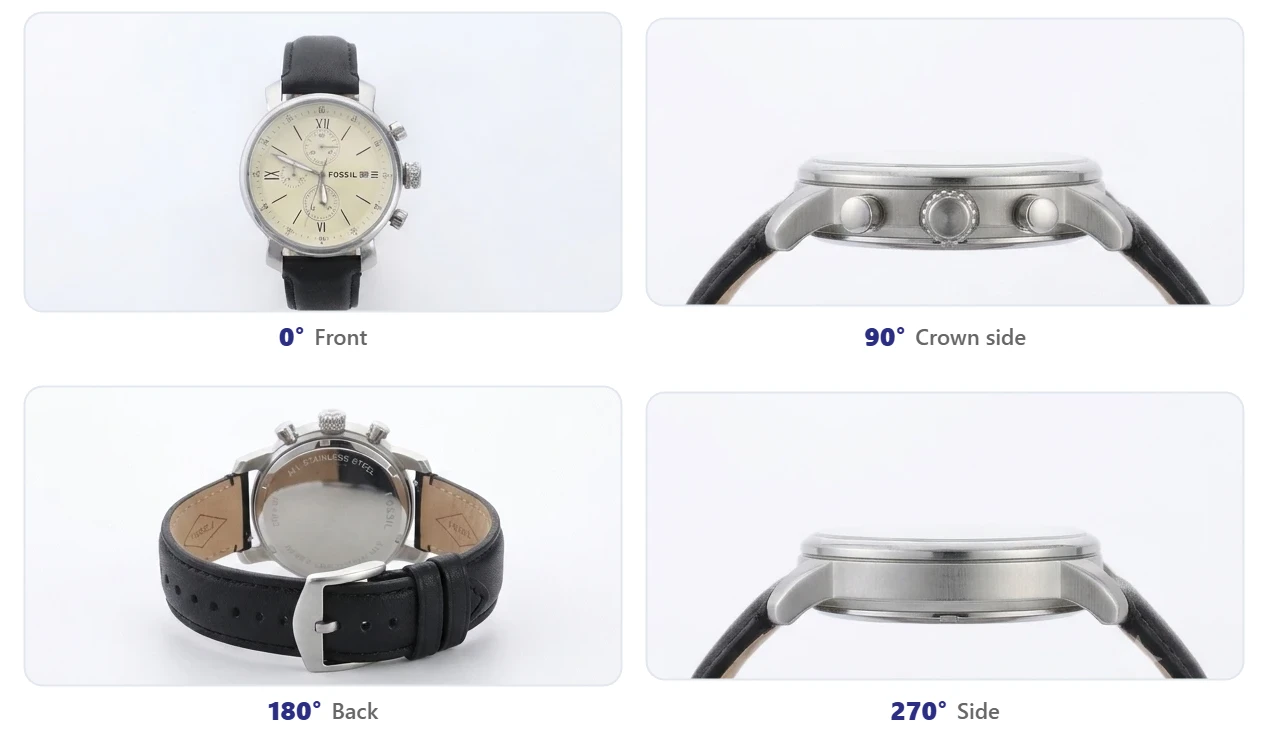
Multiple product views
Front, rear, side and top views give additional information about a product’s construction and appearance.
For businesses selling visually detailed products, combining standard images with interactive or close-up views can create a more informative online shopping experience.
6. Choosing the right photography equipment
The right equipment depends on the size, material and complexity of the products being photographed.
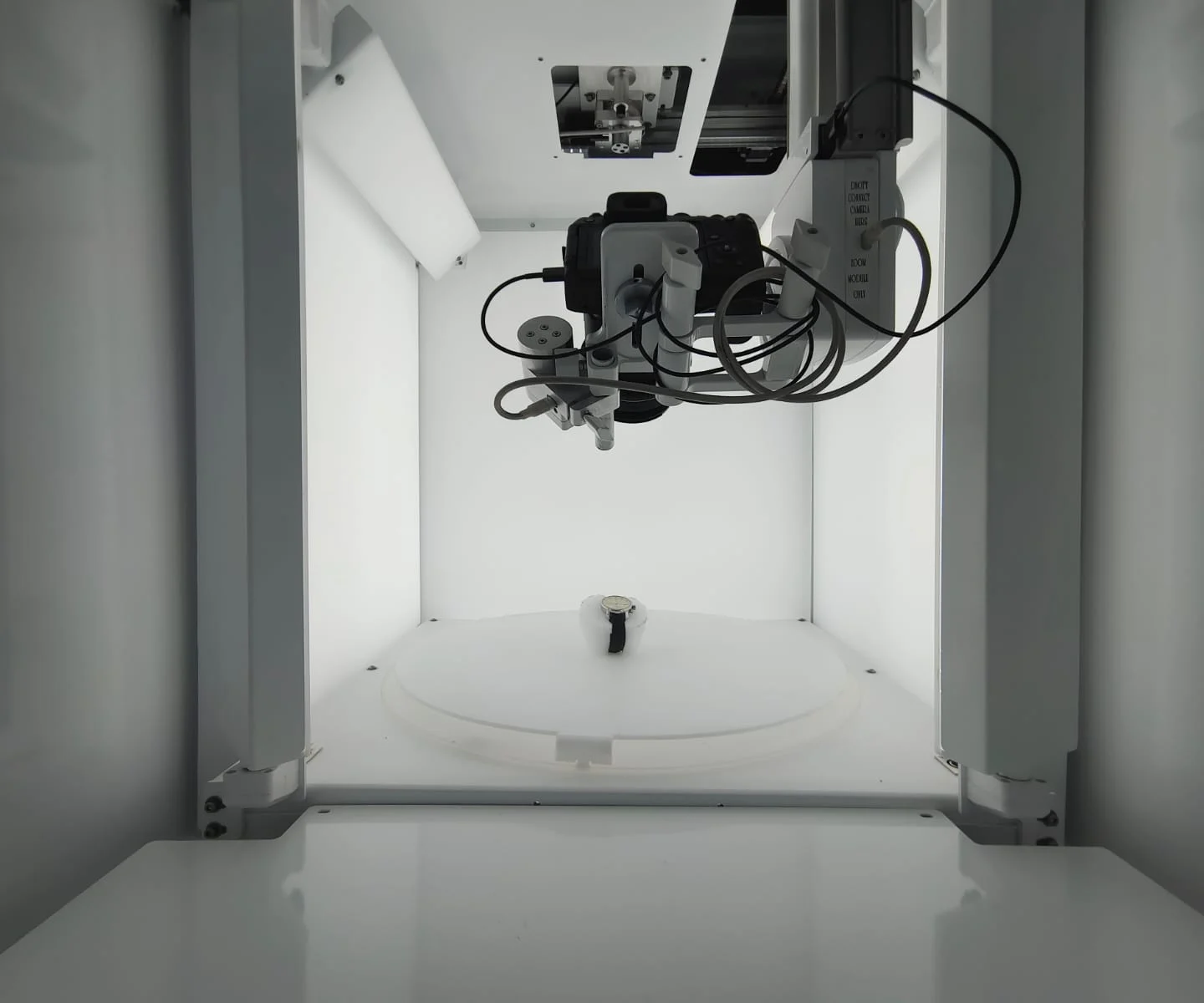
Automated product photography machine
An integrated machine can combine selected hardware and software functions into a single photography station. Depending on the model, it may provide automated capture, controlled lighting, rotation and image-processing support. Before buying, check the supported product dimensions, camera compatibility, available software features and expected production capacity.
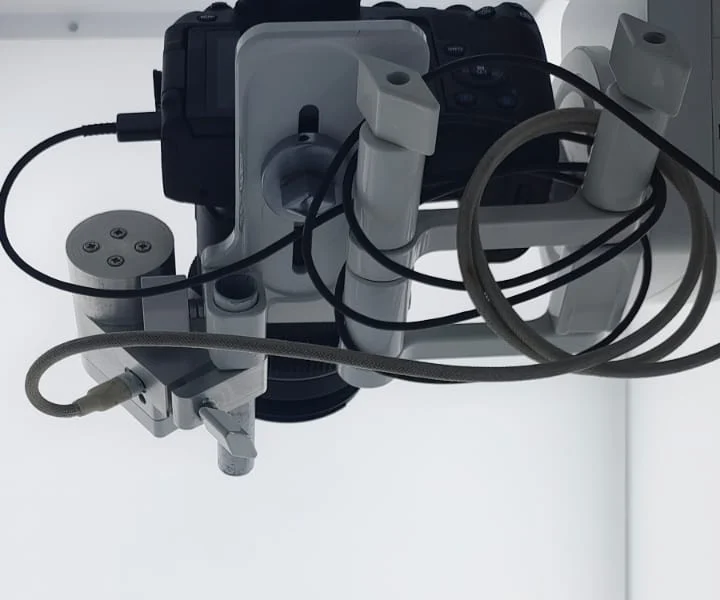
Camera and lens
A DSLR or mirrorless camera can provide high-resolution images when paired with an appropriate lens. Small products, including jewellery and gemstones, often benefit from macro lenses that capture fine details clearly.
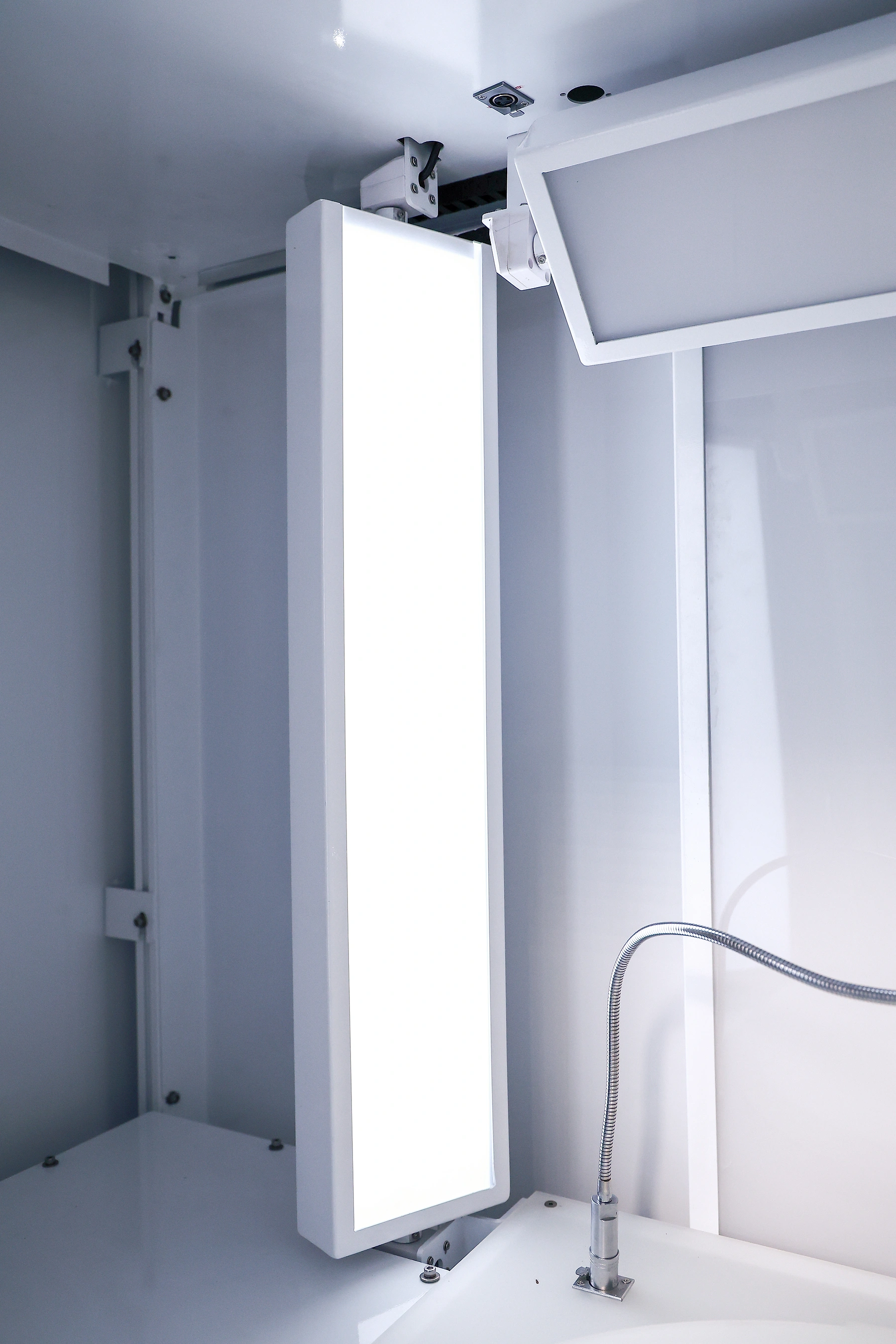
Lighting setup
Softboxes, diffusers, reflectors and adjustable lights help manage reflections and shadows. Reflective jewellery generally needs more careful lighting than matte products.
Turntable and mounting accessories
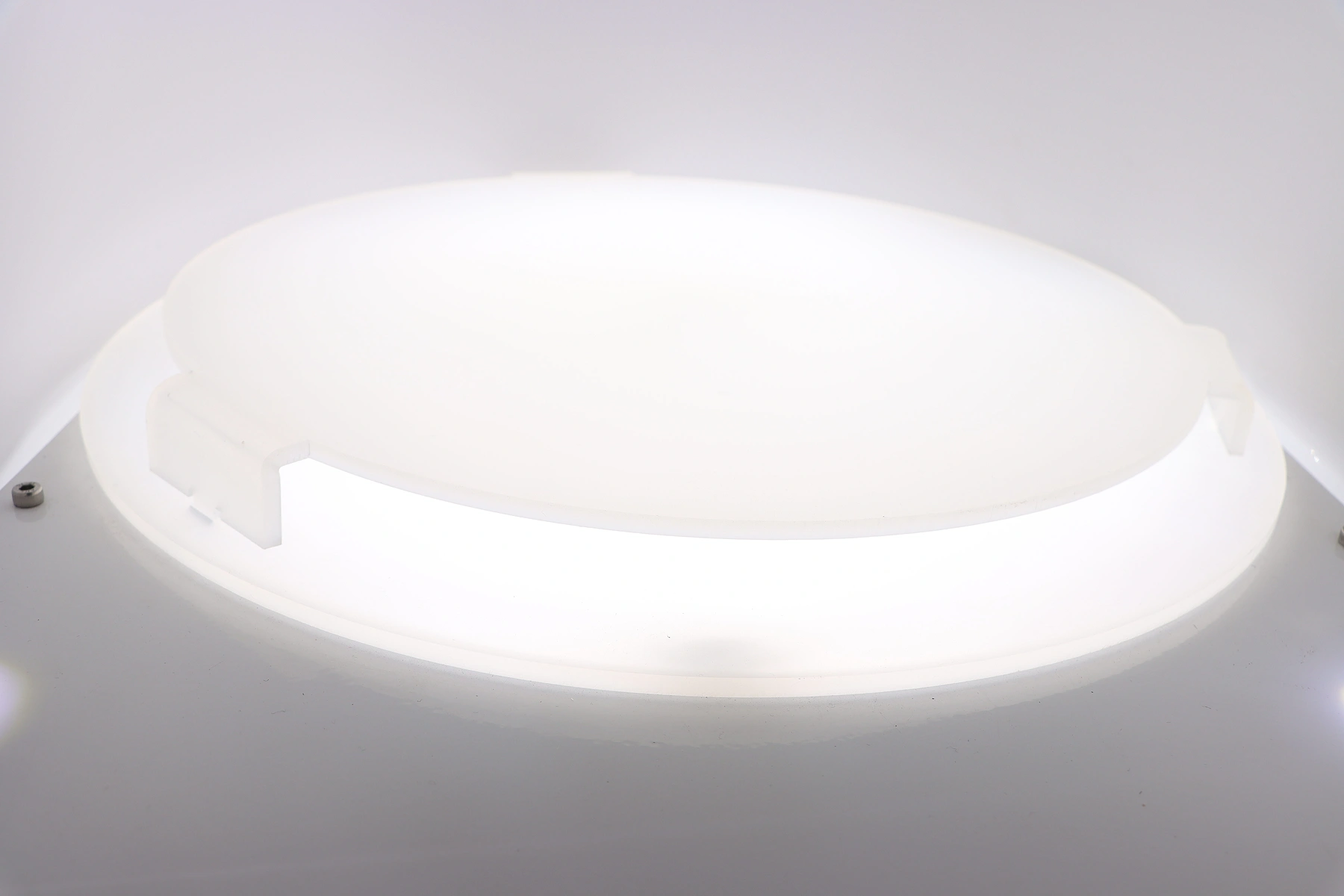
A stable turntable is useful for rotational photography. Camera mounts, product supports and positioning accessories help keep capture conditions repeatable.
Editing and export software
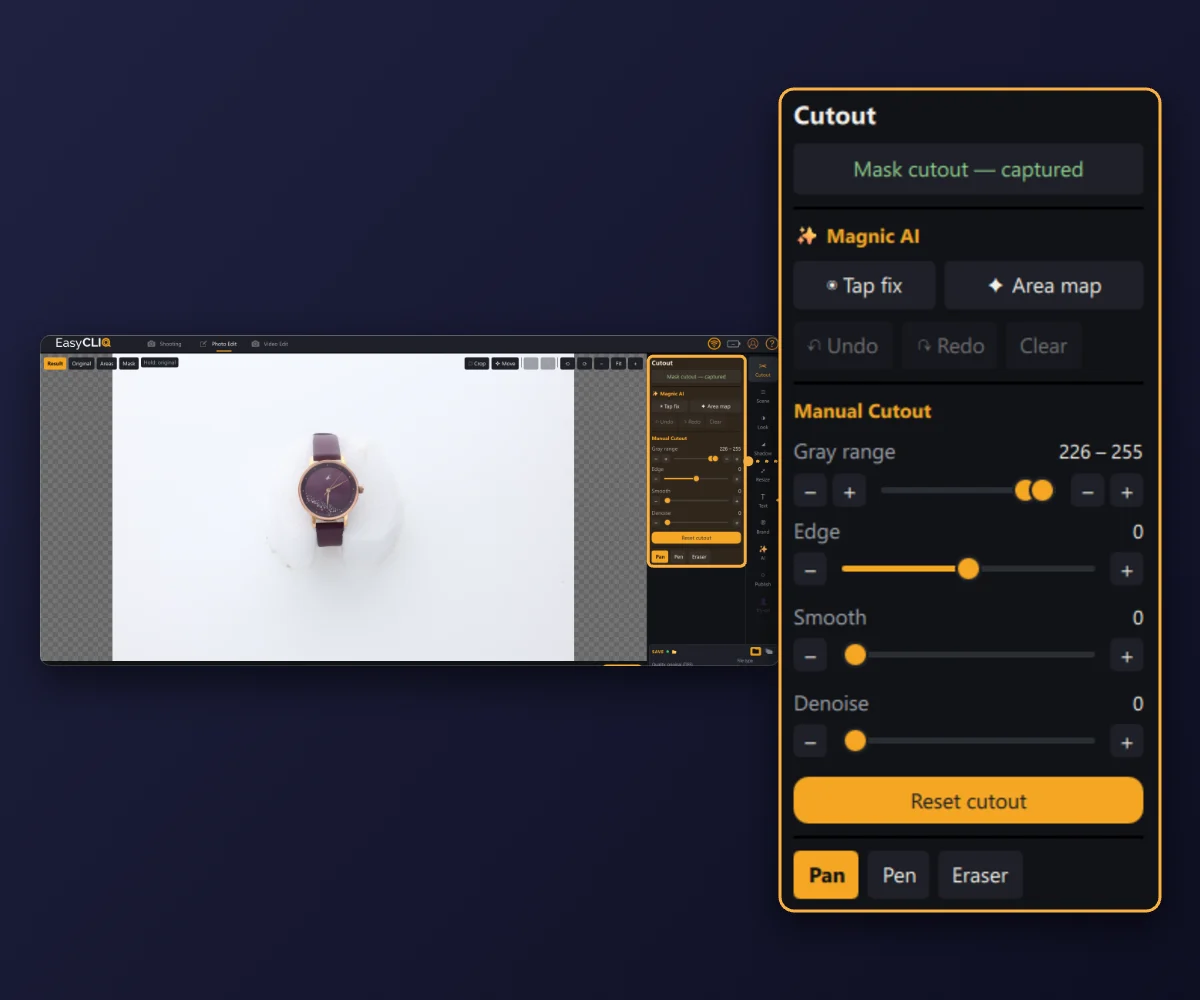
Image-processing applications prepare photographs for online publication. Look for workflows that support the image formats, dimensions, file naming conventions and e-commerce platform you use.
7. Photography techniques for different product categories
Different products need different photography approaches. A single preset may not work equally well for every material or shape.
Jewellery and precious accessories
Gold, silver, diamonds and gemstones can produce complex reflections. Use diffused lighting, suitable macro lenses and carefully controlled camera angles to reveal detail without losing the natural appearance. For rings and bangles, rotational photography can show the design all the way round.
Electronics and gadgets
Clean backgrounds, controlled highlights and consistent front and side views work well. Photograph ports, buttons, connectors and other functional details clearly.
Fashion accessories
Handbags, wallets, belts and shoes benefit from multiple angles that show proportions, texture, stitching and construction.
Home and lifestyle products
Kitchen accessories, decorative objects and household products may need larger backgrounds and more space around the subject. Presets should allow for different product sizes.
Industrial components
Manufacturers and distributors can use standardised images to show tools, parts, components and equipment accessories. Consistent framing helps customers identify products in digital catalogues.
8. How to build an efficient product imaging workflow
A successful photography workflow combines suitable equipment with clear operating procedures.
01
Categorise your inventory
Group products by size, material, shape and photography requirements. Create separate workflows where products need different lighting or lenses.
02
Define image standards
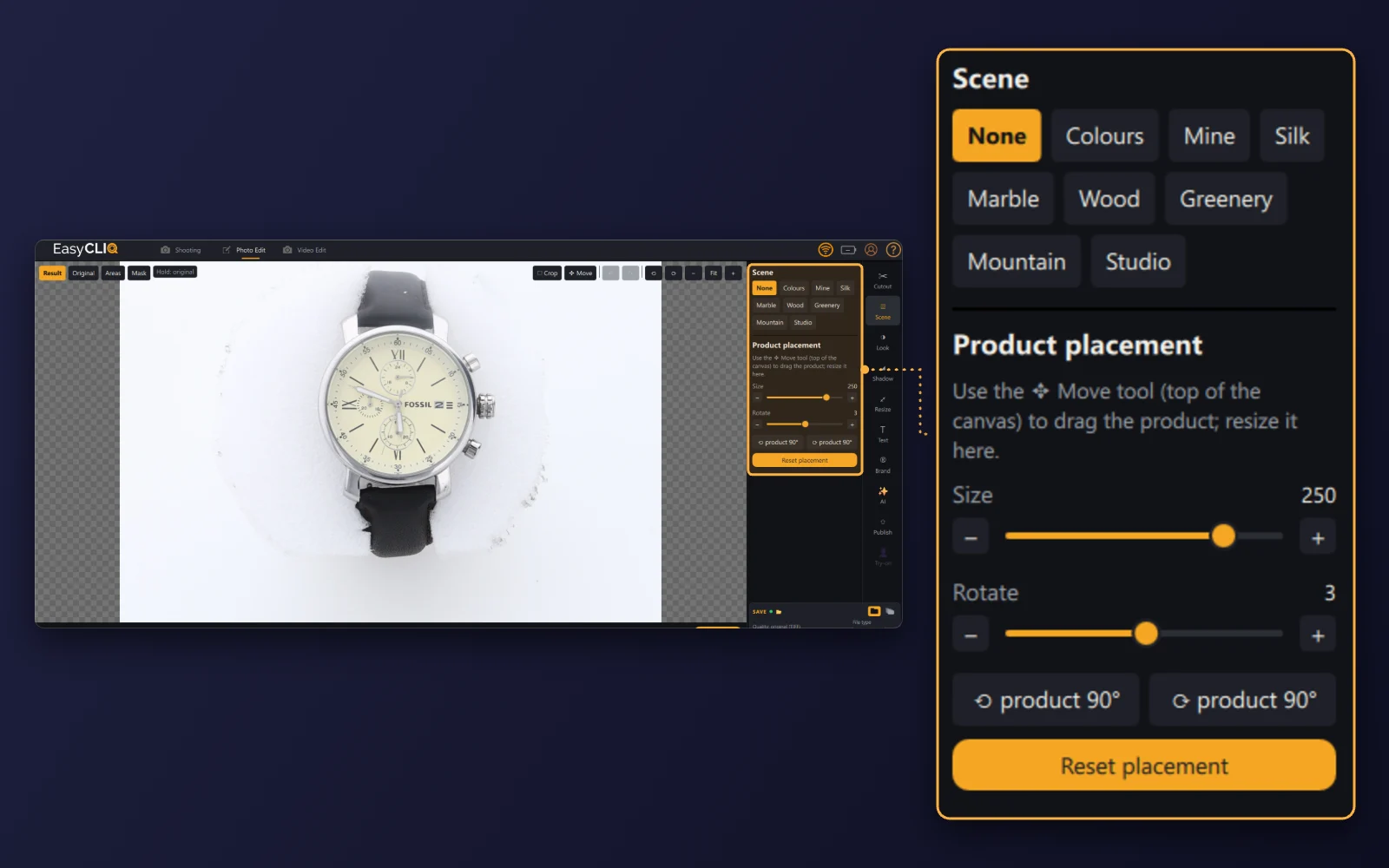
Decide which views each product needs, along with the preferred background, image dimensions and naming conventions.
03
Prepare the photography station
Position the camera, configure the lighting, and choose the right lens and product support. Keep the setup clean and stable.
04
Configure capture settings
Set suitable exposure, focus and white balance. Save presets for product groups where appropriate.
05
Capture product images
Photograph the required views using manual or automated capture. For 360-degree images, keep rotation intervals and product positioning consistent.
06
Process and inspect
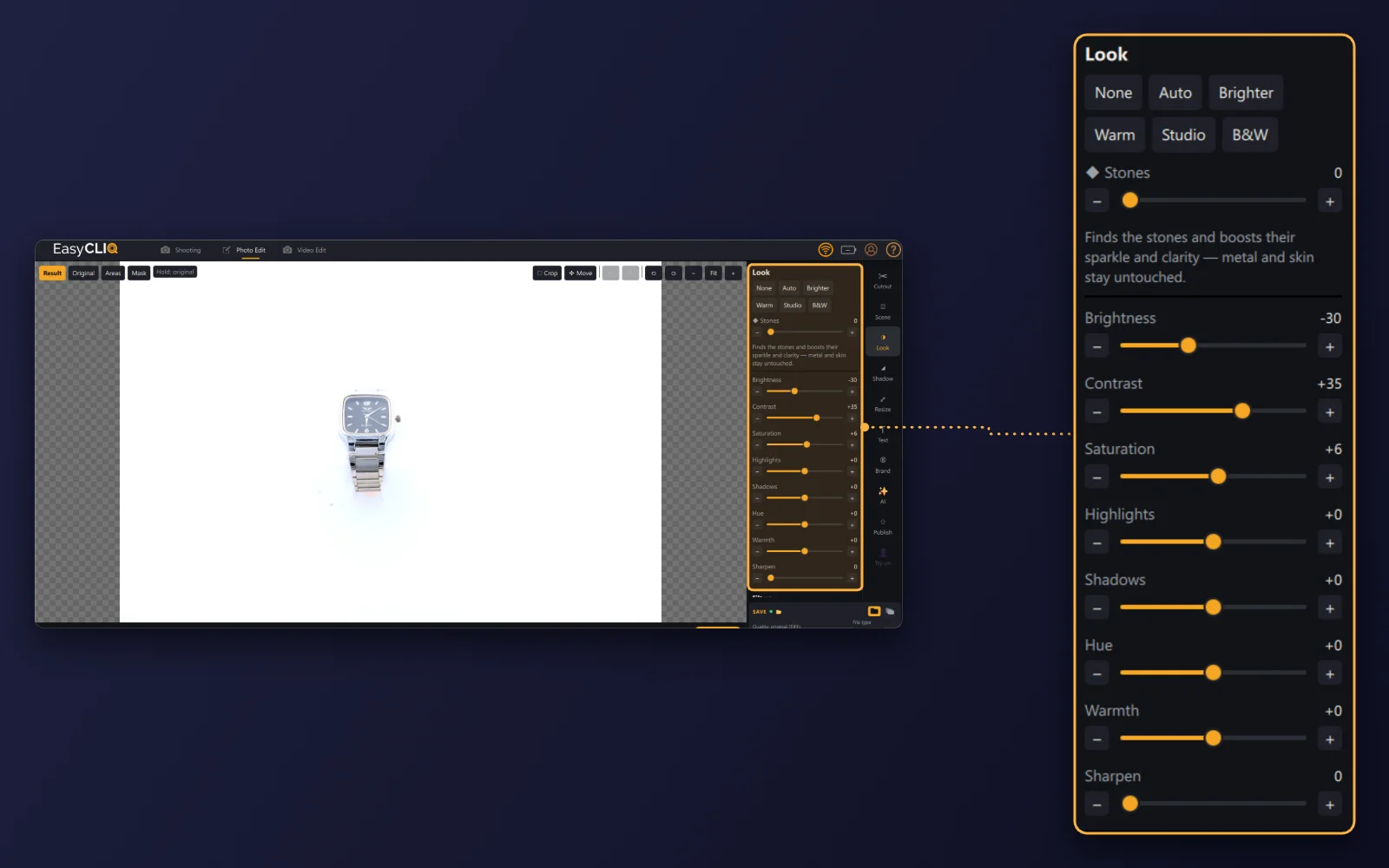
Apply appropriate edits, then review the images for sharpness, colour accuracy, reflections and unwanted artefacts.
07
Organise the final files
Use descriptive filenames and a consistent folder structure. Make sure each image is linked to the correct product identifier.
08
Publish to your store
Upload optimised images and check that they display correctly on product pages, category listings and mobile screens.
This structured approach helps businesses maintain image quality while reducing avoidable rework.
9. Mistakes to avoid when automating photography
Automation can improve consistency, but poor setup decisions can still produce disappointing results.
Using the same lighting for every material
Reflective metal, glass, fabric and matte plastic behave differently under light. Adjust the setup to suit the product.
Ignoring colour accuracy
Excessive image correction can make products look different from their real appearance. Review colour and white balance before publishing.
Over-compressing images
Small files can improve page performance, but excessive compression can reduce fine detail and make product photographs look blurry.
Skipping quality checks
Automated capture does not guarantee that every photograph is sharp, correctly framed or free of reflections.
Choosing equipment without assessing capacity
A photography system must accommodate the actual dimensions, weight and variety of the products being photographed.
Automating an inefficient process
Before investing in advanced equipment, set clear image requirements and remove unnecessary steps from the existing workflow.
10. Is photography automation right for your business?
Product photography automation is worth considering if your business regularly creates product images and needs a more consistent production process.
It may be particularly useful for:
- E-commerce stores with frequently changing inventory.
- Jewellery retailers managing large product collections.
- Manufacturers preparing digital product catalogues.
- Wholesalers supplying images to multiple sales channels.
- Businesses creating multi-angle or 360-degree product views.
- Teams spending substantial time on repetitive image capture and editing.
Businesses with only a few products may be able to reach their goals with a basic camera and lighting setup. A fully automated system is more likely to make sense when repeated photography tasks create a significant operational burden.
Evaluate the initial equipment cost, ongoing expenses, expected production volume and likely time savings before making a purchasing decision.
11. The future of product photography
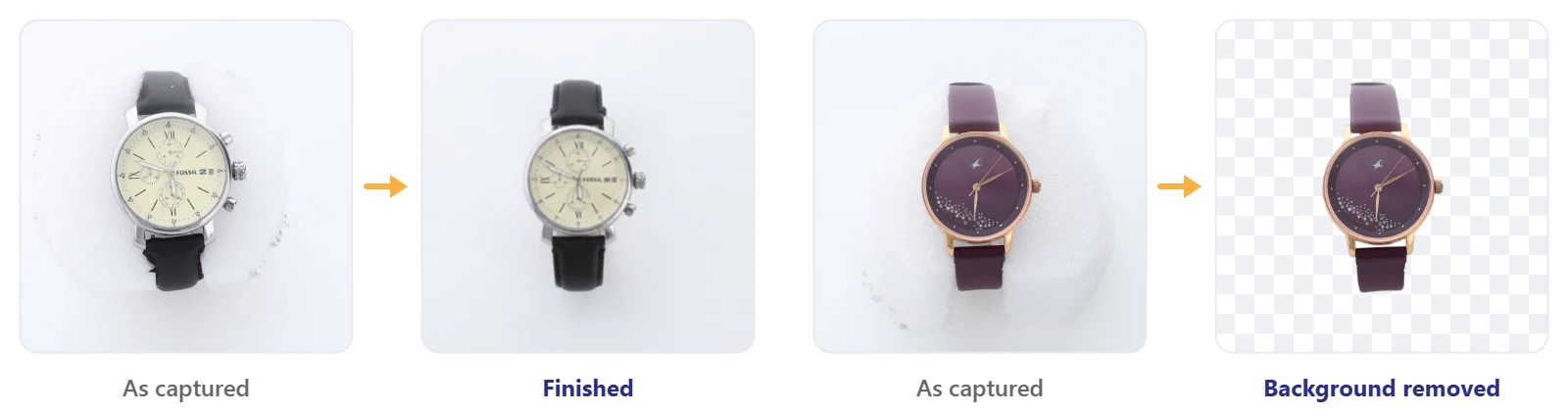
Product imaging continues to evolve through improvements in camera control, image-processing software, AI-assisted editing and interactive shopping technology.
These developments can help businesses simplify repetitive tasks and create more informative digital product experiences.
AI tools may assist with background separation, image clean-up and workflow organisation. Automated rotation systems can support interactive product views, while better asset-management processes make it easier to distribute images across multiple sales channels.
However, automation still needs appropriate equipment, reliable product positioning, accurate colour representation and human quality control.
Businesses that combine technology with sound photography practices will be better positioned to maintain useful, consistent and trustworthy product visuals.
12. Final thoughts
Smart product photography automation offers an opportunity to improve the way e-commerce businesses create and manage product images.
From standardised product shots to detailed close-ups and 360-degree photography, automated workflows can reduce repetitive tasks and support a more consistent online catalogue.
For jewellery businesses, carefully controlled lighting, macro photography and rotational imaging can help communicate intricate designs and surface details more effectively.
The best approach is to begin with your customers’ visual needs, identify the most time-consuming photography tasks, and select tools that solve those specific problems.
Professional e-commerce imagery starts with a clear process, suitable equipment and a commitment to presenting every product accurately.